The Best Amazon Drive Alternative in 2026: Where to Move Your Data Before the Shutdown?
After over a decade of running its cloud storage service, Amazon has announced that Amazon Drive will be shut down in 2023. Luckily, there’s plenty of time left to check out other cloud storage services, such as these seven Amazon Drive alternatives.


Written by Sapphire Fox (Editorial Assistant)
Reviewed by Aleksander Hougen (Chief Editor)
Facts checked by Jasna Mishevska (Lead Fact-Checking Editor)
Last Updated:
All our content is written fully by humans; we do not publish AI writing. Learn more here.
Key Takeaways: Best Amazon Drive Alternatives
- Sync.com — The best zero-knowledge alternative to Amazon Drive with excellent security and sharing features.
- pCloud — High-speed storage with plenty of features and lifetime plan options.
- Proton Drive — Privacy-first cloud storage with zero-knowledge encryption and a polished ecosystem.
- Internxt — Budget-friendly zero-knowledge storage with lifetime deals, though with some performance limitations.
- Icedrive — Great option if you’re looking for ease of use and excellent security.
- Google Drive — Collaboration-focused provider with seamless Google Workspace integration.
- OneDrive — Easy to use and the best option for those in the Windows ecosystem.
Amazon has two cloud storage services: Amazon Drive and Amazon Photos. The latter is an unlimited cloud storage for photos and videos that comes bundled with Prime. Amazon has chosen to drop support for Amazon Drive, the more general storage service, to focus on Amazon Photos. This means users will have to find an Amazon Drive alternative.
Although this announcement was unexpected, Amazon gave users plenty of time to find a good alternative. On Oct. 31, Amazon will remove the mobile apps from all app stores, after Jan. 31, 2023, you won’t be able to upload files, and the company will delete all files from the servers Dec. 31, 2023.
However, you shouldn’t wait to find somewhere else to store files. Many of the best cloud storage services offer free storage, so you can try them before making the move. Read on, and we’ll go through seven services that we think you’ll like.
Discover Your Best Migration Path Before Data Loss Occurs:
 200GB$2.65 / month(All Plans)
 (All Plans)
 2TB$4.17 / month(All Plans)
 1TB – 5TB$4.92 / month(All Plans)
 200GB – 3TB$1 / month(All Plans)
 100GB – 30TB$1.67 / month(All Plans)
 2TB – 5TB$9.99 / month(All Plans)
 1TB – 5TB$1 / month(All Plans)
 100GB – 6TB$1.67 / month(All Plans)
 30GB – 5TB$7 / month(All Plans)
 Unlimited GB$17.50 / month(All Plans)
 10GB – 20TB$0.50 / month(All Plans)
 50GB – 12TB$0.99 / month(All Plans)
 100GB – 10TB$0.83 / month(All Plans)
 100GB – 30TB$1.67 / month(All Plans)
 3TB – 100TB$9.78 / month(All Plans)
 Unlimited GB$4.17 / month(All Plans)
 2TB – 3TB$12 / month(All Plans)
 1TB – 2TB$8.33 / month(All Plans)
 500GB – 2TB$7.08 / month(All Plans)
 10GB – 1TB$1.67 / month(All Plans)
 500GB – 2TB$2.99 / month(All Plans)
 100GB – 5TB$6.90 / month(All Plans)
 1TB$8.25 / month(All Plans)
 10GB – 500GB$5.83 / month(All Plans)
 200GB – 3TB$1.38 / month(All Plans)
 2TB$3 / month(All Plans)
 1TB – 4TB$8.33 / month(All Plans)
 100GB – 5TB$1.67 / month(All Plans)
 150GB – 10TB$1.25 / month(All Plans)
 100GB – 1TB$7.49 / month(All Plans)
 50GB – 1TB$3 / month(All Plans)
 50GB – 1TB$5.83 / month(All Plans)
 500GB – 2TB$5 / month(All Plans)
 100GB – 10TB$0.93 / month(All Plans)
 250GB – 4TB$30.44 / month(All Plans)
Amazon Drive’s shutdown left millions of users scrambling to find new homes for their files, but the migration process doesn’t have to be chaotic or expensive. Some alternatives prioritize zero-knowledge security, others excel at media streaming and collaboration, while budget-focused options deliver essential features without premium pricing. The key is matching your specific storage habits and security needs with the right provider’s strengths.
10,000+ Trust Our Free Cloud Storage Tips. Join Today!

- Demystify cloud storage terminology and key concepts in plain language
- Discover easy-to-implement techniques to securely backup and sync your data across devices
- Learn money-saving strategies to optimize your cloud storage costs and usage
Top Amazon Drive Alternatives
- 1
- :
- :
- :
- :
- 2
- :
- :
- :
- :
- 3
- :
- :
- :
- :
- 4
- :
- :
- :
- :
- 5
- :
- :
- :
- :
- 6
- :
- :
- :
- :
- 7
- :
- :
- :
- :
-
04/11/2024 Facts checked
Updated to reflect changes in Icedrive’s pricing plans and storage offers.
-
08/31/2024 Facts checked
Added video reviews for cloud storage providers in the list.
-
10/08/2025 Facts checked
We updated the article to reflect Icedrive’s new pricing structure.
What Makes the Best Amazon Drive Alternative?
One of the best aspects of Amazon Drive is how easy it is to use, so services with a user-friendly interface will be a priority here. We’ll also be looking for secure services that are dedicated to data privacy and offer a good deal, so you aren’t spending too much on your file storage.
Sync.com and pCloud are two of our favorite cloud storage providers. They’re easy to use, offer zero-knowledge encryption and are cheaper than Amazon Drive. Icedrive takes a close third as a cheaper alternative that’s missing some features the top two services offer.
If privacy isn’t a big deal to you, Google Drive and Microsoft OneDrive are well-known cloud storage services that aren’t lacking and are remarkably easy to pick up, especially coming from Amazon Drive.
What Are the 7 Best Amazon Drive Alternatives?
The top of this list is a close fight, but with its great balance of features, usability and price, Sync.com wins. Let’s jump right in to see what makes this service our favorite.
1. Sync.com

Sync.com does everything Amazon Drive does and more. Whether you’re a fan of the simplicity of Amazon’s service, the wide range of supported devices or the seamless file syncing, Sync.com will have you covered.
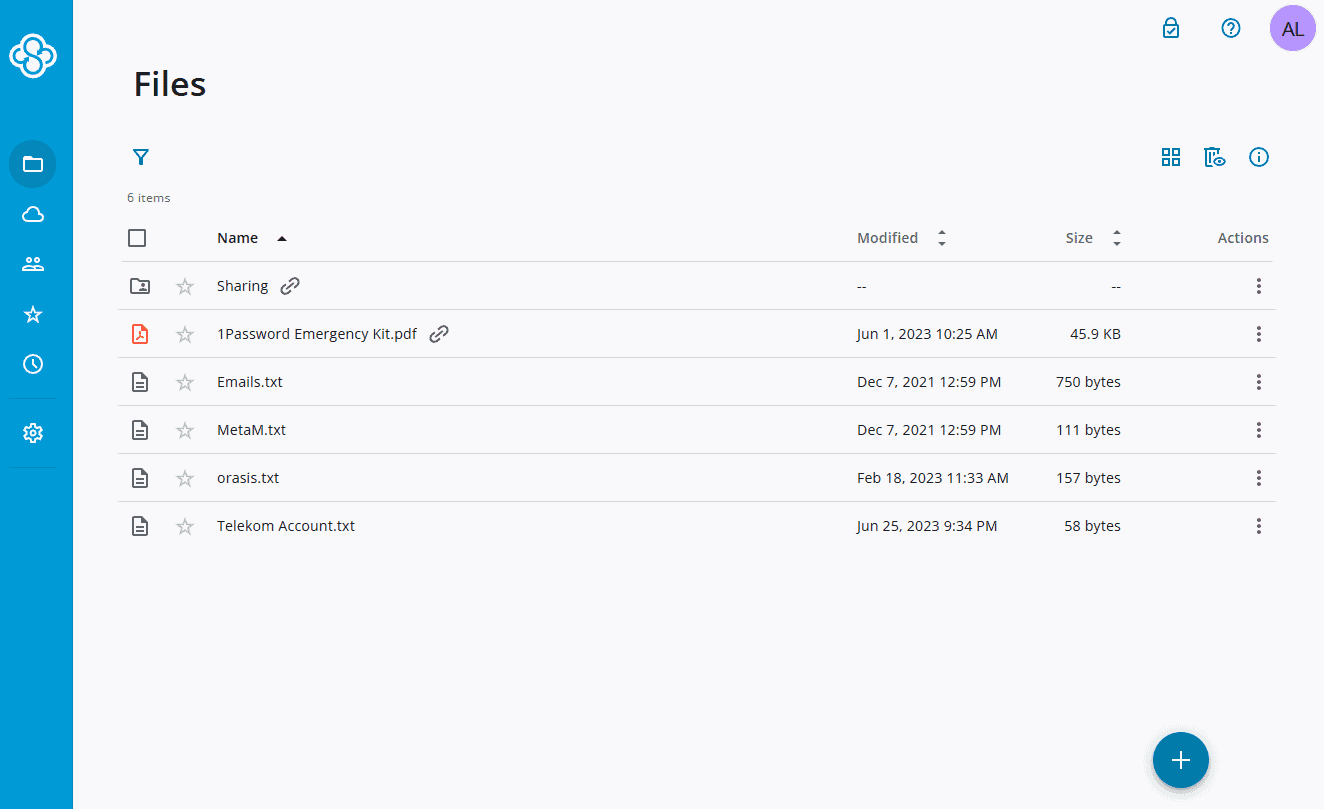
It’s easy to get started with it, whether you’re using the web interface, the desktop app or the apps for iOS and Android devices. You can sync files with the dedicated sync folder or share them with a sharing link. The sharing settings are also easy to use, so you can collaborate without leaving important files unprotected.
This seamless ability to share files with anyone is why Sync.com also tops our list for the best cloud storage for sharing. It even gives recipients the option to zip the digital content before downloading it, which speeds up the transfer of large files. There’s no need to use a physical USB drive or separate file hosting service if Sync.com is your main cloud storage.
Sync.com’s Industry-Leading Security
However, where Sync.com really shines is its security and dedication to privacy. Sync.com comes with a host of amazing security features. On top of the basics we expect, like TLS/SSL encryption and a confidence-inspiring privacy policy, Sync.com offers a local password reset and two-factor authentication through email or an authenticator app on your mobile device.
However, the biggest security benefit is that Sync.com applies zero-knowledge encryption to all your files. You can read more about file encryption in our description of encryption, but to keep it simple, zero-knowledge encryption means that even though your files are in the company’s data centers, you’re the only one with the key to open them.
Sync.com isn’t the only zero-knowledge cloud storage provider. However, since Sync.com’s encryption protects all your files with no extra setup, even if you have a free account, there’s no doubt that this is one of the most secure providers.
One downside to Sync.com is the lack of low-storage plans, although the plans that are available are a great deal. You can start with 5GB of free cloud storage, and the 6TB and 1TB individual plans cost $20 and $6 per month, for the respective annual plans.
Overall, Sync.com is one of the best cloud storage services out there. You can even get unlimited storage for per user per year, if you pay for at least two users. Our Sync.com review and the 5GB free version are worth checking out, especially if you don’t know where to go when Amazon Drive gets shut down.
- 5GB
- 2TB
More plans
- 6TB
- per user, per month, billed annually
- 1TB
- Priced per user (3 users minimum)
- Unlimited GB
- Minimum 100 users, custom requirements, account manager, training options
2. pCloud

Sync.com may be our favorite cloud storage service, but pCloud is a clear and very close second. As we show in our full Sync.com vs pCloud comparison, this provider is a little more expensive and the zero-knowledge encryption is limited to a specific folder.
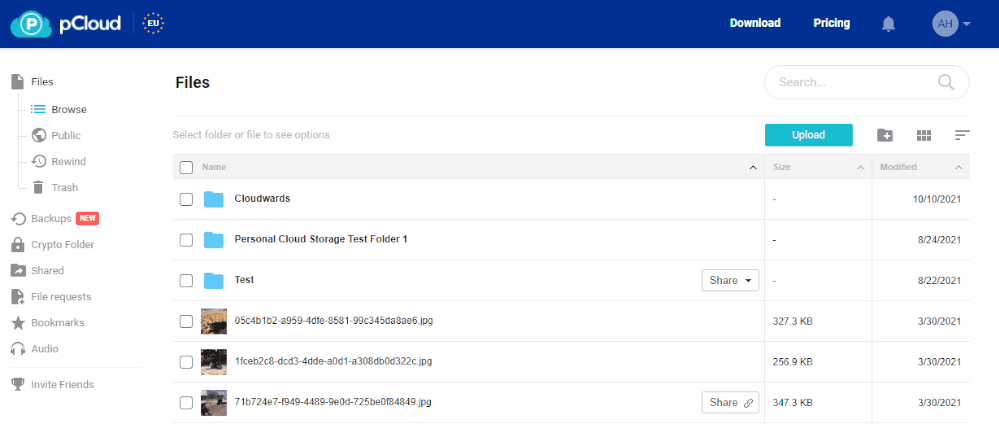
However, pCloud’s inclusion of a cloud backup service with pCloud Backup and the browser extension pCloud Save make it slightly richer in terms of features. pCloud also offers faster speeds thanks to the block-level sync.
It’s also friendly to pretty much any device out there. Not only is there a web app and desktop apps for Windows, macOS and Linux, but there’s also great apps for Android and iOS. Device compatibility is important if you want to make use of the syncing tools, and pCloud is one of the best for it.
Streaming Media From Cloud Storage Services
One of pCloud’s features is a media player. Normally, this wouldn’t be too special, as it’s common for a cloud storage or file hosting service to have something like it. However, this media player puts pCloud on our list of the top cloud storage for music, and thanks to an unofficial add-on, it’s also one of the best cloud services for Kodi.
Basically, if you’re looking for music and video storage with the option to stream from the cloud, and you don’t want to fork out for separate services, pCloud is for you.
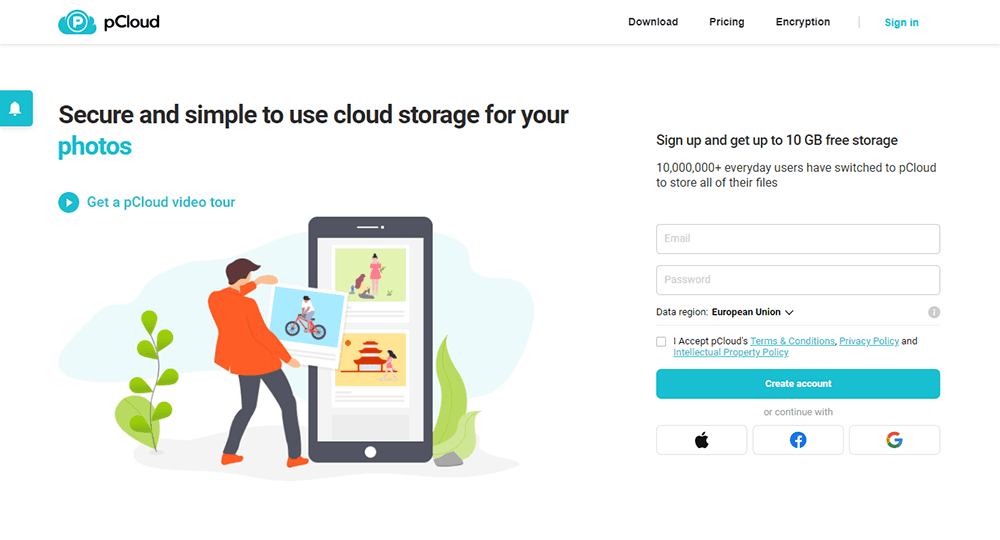
pCloud’s annual plans are a tad pricier than Sync.com’s, but the lifetime plans can be worth it. At $49.99, $99.99 or $1190 for the 500GB, 2TB and 10TB plans respectively, these deals are a great value if you plan on using pCloud for at least four years.
So if you’re looking for long-term storage or want to stream media while it’s in your cloud storage space, you should read our full pCloud review. Just remember to put sensitive documents in the pCloud Crypto folder to take advantage of the private data encryption.
- 10GB
- 500GB
- 2TB
More plans
- 10TB
- + FREE Encryption
- 2TB
- + FREE Encryption
- 10TB
- Price per user (minimum 3)
- 1TB
- Price per user (minimum 3)
- 2TB
- Encryption for pCloud Drive
3. Proton Drive
![Video thumbnail for the video: I Tested Proton Drive to See If It's as Private as It Claims [2024 REVIEW]](https://img.youtube.com/vi/XWmsFdm-VLg/maxresdefault.jpg)
Proton Drive has quickly established itself as a serious contender for privacy-conscious users migrating from Amazon Drive. Built by the team behind ProtonMail, this Swiss-based service applies zero-knowledge encryption to everything you upload — no extra setup or cost required.
In our 2026 speed tests, Proton Drive performed impressively, delivering very stable and fast uploads with low CPU usage. The service averaged around 25MB/s upload speeds, peaking at 33MB/s, making it one of the more reliable performers for everyday file transfers.
Unlike some competitors, it handled our stress tests without breaking a sweat, processing files in alphabetical order with smooth navigation through large folders. We cover speed and more in our full Proton Drive review.
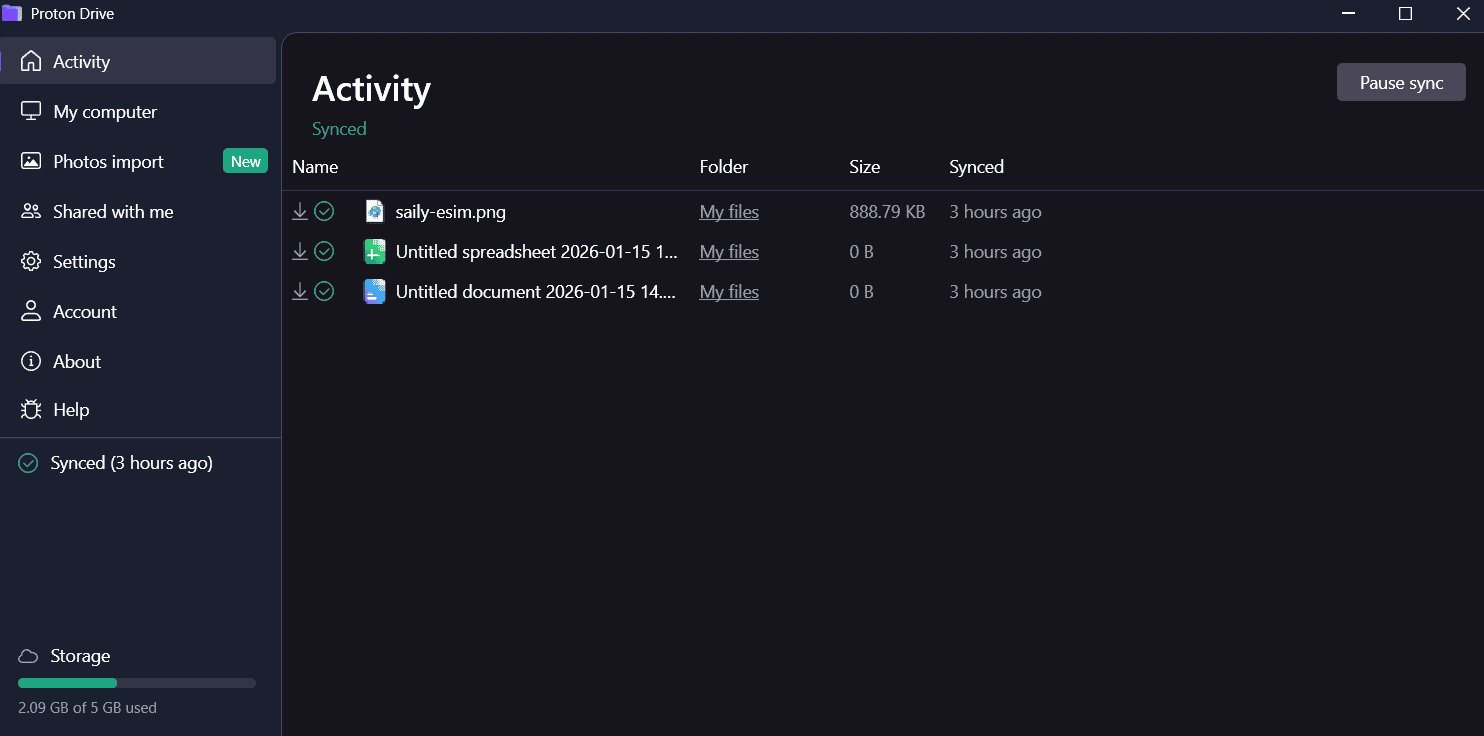
lets you work with your files quickly and easily.
More Than Just Storage
What sets Proton Drive apart is the complete ecosystem it offers. Your subscription includes access to Proton VPN, Proton Mail, Proton Calendar and Proton Pass. For Amazon Drive users who want to de-Google their digital life entirely, Proton would like your consideration.
The service features its own document editor called Proton Docs, which supports real-time collaboration with comments and suggested edits. While it’s not as fully featured as Google Docs or Microsoft Word, it handles basic document editing well. Additionally, the mobile app is particularly impressive, with detailed photo organization that sorts uploads into categories like Screenshots, Videos, Selfies, Portraits, Panoramas and more.
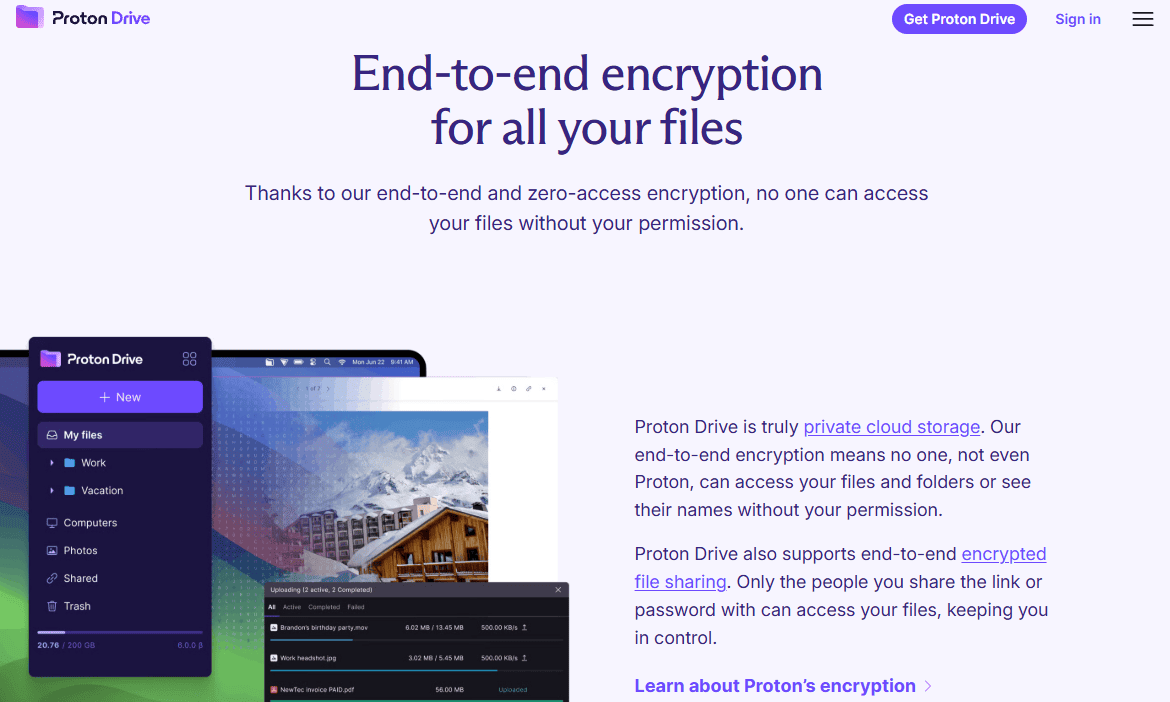
Security is clearly the priority here. Files are encrypted with AES-256, and Proton’s servers are located in Switzerland and Germany, jurisdictions with strong privacy protections. The privacy policy is refreshingly straightforward, clearly stating that everything is encrypted end-to-end and that Proton cannot access your files.
The free plan offers 5GB of storage, while paid plans start at just $3.99 per month for 200GB when billed annually. The 3TB plan costs $23.99 per month, which is competitive given the privacy features and bundled services included.
If you’re looking for a secure, polished alternative to Amazon Drive and value having a complete privacy-focused ecosystem, then Proton Drive might be for you.
- 5GB
- 200GB
- 500GB
More plans
- 2TB
- 3TB
- per user
- 1TB
- per user, minimum of 2 users
- 1TB
- 1TB
4. Internxt

Internxt is a Spain-based cloud storage service that offers zero-knowledge encryption at remarkably low prices, making it an accessible entry point for users who want privacy without premium costs.
The service encrypts all your files with AES-256 before they leave your device, meaning Internxt cannot access your data. It’s headquartered in Spain and falls under EU privacy regulations, which provide an additional layer of legal protection for your files.
However, it’s important to set expectations appropriately. In our 2026 speed tests, Internxt showed some stability issues; the service struggles with large files and zip archives, with speeds dropping below 5MB/s during these transfers. Our testers noted moderate CPU usage during uploads.
For everyday documents and photos, performance is acceptable, but if you’re migrating a large Amazon Drive library with big media files, you may want to plan for longer transfer times.
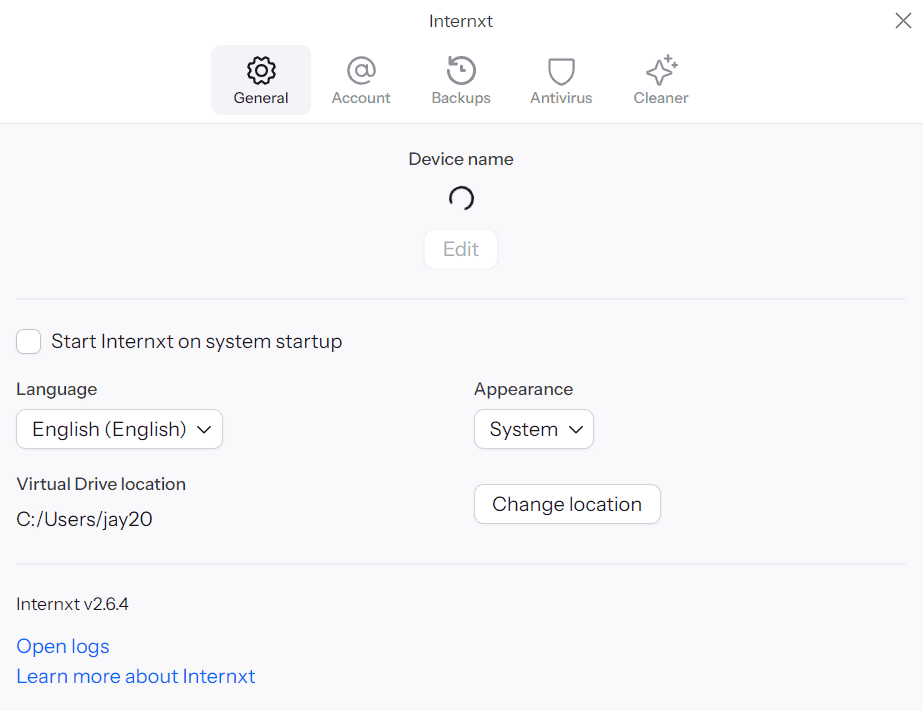
app with few options and customization.
Budget-Friendly Zero-Knowledge Storage
Where Internxt truly shines is in pricing. The service offers some of the lowest rates for zero-knowledge storage, with plans starting at just under $2 per month for 1TB when billed annually. There are also lifetime plans available, which can represent significant savings if you plan to use the service long-term.
The desktop app provides a dedicated sync folder and scheduled backup options, though the feature set is more limited than competitors like Sync.com or pCloud. You can preview images, videos, PDFs and text documents from the web interface, and the search function works well across file names.
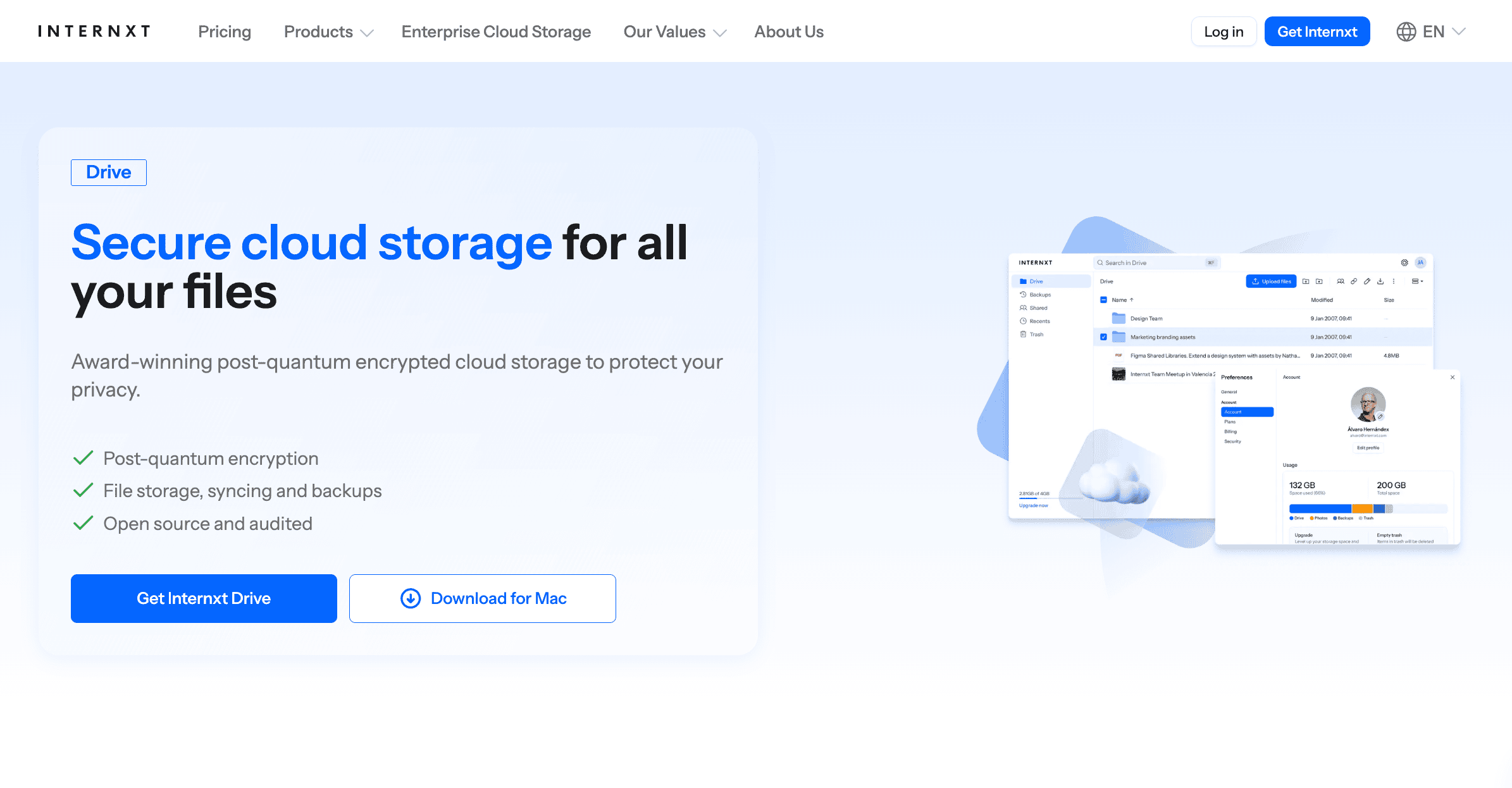
The mobile app is functional but basic. It lacks automatic photo uploads and bulk file selection, which may be frustrating if you’re used to more feature-rich alternatives. Collaboration is limited to basic sharing with viewer or editor permissions; there’s no commenting system or real-time document editing.
One interesting security feature is Internxt’s use of decentralized storage, where files are broken into encrypted chunks and spread across multiple locations. The service also offers a backup key for password recovery, though if you lose both your password and backup key, your data is unrecoverable (a trade-off that comes with true zero-knowledge encryption).
For users who prioritize privacy and budget over advanced features, Internxt is worth considering. The 10GB free plan lets you test the service before committing. Just be aware of the performance limitations with larger files. Read our full Internxt review to learn more.
- 1GB
- Post-quantum encryption Zero-knowledge encryption Two-factor authentication Backup your computer Password-protected file sharing Encrypted VPN Antivirus
- 1TB
- Everything in Essential plus; Cleaner Invite, share & collaborate File versioning (coming soon) Cleaner
- 3TB
More plans
- Everything in Premium plus CLI & WebDav support NAS & Rclone support Meet Mail (coming soon)
- 5TB
- Annual Price is per user
- 1TB
- Annual Price is per user
- 2TB
5. Icedrive
![Video thumbnail for the video: Ultimate Icedrive Review [2024 Pros and Cons Revealed]](https://img.youtube.com/vi/iVGsDxYVV-Y/maxresdefault.jpg)
Although pCloud and Sync.com are great options, they lack a good value, low-storage plan. That’s where Icedrive comes in. First, we’ll jump into what it offers, then we’ll talk more about the pricing.
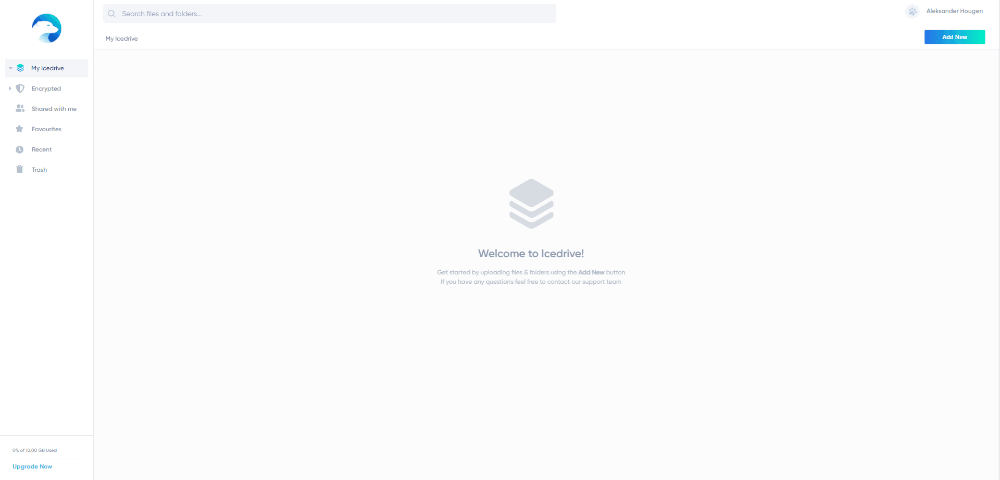
Icedrive is a zero-knowledge provider that’s surprisingly well-rounded for a service first released in 2019. It also has a sleek and intuitive user interface, which is a nice change from some older providers (and wins Icedrive a well-earned point in our comparison with Sync.com).
It lacks some features, such as a dedicated sync folder, and the customer service is acceptable but nothing special. However, it has enough tools to work for most users, and extra features can ruin an otherwise easy-to-use platform.
Secure and Private File Storage
As with other zero-knowledge providers, all the data you store on Icedrive’s servers is encrypted with a private encryption key. However, rather than using the industry standard protocol AES, Icedrive opts to use Twofish.
Both are considered essentially unbreakable and their differences are well beyond the scope of this article. However, the practical difference is that Twofish isn’t as common, so hackers tend to be less familiar with it.
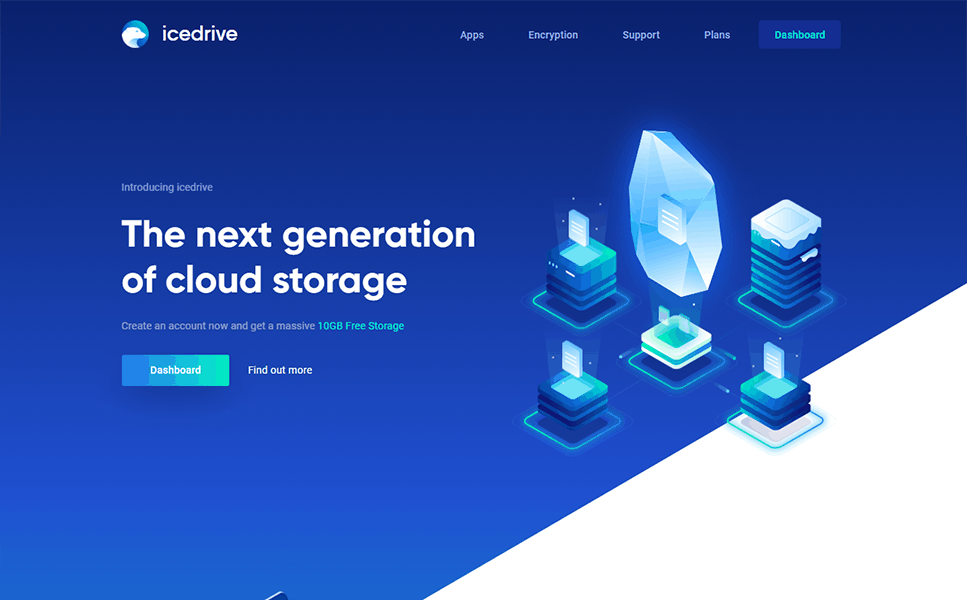
Icedrive is an above-average storage service, and one thing that makes it stand out is the pricing. The starting price is $59 per month for the annual 1TB plan. Then it jumps up to $9.92 and $16.58 per month for the 3TB and 5TB annual plans.
There is also a lifetime plan, which becomes worth it at around four years of use. Plus, you can expand it with Icedrive’s “stacks.”
If you’re looking for affordable storage and need a service that’s easy to pick up, read our Icedrive review. It offers plenty of value and all the great security of the higher-priced providers. Plus, there’s a 10GB free plan to get you started.
- 10GB
- 1TB
- 3TB
More plans
- 5TB
- 2TB
- Additional 1TB storage for users who purchased the Lifetime Plan
- 1TB
- Additional 5TB storage for users who purchased the Lifetime Plan
- 5TB
6. Google Drive

Google offers its “client-side encryption” to enterprise and education users, but if you have one of the personal or business plans, there isn’t any way to protect your digital library from a government subpoena or skilled hacker. However, Amazon Drive wasn’t a zero-knowledge provider either, and there are benefits to using Google Drive.
Google Drive is so easy to use that you might be using it without even noticing. All you need is a Gmail account to get started, and Android users can back up their devices to a Google Drive account without extra software.
You can also set up an automatic photo backup through Google Photos. This will be familiar to anyone who is used to using both Amazon Drive and Amazon Photos, so if you want to move away from Amazon and continue keeping your pictures separate from your other files, Google Drive is for you.
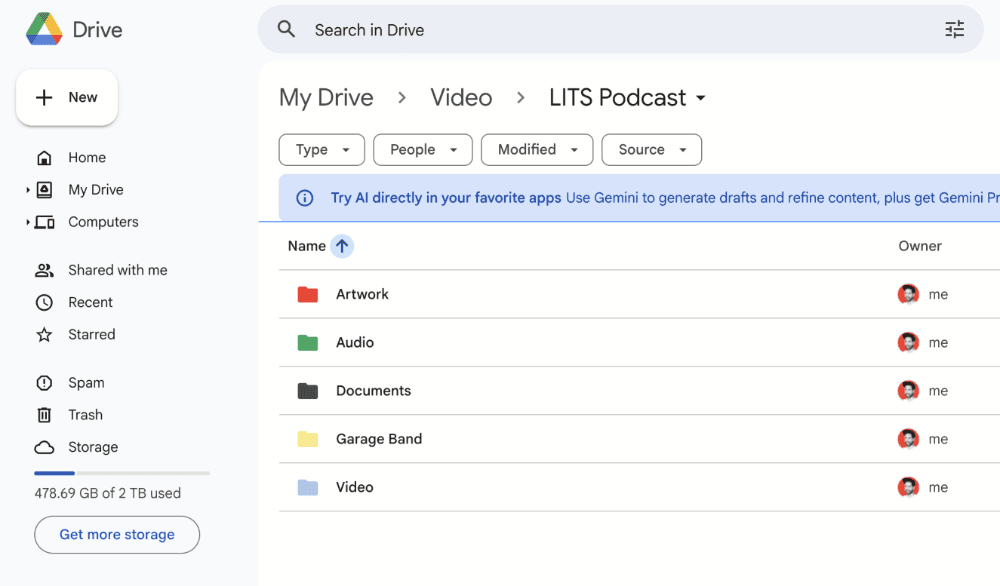
you probably already have an account.
Google’s Integration and Collaboration
This focus on usability extends to the integration with Google Docs (and the rest of your Google Workspace). The tools for working on your documents — and sharing and collaborating on them with other users — are intuitive and powerful.
However, it doesn’t end with Docs, Sheets and Slides. If you want to take notes, there’s Google Keep. If you need to plan ahead, you can use Google Calendar. You’ll also get all your Google Chat and Gmail files saved to your Google Drive to keep them safe and make file sharing easier.
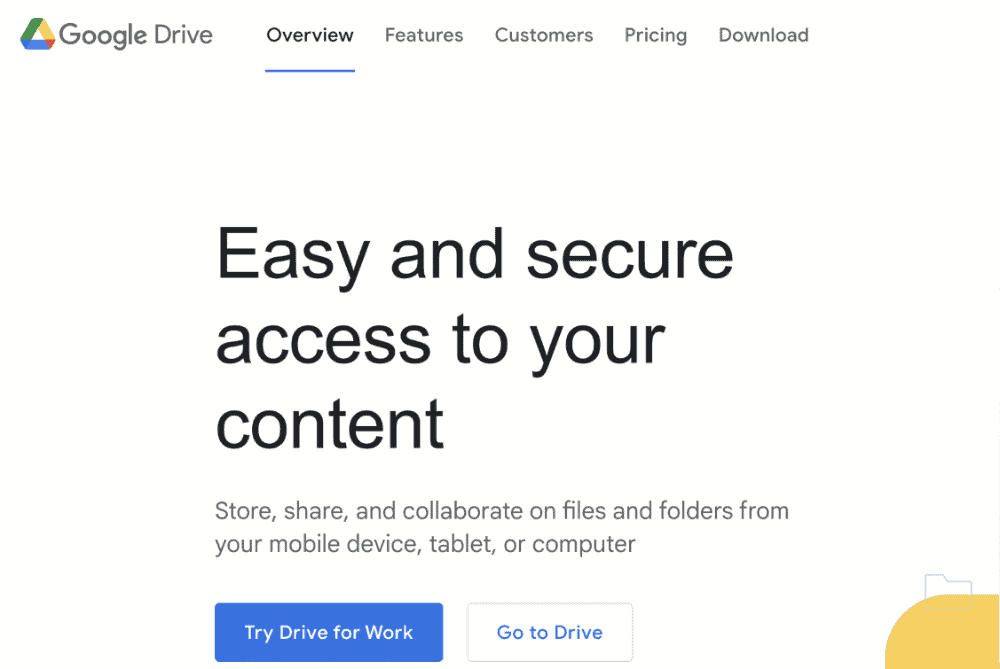
Google Drive has a rather generous 15GB free plan. The 100GB, and 2TB plans cost $1.67, and $8.33 per month, respectively, when paying annually. This isn’t the best deal, but you can share your space with up to five users and Google offers a great 24/7 support system for paying customers, which can come in handy.
Overall, Google Drive takes a similar approach to Amazon Drive, although at a lower cost per gigabyte across the board. You won’t have extra security or privacy, but you’ll get some great ways to work on your files across multiple devices and collaborate with your friends, family and colleagues. If this appeals to you, read our full Google Drive review to learn more.
- Free plan
- 15GB
- 100GB
- *The plan is “hidden.” To find the 200GB plan, you need to be subscribed to one of the other plans, upgrade or downgrade to the 200GB through your account’s settings.
- 200GB
More plans
- 2TB
- 2TB
- 5TB
- 10TB
- 20TB
- 30TB
7. OneDrive

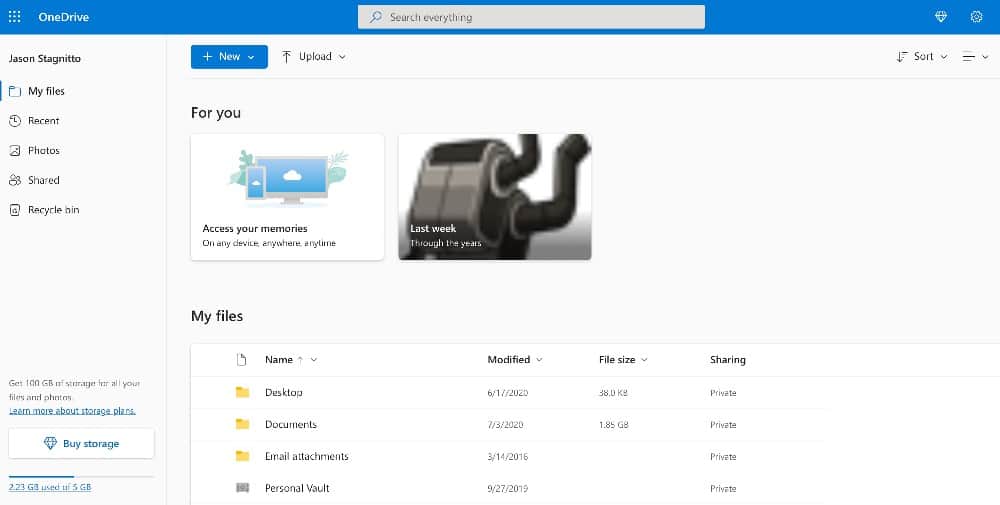
OneDrive is another provider that we regularly recommend, but for its collaboration tools rather than excellent privacy or security. Since OneDrive is a Microsoft offering, it works best with programs like Word, Excel and PowerPoint and is built into Windows File Explorer by default.
You won’t struggle to use OneDrive, either. Its desktop app and web app have a level of polish that most cloud storage services struggle to achieve. It even has a solid app for mobile devices, despite Windows Phone and Windows 10 Mobile being discontinued.
OneDrive is also a reasonably fast service, although not the fastest.
Collaborate With Office 365 Integration
Our Dropbox vs Google Drive vs OneDrive comparison is the best place to see where each of the “big three” cloud storage providers win, but the simple answer is if you’re one of over 50 million Office 365 subscribers, OneDrive is probably for you.
Even if you aren’t a fan of Microsoft Office, you’ll still be able to make use of some decent syncing and sharing tools, which make collaboration a breeze.
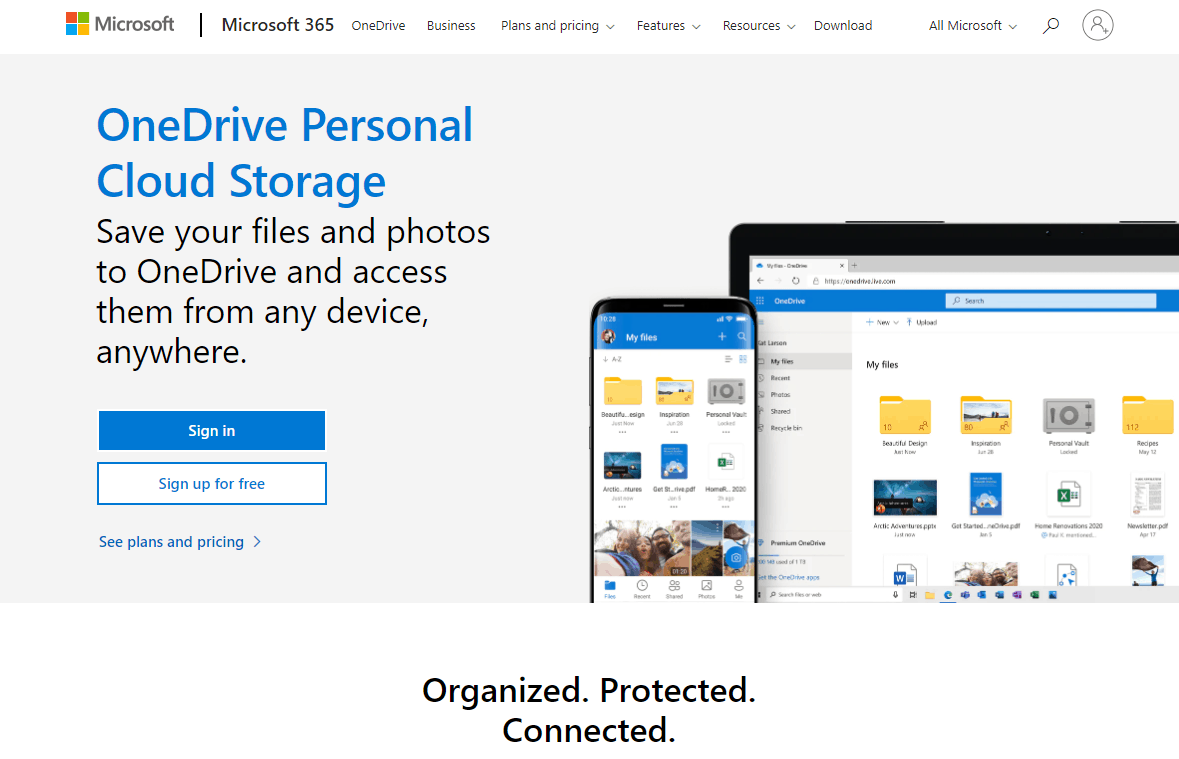
Office 365 has two main paid plans for personal users, each giving 1TB of OneDrive storage per user. The Personal plan costs $8.33 per month and gives you one account, while the Family plan is $10.83 per month for six accounts, when you buy the respective annual plans.
If you can make use of multiple accounts and need Office 365’s office software, then OneDrive is a great value. Read our OneDrive review if you want to learn more.
- For one person
- 5GB
- 100GB
- Comes with Office 365 Personal
- 1TB
More plans
- Comes with Office 365 Home
- 6TB
- Price per user
- 1TB
- 1TB
- Price per user
- 1TB
Final Thoughts: Best Alternative for Amazon Drive
Amazon Drive never was the best cloud storage service out there. If you’re using it, there are other options you can move to now that it’s shutting down, whether you prioritize usability, speed, security, collaboration or file sharing.
Even if you aren’t a fan of the providers we looked at here, there are plenty of other cloud storage providers that might suit your needs. For example, if you want some extra backup tools, IDrive (read our IDrive review) is another great Amazon Drive alternative.
Were you using Amazon Drive before the announcement? Have you changed to any of these providers? Did your new cloud storage service meet your expectations? Let us know your thoughts in the comments below. Thanks for reading.
FAQ
Amazon Drive was Amazon’s alternative to Google Drive. However, it will be deprecated after 2023, and you’ll only be able to store photos and videos through Amazon Photos.
Yes. On Oct. 31, Amazon will remove the service from the app stores, and beginning Jan. 31, 2023, you’ll lose the ability to upload files. On Dec. 31, 2023, Amazon will shut the service down for good and delete all files.
Yes. Amazon Cloud Drive is just another name for Amazon Drive.