Best Encrypted Cloud Storage in 2026: Secure File Storage & Transfers
If you plan to store sensitive data, you’ll want to choose the best encrypted cloud storage. In this article, we list five of the top choices. Sync.com and pCloud top our list, as both offer excellent security and privacy.


Written by Jason Stagnitto (Writer, Script Writer, Course Writer)
Reviewed by Aleksandar Kochovski (Writer)
Facts checked by Jasna Mishevska (Lead Fact-Checking Editor)
Last Updated:
All our content is written fully by humans; we do not publish AI writing. Learn more here.
Key Takeaways: Online Storage With Encryption
- Sync.com — The best overall encrypted cloud storage with zero-knowledge encryption for all accounts and affordable pricing. Try Sync.com out with 5GB free encrypted cloud storage.
- pCloud — Feature-rich cloud storage with excellent media playback, though the zero-knowledge encryption folder costs extra. Try pCloud’s 10GB free storage.
- Proton Drive — Swiss-based encrypted storage with stable, fast performance and a full privacy-focused ecosystem. Get Proton Drive’s 5GB of free encrypted storage.
- Internxt — Budget-friendly zero-knowledge storage with post-quantum encryption, though performance can be unstable with large files. Try Internxt’s 1GB of free encrypted storage.
- Tresorit — Security-focused cloud storage best suited for businesses with GDPR and HIPAA compliance. Try Tresorit with its 3GB free plan.

Keeping your data on a server — either yours or a company’s — comes with the inherent risk of a data breach from a cyberattack. It’s the reality of our digital world. Storing your data with an encrypted cloud storage company helps to eliminate some of those threats, which makes choosing the best encrypted cloud storage a critical decision.
Strong encryption should be the primary consideration when choosing a cloud storage provider. Encryption maintains the security of your files — especially your private ones — and protects them from data leaks or outright theft.
Zero-knowledge encryption is crucial for cloud security. Without it, your confidential files are not fully protected. Our list of the best encrypted cloud storage providers gives you five zero-knowledge options — with many included on our list of the best cloud storage services — to help you make the safest choice to protect your data.
-
09/29/2021 Facts checked
Rearranged and updated list to include IDrive.
-
12/02/2021 Facts checked
Added Internxt as an honorable mention.
-
06/24/2022 Facts checked
Updated Sync.com’s plans and pricing to include its month-by-month options.
-
07/30/2022 Facts checked
Updated to reflect an increase in IDrive’s free plan to 10GB of storage.
-
02/03/2023 Facts checked
Rewrote the article; updated for 2023 to reflect changes in encryption.
-
05/23/2023 Facts checked
Updated to remove IDrive’s discontinued free plan.
-
08/31/2024 Facts checked
Added video reviews for cloud storage providers in the list.
-
01/25/2025 Facts checked
Added new video ranking the best encrypted cloud storage apps.
-
03/22/2025 Facts checked
Updated the list to include Internxt.
-
04/27/2025 Facts checked
We adjusted the ordering to include Tresorit.
-
06/17/2025 Facts checked
Updated with the newest version of our Internxt video review.
-
07/03/2025 Facts checked
Updated ranking and verified information in the article.
Compare True Encryption Providers With Essential Storage Features:
 200GB$2.65 / month(All Plans)
 (All Plans)
 2TB$4.17 / month(All Plans)
 1TB – 5TB$4.92 / month(All Plans)
 200GB – 3TB$1 / month(All Plans)
 100GB – 30TB$1.67 / month(All Plans)
 2TB – 5TB$9.99 / month(All Plans)
 1TB – 5TB$1 / month(All Plans)
 100GB – 6TB$1.67 / month(All Plans)
 30GB – 5TB$7 / month(All Plans)
 Unlimited GB$17.50 / month(All Plans)
 10GB – 20TB$0.50 / month(All Plans)
 50GB – 12TB$0.99 / month(All Plans)
 100GB – 10TB$0.83 / month(All Plans)
 100GB – 30TB$1.67 / month(All Plans)
 3TB – 100TB$9.78 / month(All Plans)
 Unlimited GB$4.17 / month(All Plans)
 2TB – 3TB$12 / month(All Plans)
 1TB – 2TB$8.33 / month(All Plans)
 500GB – 2TB$7.08 / month(All Plans)
 10GB – 1TB$1.67 / month(All Plans)
 500GB – 2TB$2.99 / month(All Plans)
 100GB – 5TB$6.90 / month(All Plans)
 1TB$8.25 / month(All Plans)
 10GB – 500GB$5.83 / month(All Plans)
 200GB – 3TB$1.38 / month(All Plans)
 2TB$3 / month(All Plans)
 1TB – 4TB$8.33 / month(All Plans)
 100GB – 5TB$1.67 / month(All Plans)
 150GB – 10TB$1.25 / month(All Plans)
 100GB – 1TB$7.49 / month(All Plans)
 50GB – 1TB$3 / month(All Plans)
 50GB – 1TB$5.83 / month(All Plans)
 500GB – 2TB$5 / month(All Plans)
 100GB – 10TB$0.93 / month(All Plans)
 250GB – 4TB$30.44 / month(All Plans)
Not all encrypted cloud storage is created equal—while every provider claims strong security, only zero-knowledge encryption ensures your files remain truly private from everyone, including the service provider itself. Some offer full-account protection for free, others charge extra for encrypted folders and many don’t offer genuine zero-knowledge protection at all.
10,000+ Trust Our Free Cloud Storage Tips. Join Today!

- Demystify cloud storage terminology and key concepts in plain language
- Discover easy-to-implement techniques to securely backup and sync your data across devices
- Learn money-saving strategies to optimize your cloud storage costs and usage
What Are the Top Encrypted Cloud Storage Apps?
- 1
- :
- :
- :
- :
- 2
- :
- :
- :
- :
- 3
- :
- :
- :
- :
- 4
- :
- :
- :
- :
- 5
- :
- :
- :
- :
What Makes the Best Encrypted Cloud Storage?
All the cloud storage services on our list have the best encryption in the industry due in part to offering zero-knowledge encryption. With zero-knowledge encryption, only you have access to your data. Some cloud storage services offer an encrypted folder, while others provide zero-knowledge coverage of your entire account.
However, even the most secure cloud storage won’t be helpful if it lacks features. While we focused heavily on security and privacy, we also considered cost, file sharing and other features, such as ease of use and speed. The following five cloud storage services offer the best combination of encryption and performance.
- Sync.com — Zero-knowledge for the entire account, free or paid
- pCloud — Great cloud features; zero-knowledge costs extra
- Proton Drive — Secure Swiss-hosted storage with secure privacy tools
- Internxt — Zero-knowledge cloud storage with post-quantum cryptography
- Tresorit — End-to-end encryption with secure file sharing
Sync.com takes the top spot with its excellent combination of security, offering end-to-end encryption for all accounts, and affordable prices with competitive storage allotments. pCloud has some of the best features for a cloud storage provider, including excellent overall security. However, zero-knowledge costs extra.Like Sync.com, Internxt and Tresorit have zero-knowledge for all account holders.
What Are the 5 Best Encrypted Cloud Storage Services?
Sync.com takes the top spot with its excellent combination of security, offering end-to-end encryption for all accounts, and affordable prices with competitive storage allotments. pCloud has some of the best features for a cloud storage provider, including excellent overall security; however, having zero-knowledge costs extra.
Proton Drive is a polished, Swiss-based option that delivers full-account zero-knowledge encryption with very stable and fast transfer speeds. Like Sync.com, Internxt has zero-knowledge for all account holders and adds post-quantum encryption, though our testing found it can struggle with large files and zip archives. Tresorit rounds out our list as a security-focused option ideal for businesses requiring GDPR and HIPAA compliance.
1. Sync.com

All accounts with Sync.com enjoy zero-knowledge encryption, whether your account is free or paid. It’s one of very few services that covers your whole account with zero-knowledge security. This makes Sync.com one of the most secure cloud storage providers available, but it also means that if you lose your login credentials, Sync.com can’t help you get them back.
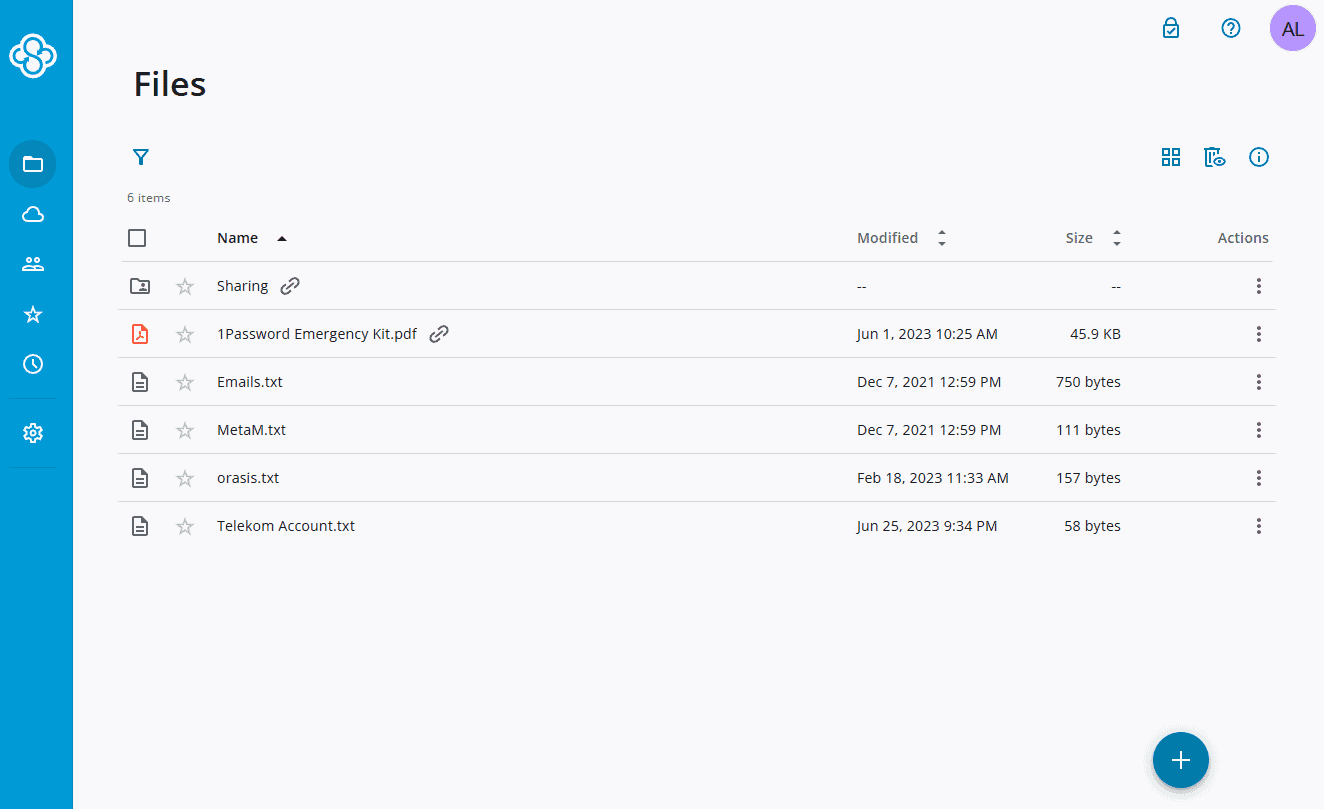
account with zero-knowledge protection.
Digging deeper, Sync.com encrypts your data at rest with 256-bit AES encryption, while the TLS protocol protects your data while in transit, securing it from man-in-the-middle attacks.
Enabling two-factor authentication — which you should — increases your protection against cybercrimes. Even if your login credentials are compromised, without the secondary authentication information (such as a four or six-digit code), your account remains safe.
Customer Privacy First
Sync.com’s privacy is every bit as good as its encryption. With its servers maintained in Canada, your account files and data fall under the Personal Information Protection and Electronic Documents Act (PIPEDA). This act requires an account holder to provide express permission to those looking to access your personal information.
Working in conjunction with privacy is Sync.com’s compliance with HIPAA requirements. This means any sensitive or confidential medical information remains protected and private. Not all cloud storage services can make this claim, such as Dropbox, which has notoriously questionable privacy practices.

A free plan with Sync.com comes with 5GB of storage. If you need more, its paid plans offer affordable pricing, such as 2TB for $4.80 per month, billed annually at $57.60. To learn more, check out our Sync.com review.
- 5GB
- 2TB
More plans
- 6TB
- per user, per month, billed annually
- 1TB
- Priced per user (3 users minimum)
- Unlimited GB
- Minimum 100 users, custom requirements, account manager, training options
2. pCloud

pCloud offers excellent security and privacy, and has one of the best free cloud storage plans available. This is due to the wealth of cloud features accounts get, even free ones.
Features include robust file sharing, synchronization, and excellent media preview and playback, especially for music. It has a dedicated music player and tops our list as the best cloud storage for music.
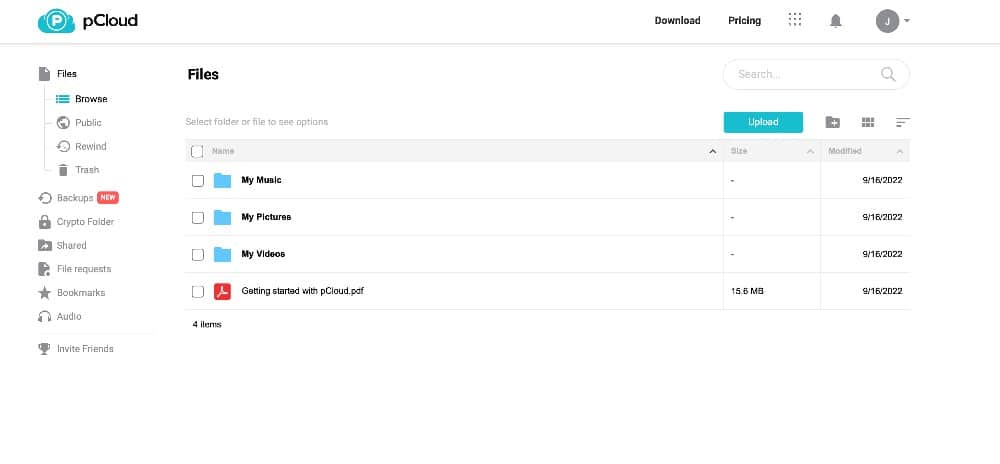
Encryption with pCloud comes in the form of a folder rather than full-account protection. Additionally, the encrypted folder isn’t accessible on a free account, or even a paid one.
Enabling zero-knowledge, client-side encryption requires an extra paid add-on called pCloud Crypto. Any files uploaded into the encrypted folder have client-side encryption using the AES-256 cipher.
Swiss-Based Privacy
pCloud maintains its home office in Switzerland, which many consider to have the best privacy laws in the world. However, pCloud maintains two data regions: one in Dallas, Texas and the other in Luxembourg. Account information that resides on the Dallas servers could be subject to subpoena under U.S. privacy laws. Data that resides on the Luxembourg servers face no such possibility.
Both new and existing users have the option of selecting or changing a region. New users have this option via a dropdown when first creating an account. If you want your data stored in the EU, make sure to choose this option. You can request pCloud to move your data to a different region if you already have an account. However, this change comes with a one-time $19.99 fee.

pCloud makes it easy to get started with a free plan of up to 10GB. If you need a paid plan, pCloud has some excellent prices, including a account for $8.33 on an annual plan. If you want to make a long-term commitment, you could opt for one of its lifetime plans as well. We cover everything this service has to offer in our pCloud review.
- 10GB
- 500GB
- 2TB
More plans
- 10TB
- + FREE Encryption
- 2TB
- + FREE Encryption
- 10TB
- Price per user (minimum 3)
- 1TB
- Price per user (minimum 3)
- 2TB
- Encryption for pCloud Drive
3. Proton Drive
![Video thumbnail for the video: I Tested Proton Drive to See If It's as Private as It Claims [2024 REVIEW]](https://img.youtube.com/vi/XWmsFdm-VLg/maxresdefault.jpg)
Proton Drive comes from the makers of Proton Mail and Proton VPN, bringing Swiss privacy standards to cloud storage. Like Sync.com, Proton Drive protects your entire account with zero-knowledge encryption — not just a single folder. This means Proton has no access to your files, and neither does anyone else without your password.
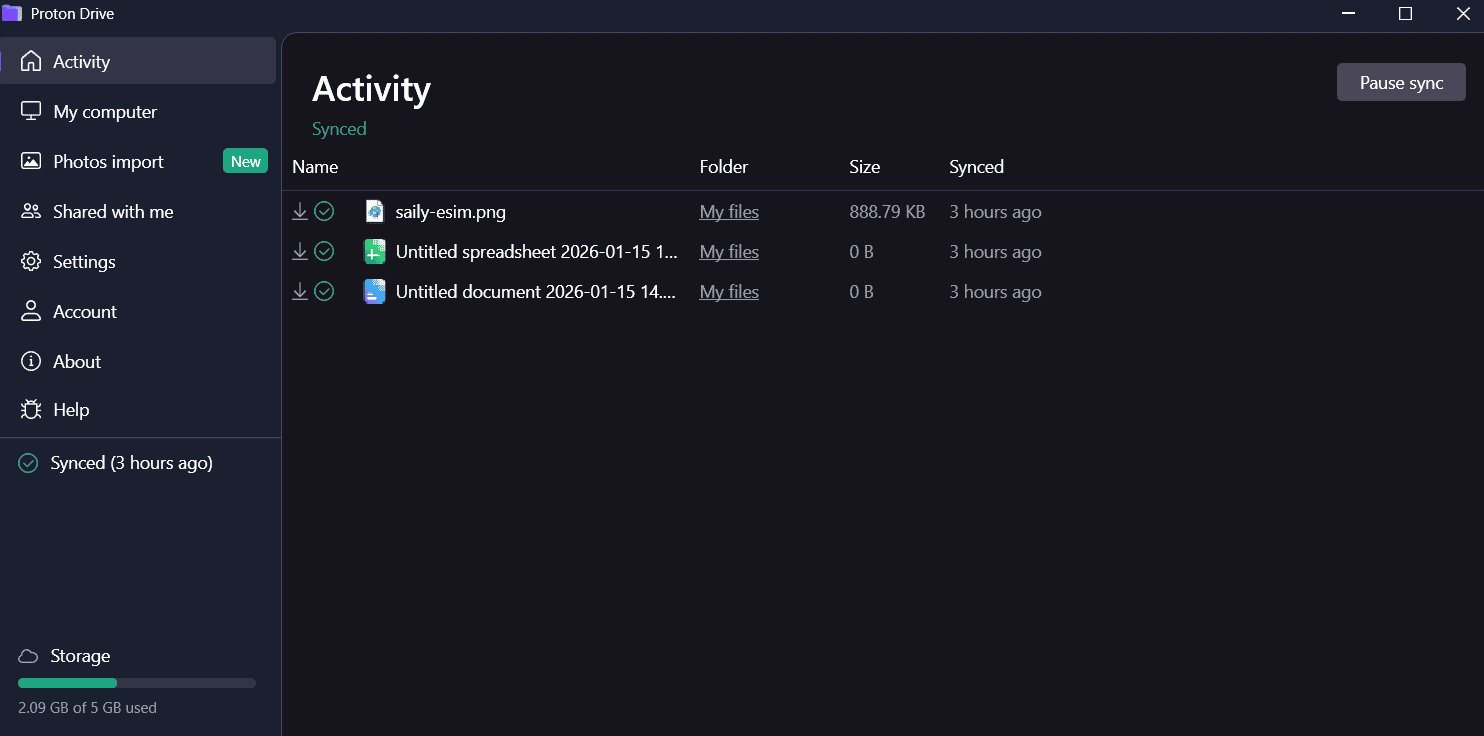
In our 2026 speed testing, Proton Drive delivered very stable and fast performance with low CPU usage. The service averaged upload speeds of around 25MB/s in our uncapped tests, peaking at 33MB/s — a significant improvement from previous years, where stability was a concern. Whether you’re syncing documents or backing up photos, Proton Drive handles the task smoothly.
Swiss Privacy and GDPR Compliance
Proton Drive is headquartered in Switzerland and stores data on servers in Switzerland and Germany. This means your files are under some of the world’s strongest privacy laws. The service is fully GDPR and HIPAA compliant, extending these protections to all users globally — not just European customers.
The privacy policy is remarkably clear, stating upfront that all files are encrypted end-to-end and that Proton cannot access your data. Two-factor authentication via authenticator apps or security keys adds another layer of protection for your account.
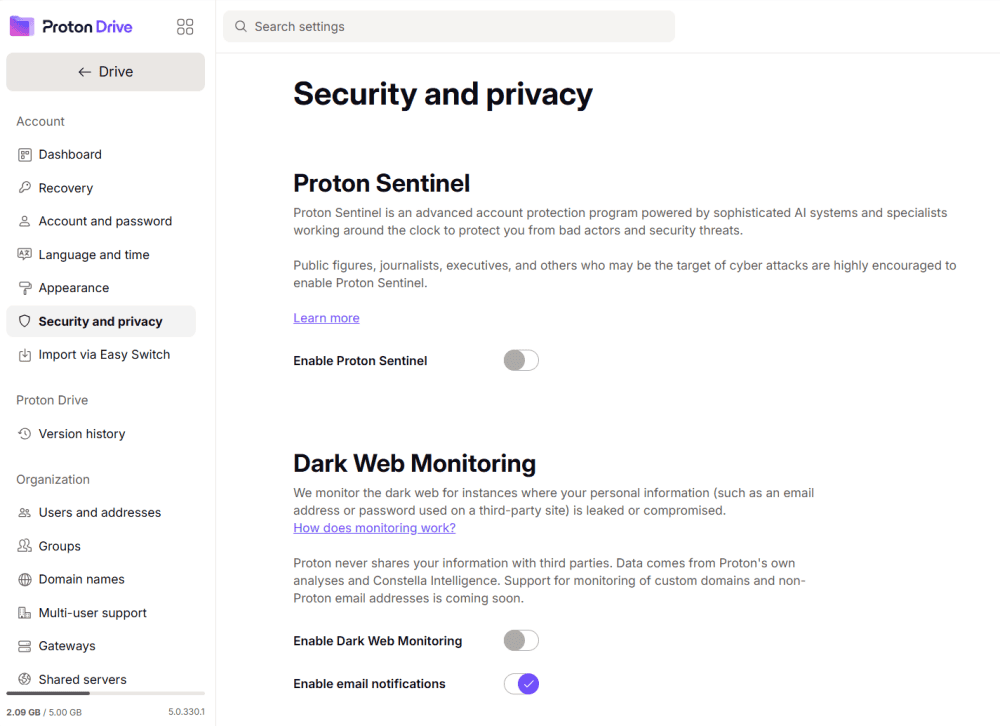
encrypted before it ever leaves your device.
Beyond storage, a Proton Unlimited subscription gives you access to an encrypted email service, VPN, password manager and calendar — making it an excellent choice if you want a more secure option than Google’s ecosystem.
The desktop app supports syncing any folder with two-way sync, and the mobile app excels at automatic photo backup with detailed organization options, including separate tabs for screenshots, selfies, portraits and more.
One limitation is the document editor. While Proton Docs and Sheets allow basic editing and real-time collaboration, they lack the formatting depth of Google Docs or Microsoft Office. Sharing options are also somewhat limited compared to competitors, with no password protection or download restrictions for shared links.
Proton Drive offers a 5GB free plan, with paid plans starting at $3.99 per month for 200GB on an annual subscription (including Drive, Sheets and Docs). For more details, check out our Proton Drive review.
- 5GB
- 200GB
- 500GB
More plans
- 2TB
- 3TB
- per user
- 1TB
- per user, minimum of 2 users
- 1TB
- 1TB
4. Internxt

Internxt is another provider that protects your whole account with zero-knowledge encryption, even free accounts. This commitment to security and privacy is also seen in the privacy policy and extra security features — such as two factor authentication.
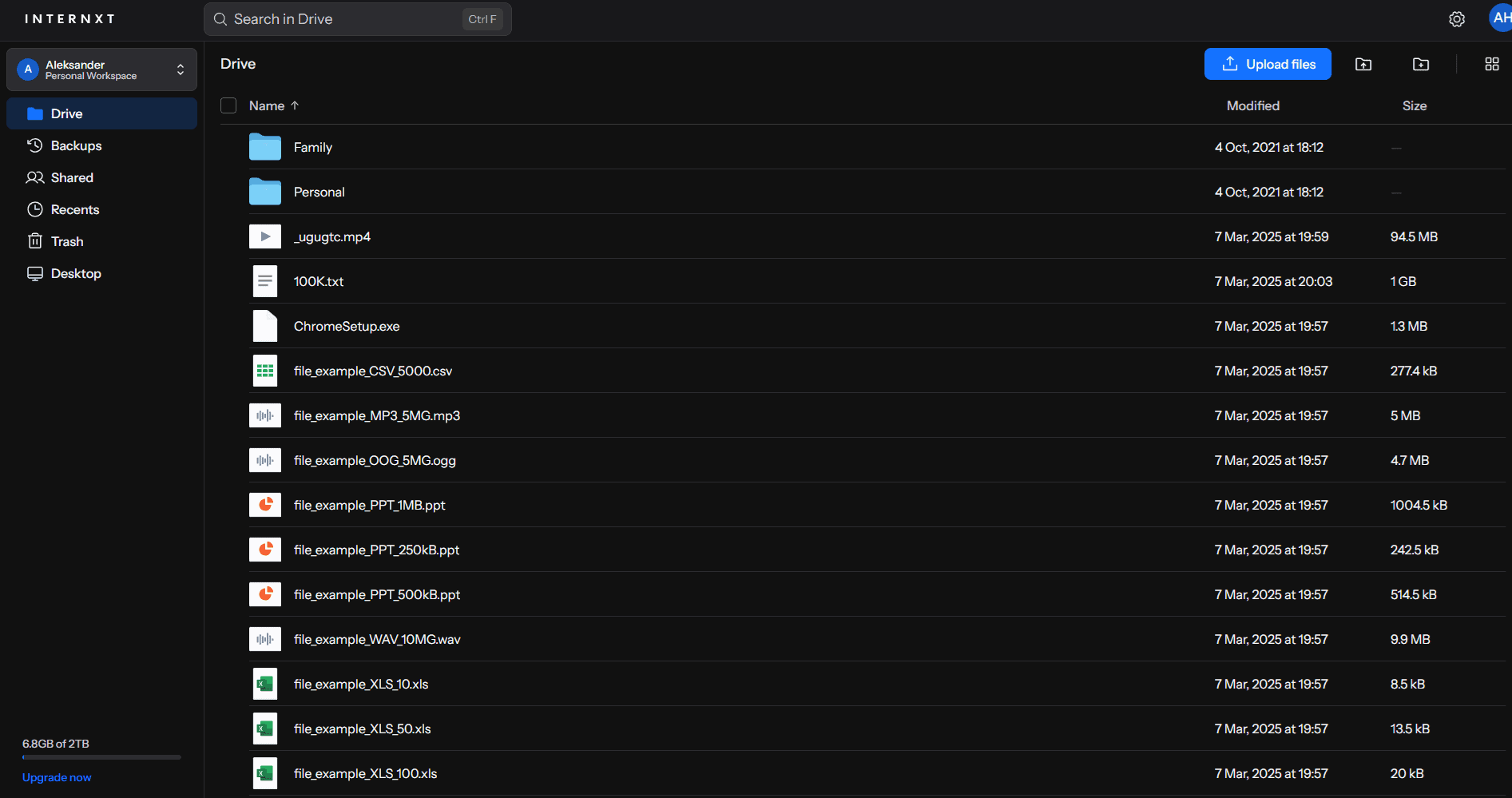
However, our 2026 speed testing revealed some performance limitations to be aware of. While Internxt offers reasonable speeds under normal conditions, it struggles with large files and zip archives, with upload speeds sometimes dropping below 5MB/s during transfers.
Additionally, Internxt showed instability during our stress tests, with syncing issues that required multiple retries. If you primarily work with smaller documents and files, this may not be a concern, but users dealing with large media files or archives should consider alternatives like Proton Drive or Sync.com.
Post-Quantum Cryptography
Internxt recently switched its encryption algorithm from AES-256 to Kyber-512. Kyber is a post-quantum encryption algorithm, meaning it’s more resistant to attacks from quantum computers. This is important as quantum computers have shown rapid improvements in recent years.
This has a notable downside of only being as strong as AES-128 against traditional attacks, which are still far more common. It’s up to you to consider whether the extra quantum protection is worth it.
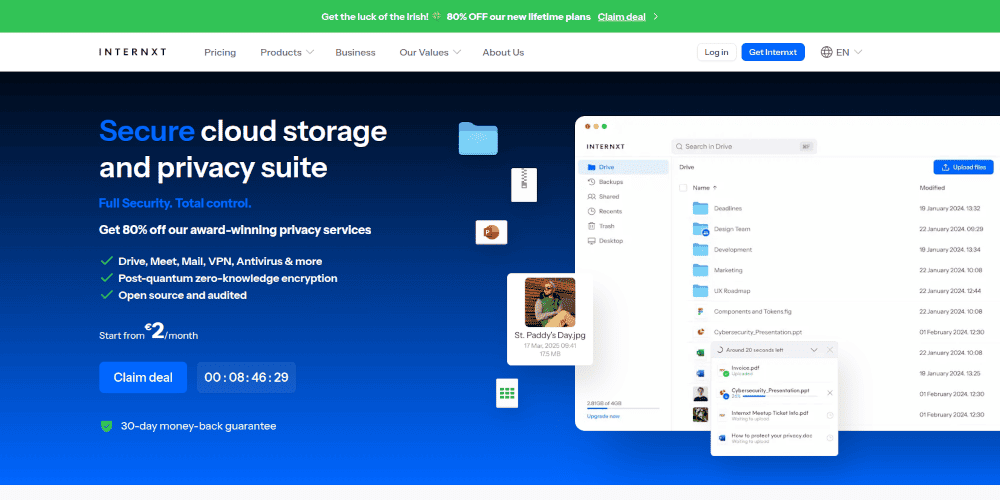
Internxt is an affordable provider, costing just $1.67 per month for 1TB of storage when you get an annual plan. There are also lifetime plans, which can help you save money in the long run. Read our Internxt review to learn more or try it out with the 1GB free plan.
- 1GB
- Post-quantum encryption Zero-knowledge encryption Two-factor authentication Backup your computer Password-protected file sharing Encrypted VPN Antivirus
- 1TB
- Everything in Essential plus; Cleaner Invite, share & collaborate File versioning (coming soon) Cleaner
- 3TB
More plans
- Everything in Premium plus CLI & WebDav support NAS & Rclone support Meet Mail (coming soon)
- 5TB
- Annual Price is per user
- 1TB
- Annual Price is per user
- 2TB
5. Tresorit

Tresorit is a security-focused cloud storage aimed at businesses, but it also offers personal plans for individual users. It’s easy to jump in and use Tresorit with its clean interface. There are even plug-ins for services like Gmail, allowing you to send files securely without too much hassle.
All Tresorit accounts have full zero-knowledge security, and it uses AES 256-bit encryption and the TLS/SSL protocol to protect data at rest and in transit.
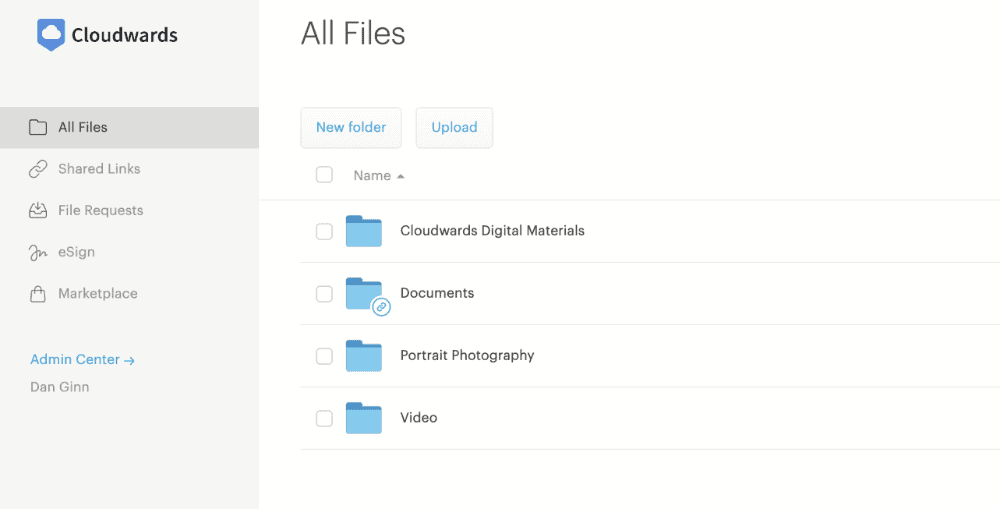
As is the case with Sync.com, this level of security also means Tresorit can’t help if you lose or forget your password. File sharing links are encrypted and you can add password protection to them as well. Other security features include two-factor authentication and the ability to remotely wipe devices of synced files.
GDPR-Compliant Security
Tresorit has servers around the world, but covers all of them with the same GDPR-compliant policies. Business users get the option of choosing where their data is stored, allowing you to choose between proximity and privacy.
Tresorit isn’t just GDPR compliant, it offers business associate agreements for companies that require HIPAA compliance. It follows regional privacy laws such as the CCPA and industry specific standards such as ITAR and TISAX.
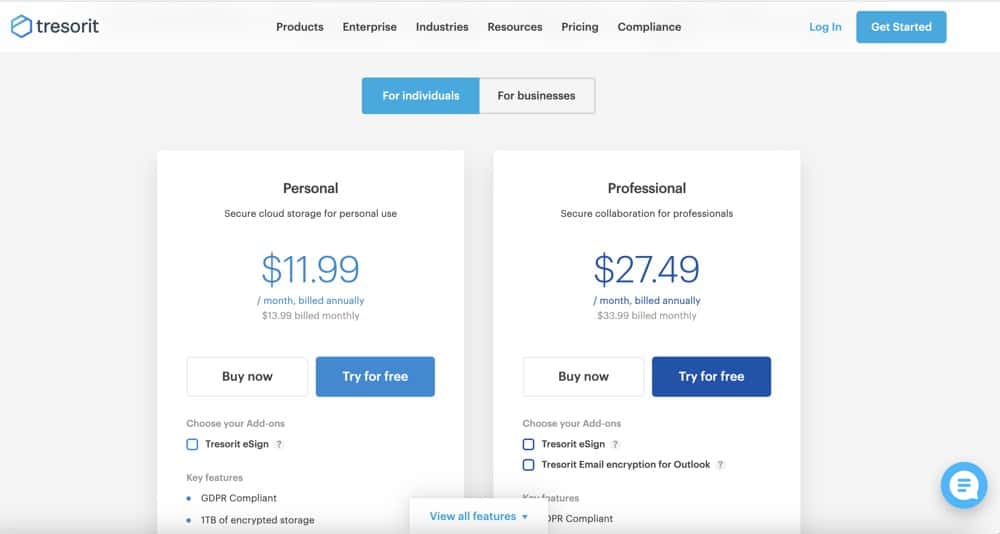
One downside to using Tresorit is the price. The 1TB plan costs $11.99 per month on an annual subscription. The Professional plan increases your storage to 4TB and comes with extra features, but costs $27.49 per month on the one-year plan.
All plans come with a 14-day free trial and you can make a 3GB free account if you want to test it out. Alternatively, read our Tresorit review to learn more.
- 50GB
- Price per user (billed annually), Storage per user, User count: 3+
- 1TB
- 3+ room managers, 15 contributors, unlimited viewers, unlimited data rooms, 15GB max file size & more.
- 6TB
More plans
- 500MB file-size limit, Maximum 2 devices
- 3GB
- Price per user (billed annually), Storage per user, User count : 1
- 2TB
- 1TB
- 4TB
- 1 room manager, 5 contributors, unlimited viewers, unlimited data rooms, 10GB max file size & more.
- 4TB
- Custom room managers and contributors, unlimited viewers, unlimited data rooms, custom storage, 20GB max file size & more.
- Price per user (billed annually), Storage per user, User count : 50+
Final Thoughts
Choosing cloud storage with the best encryption is difficult, but going with one on our list will keep your data safe and secure. Sync.com separates itself from the competition by offering a great combination of zero-knowledge security, affordable prices and great features. However, that’s not to say pCloud, Proton Drive, Internxt or Tresorit aren’t excellent options.
Are you going to choose one of these secure cloud storage services? Is your current cloud storage secure? How important is cloud encryption? Let us know in the comments section below. Thanks for reading our article.
FAQ
Sync.com rates as the most secure cloud storage service. It has zero-knowledge encryption for your entire account and offers affordable paid plans.
Very few cloud storage services have unencrypted cloud storage, though not all are zero-knowledge. All of the providers on our list have excellent security features.
Sync.com, pCloud, Proton Drive, Tresorit and Internxt all offer end-to-end encryption, which protects your data from third-party intrusions when you transfer it from your device to cloud storage servers.
For any data you store on a cloud storage provider that you consider personal, sensitive or confidential, you’ll want to ensure it is encrypted. Stand-alone encryption programs, like Cryptomator, protect your data before you upload it.