The 7 Best Browser for Mac in 2026: Safari, Chrome, Firefox & More
If you’ve been using Safari on your Mac and are wondering whether there’s something better out there, we’re here to tell you that there is. Though Safari is a secure and relatively fast browser, there are faster, more secure options. Here’s our editor’s choice of the best browser for Mac.


Written by Grace Micere (Writer)
Reviewed by Valentina Bravo (Managing Editor)
Facts checked by Jasna Mishevska (Lead Fact-Checking Editor)
Last Updated:
All our content is written fully by humans; we do not publish AI writing. Learn more here.
Key Takeaways: These are the best browsers for Mac
- Vivaldi — The best web browser for MacOS that’s highly customizable, secure and loaded with features.
- Brave — The most secure web browser that’s efficient and easy to use.
- Chrome — The most popular browser globally, offering multiple extensions and integrations to Mac users.
- Safari — A lightweight, default browser for Mac that uses less RAM than other browsers.
- Firefox — A veteran browser with solid privacy and security features that safeguard your browsing activity.
- Opera – Loaded with built-in features because it strives to work without external add-ons.
- Edge — A fast Chromium-based browser with useful productivity features and strong integration with Microsoft services.
Facts & Expert Analysis
- Most Efficient Pick: Vivaldi is our top choice since it’s safe and efficient, uses less RAM and can sync seamlessly across multiple devices.
- Best for Blocking: Brave is the most secure browser for Mac due to its advanced, built-in ad-blocking capabilities.
- Standard But Secure: Safari is more secure than Chrome but offers fewer extensions. Recent updates make it adequate for everyday users.

Everyone’s looking for a smooth and fast browser that doesn’t compromise their privacy or data security. Your computer’s default browser doesn’t always offer the best browsing experience, so it’s worth considering other options. If you’re a MacOS user and are looking for the best browser for Mac, we have seven great options for you to consider.
-
05/29/2022
We have updated our list of the best browsers for Mac.
-
02/27/2024 Facts checked
Article rewritten to include up-to-date information about features and company news.
-
09/21/2026 Facts checked
We’ve updated this guide with the latest features and added Mac-specific battery, memory and AI considerations.
Cloudwards Editor’s Choice: Vivaldi
Vivaldi won this roundup of the best browser for Mac, especially since it recently launched the long-awaited iOS version. Our editorial team found it to be secure and loaded with features, and it seldom required extensions or add-ons.
Vivaldi is highly customizable, and we were able to sync our settings and customizations across devices. It’s ideal for both power and non-power users. Try it out for a seamless, secure and highly personalized browsing experience.
Battery Life and Memory Usage on Mac
Battery life and memory usage are particularly important when choosing a browser for an Apple Silicon MacBook Air or MacBook Pro. However, resource use varies considerably depending on your tabs, extensions, websites and browser settings.
Safari is optimized specifically for macOS and Apple hardware, which can benefit efficiency and battery life. Chromium browsers can also perform well, while browsers such as Brave may reduce resource use by blocking ads and trackers before they load.
I wouldn’t choose a Mac browser based on battery or memory claims alone. If you regularly work away from a charger or have limited memory, though, efficiency should carry more weight alongside privacy, extensions and compatibility.
AI Browsers on Mac: Do AI Features Matter?
AI is becoming a standard browser feature. Chrome integrates Gemini, Edge has Copilot, Brave offers the privacy-focused Leo assistant, Safari uses Apple Intelligence for features such as webpage summaries, and Opera has its own built-in AI assistant.
These tools can summarize pages, answer questions about open tabs and, increasingly, perform browsing tasks on your behalf. Standalone AI browsers have also emerged, although the category is changing quickly as companies experiment with agentic browsing.
I wouldn’t choose a Mac browser primarily for AI yet. Summaries and contextual assistance can be useful, but battery life, memory use, privacy, extensions and compatibility still have a much bigger impact on everyday browsing.
What Are The Best Browsers for Mac?
The best browsers for Mac include Vivaldi, Brave, Chrome, Safari, Firefox, Opera, and Edge. You may be seeking one that offers the best security and speed. Maybe you’d like the fastest one that offers integrations with iOS tools. You may also want one with an appealing user interface and user experience. Our roundup of the top seven best browsers for Mac will help you settle on the best one for you.
Quick Comparison Table: Best Browsers for Mac
| Browser | Engine | Best for | Battery | Memory | Extensions | Privacy default |
|---|---|---|---|---|---|---|
| Vivaldi | Chromium | Customization | Good | Moderate | Excellent | Good |
| Brave | Chromium | Privacy | Good | Good | Excellent | Excellent |
| Chrome | Chromium | Google users | Moderate | Moderate | Excellent | Limited |
| Safari | WebKit | Apple users | Excellent | Good | Limited | Good |
| Firefox | Gecko | Independence | Good | Good | Good | Good |
| Opera | Chromium | Built-in features | Good | Moderate | Excellent | Good |
| Edge | Chromium | Microsoft users | Good | Moderate | Excellent | Moderate |
1. Vivaldi — Best Browser for Mac
Pros:
- Highly customizable UI
- Tracker & ad blocker
- Android & iOS apps
Cons:
- Compatibility issues
- Slower than basic browsers
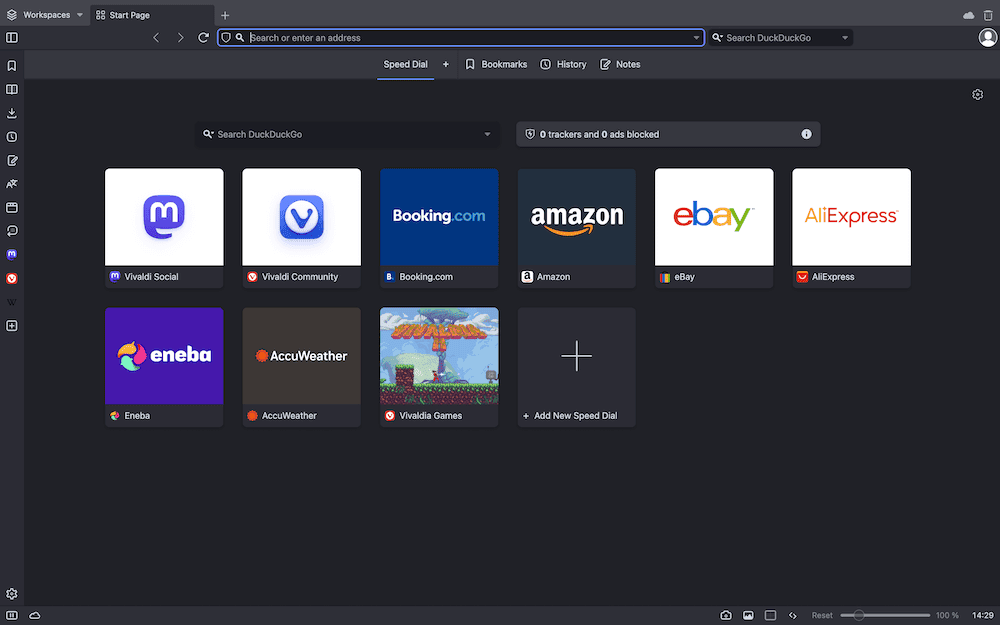
Vivaldi is our top choice for Mac because it combines extensive customization with strong privacy features and a large set of built-in tools. Its desktop and mobile apps also make it a practical choice if you want to sync your browsing data and settings across your Mac, iPhone and other devices.
A Vivaldi account can accommodate multiple user accounts, allowing each user to keep their data and unique settings separate from the rest. You can also sync your browser data and settings across all your devices to switch between them seamlessly. You get basic cookie-blocking capabilities, and your data isn’t sent to Vivaldi’s servers or third parties.
Vivaldi is available on both iPhone and iPad, with sync support for carrying browser data between mobile and desktop devices. The mobile browser includes familiar Vivaldi features such as tab management, Notes, a Reading List and built-in tracker and ad blocking. Our Vivaldi review has more details about this effective browser.
2. Brave — Most Secure Browser for Mac
Pros:
- Memory efficient
- Ad blocker available
- Advanced privacy & security
Cons:
- Limited built-in VPN
- Few site compatibility issues
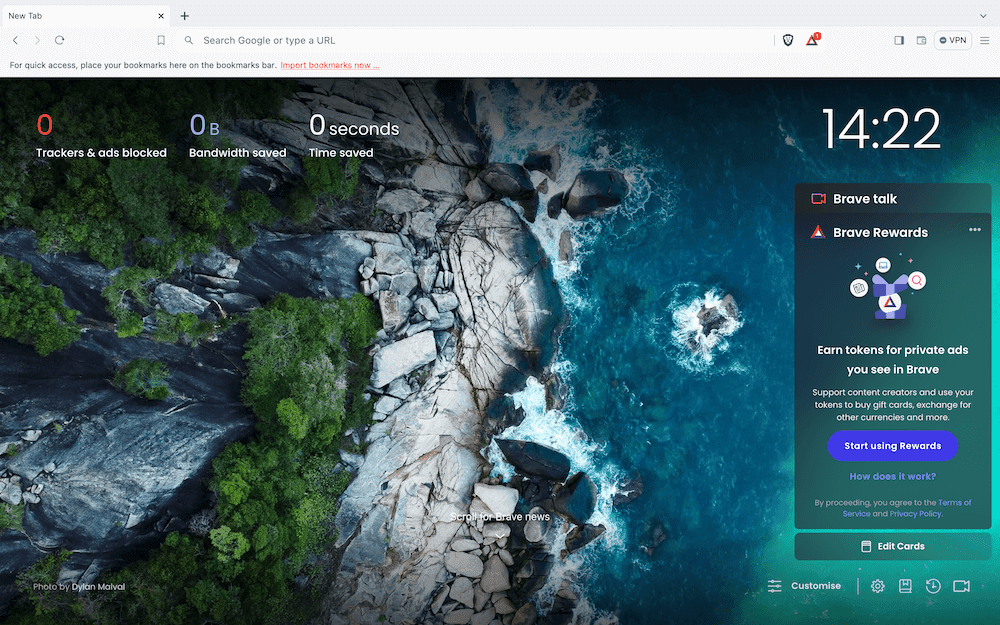
Brave is a Chromium-based browser that offers more advanced security than Chrome and other browsers. It has a built-in ad, tracker and cookie blocker that ensures advertisers aren’t tracking your online activity. What’s more, the “forgetful browsing” mode automatically clears all cookies once you leave a site.
Blocking ads and trackers can have performance benefits beyond privacy because the browser has fewer resources to load and process. Independent Mac testing has recorded lower power consumption for Brave than Safari under an active, ad-heavy browsing workload, while Brave’s own 2026 testing found lower memory use than Chrome, Edge and Firefox. I’d treat those figures as workload-specific rather than evidence that Brave will always extend your MacBook’s battery life.
Brave runs its own advertising model that prioritizes user privacy more than other browsers do. Users can earn “Brave rewards” and get paid for watching ads. They can also choose which ads to watch, giving them a sense of control over the kind of marketing they view. However, Brave rewards are only accessible in a few geolocations.
Due to its ad-blocking capability, Brave interferes with the layout of some web pages, inhibiting their usability. Brave also receives frequent desktop updates, including Chromium upgrades and security fixes. Overall, we find Brave to be the most secure browser for Mac and deserving of the second-place ranking on our list. Our Brave review has more details.
3. Chrome — Fastest Chromium Browser for Mac
offering multiple extensions and integrations.
Pros:
- Efficient performance
- Minimalistic design
- Multiple extensions
Cons:
- Data & browsing concerns
- Few customization options
- Inefficient memory usage
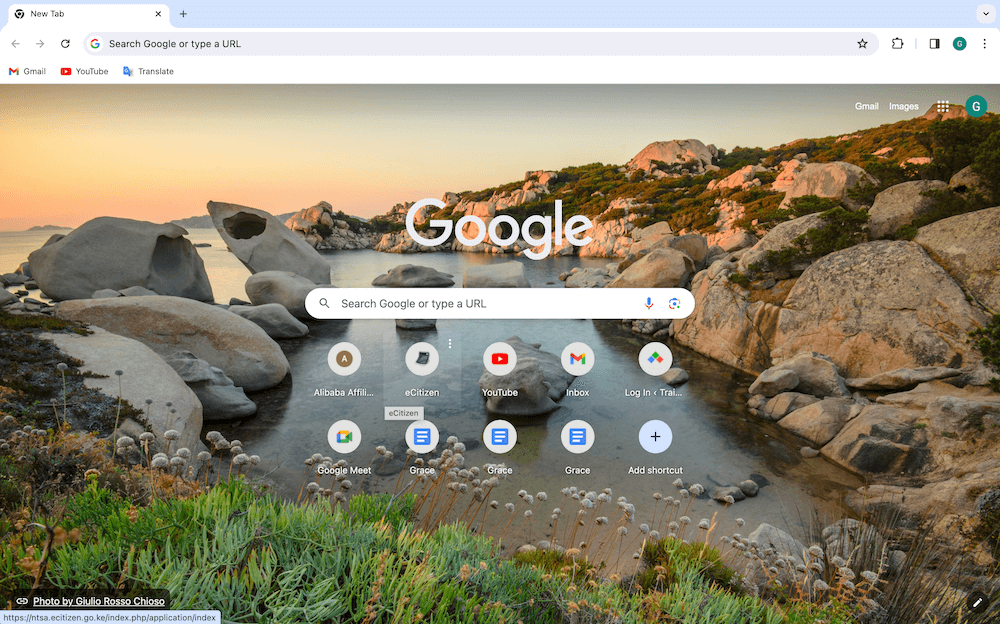
Google Chrome is a lightweight, efficient browser that is easy to install and use. It’s one of the most commonly used browsers for Mac and other operating systems globally, offering multiple integrations and extensions. You can sync the browser between your Mac and iOS device using your Google account, making it easy to use across devices.
Chrome has a minimalist design that’s easy to use for kids, adults, pros and novices alike. It quickly loads web pages and has a “reading list” feature that downloads pages in advance for you to view while offline. Chrome’s software (Chromium) is the building block for many other browsers on the market, such as Opera, Vivaldi and Brave.
As we noted in our Google Chrome Review, it uses more RAM and CPU than other browsers despite recent updates, which affects other apps you need to use simultaneously. It has limited themes and customization options compared to competitors like Brave or Vivaldi. Google Chrome is notorious for tracking user activity. Your data is not safe and will likely end up in the hands of a third-party company.
4. Safari — Best Browser for Apple Users
Pros:
- Lightweight user interface
- Advanced privacy protection
- Secure Apple Pay payments
Cons:
- Only on macOS & iOS
- Fewer customization options
- Limited extension options
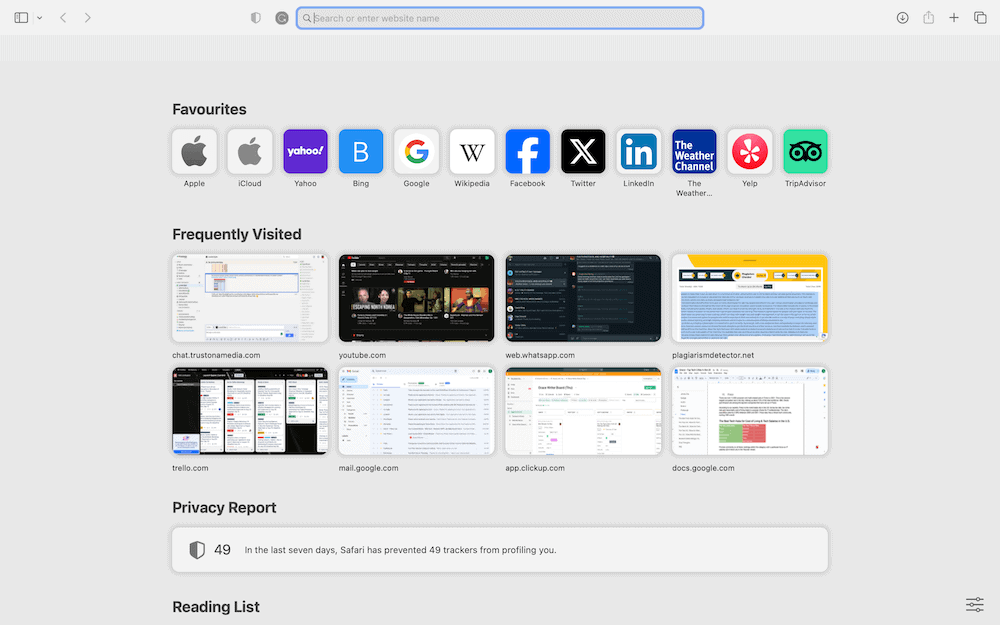
Safari is the default browser for Mac and iOS and works seamlessly across Apple devices. It stores data in the cloud rather than on your device, helping save space on your gadgets. iCloud’s “private relay” makes it more secure than Chrome, as no single party can see the sites you visit or who you are — not even Apple. It also requires comparatively less RAM to run.
The iCloud “keychain” stores all your passwords in one place, eliminating the need to download a password manager extension. You can use touch ID to pay in online stores that accept Apple Pay. This means you no longer have to manually input your card details each time you want to make a payment. It’s also a more secure way to pay online.
Safari is also worth considering if you primarily use a MacBook on battery power. Apple designs the browser specifically for its hardware and claims Safari can provide up to five more hours of video streaming than Chrome, although that figure comes from Apple’s own testing rather than ours.
Safari’s customization features are hard to find and less dazzling than open-source competitors like Firefox or Chrome. It also has fewer extensions. If you’re an Apple enthusiast who needs a simple browser for personal use, Safari is your best bet. However, if you’re a power user or into gaming, you may want to look elsewhere. Our full Safari review has all the details.
5. Firefox — Best Independent Browser
Pros:
- Vast add-on library
- Solid privacy & security
- Many customization options
Cons:
- Inefficient RAM usage
- Slower than competitors
- Incompatible with some web pages
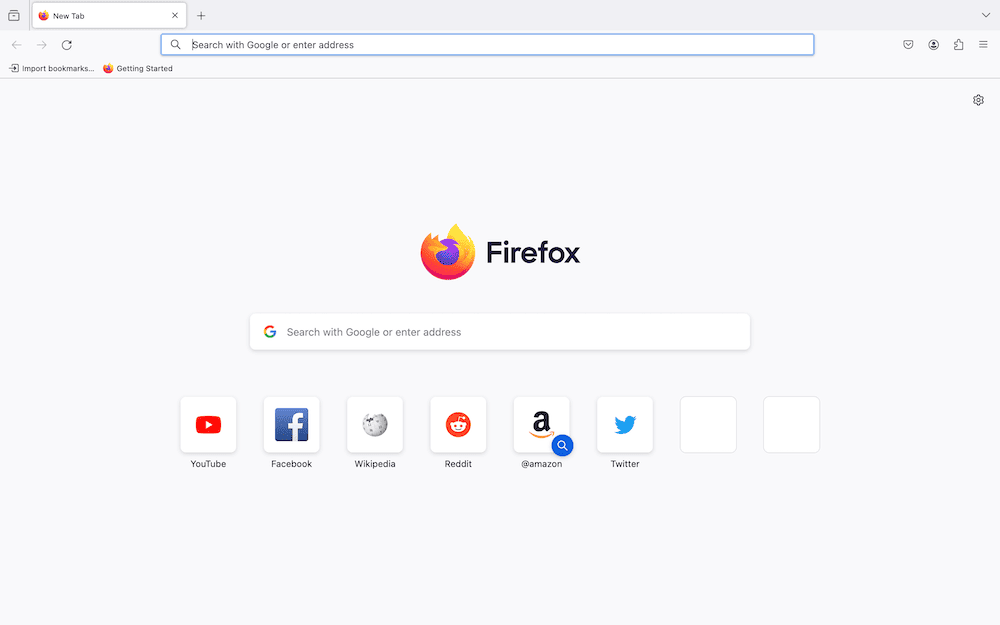
Firefox uses malware protection to block cross-site tracking cookies, crypto miners, fingerprinting and social media trackers, making it a great choice for security-minded users. It keeps you safe from most ads and malicious trackers without compromising website functionality.
Firefox is the only major contemporary browser that’s not based on Chromium. Websites that use certain Microsoft technologies or nonstandard Google features may not be compatible with Firefox.
Our tests showed that Firefox’s RAM usage was high, but still only half as high as Chrome’s. The Quantum updates launched in 2017 transformed the browser’s design, reduced RAM usage and boosted browser speed. We tested Firefox against competing browsers in our Firefox review and found it to be slower than most, which is fine for basic browsing.
Firefox’s Mac and iOS versions are both easy to use and quite similar to each other. If the mobile version appears different from the desktop version, you can use the “request desktop site” feature to align them. You can also download several add-ons and extensions from the library to enhance Firefox’s functionality.
6. Opera — Browser With the Most Built-In Features
Pros:
- Multiple built-in features
- Fast & responsive
- Built-in ad blocker
Cons:
- Privacy & security concerns
- High RAM usage
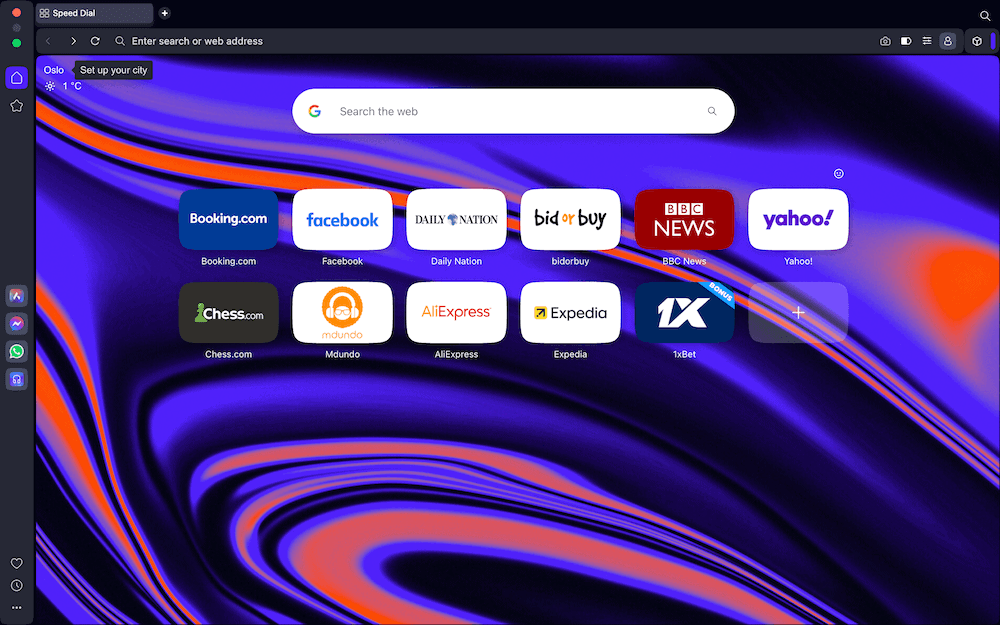
Opera stands out for packing features into the browser that would normally require extensions. Its sidebar provides quick access to messaging and Google services, while Tab Islands, split-screen browsing and vertical tabs give you several ways to organize a busy browsing session.
Opera has also leaned heavily into AI, with its built-in assistant able to use tabs and Tab Islands as context. I wouldn’t choose Opera over Brave for privacy or Vivaldi for customization, but its combination of tab management, AI and productivity tools makes it a good option if you want an all-in-one browser.
In our full Opera review, we tested its speed against that of other famous browsers and found it to be among the top three. However, Opera does take up a lot of your Mac’s RAM to reach those speeds. Only Android users have access to Opera Mini, which is lighter and prioritizes saving memory.
7. Edge — Feature-Rich Chromium Browser for Mac
Pros:
- Quick lookup feature
- PDF reader with markup
- Fast loading speeds
Cons:
- Fewer extensions
- Privacy concerns
- Cluttered homepage
Microsoft Edge is a Chromium-based browser available on macOS as well as Windows. It offers fast everyday performance and supports Chrome Web Store extensions, while Microsoft adds its own productivity, PDF and tab-management features on top of the Chromium engine.
Edge has an intuitive PDF reader that competes favorably with add-on readers like Javelin PDF Reader. When you highlight text or annotate it, it remains that way when you reopen the PDF reader.
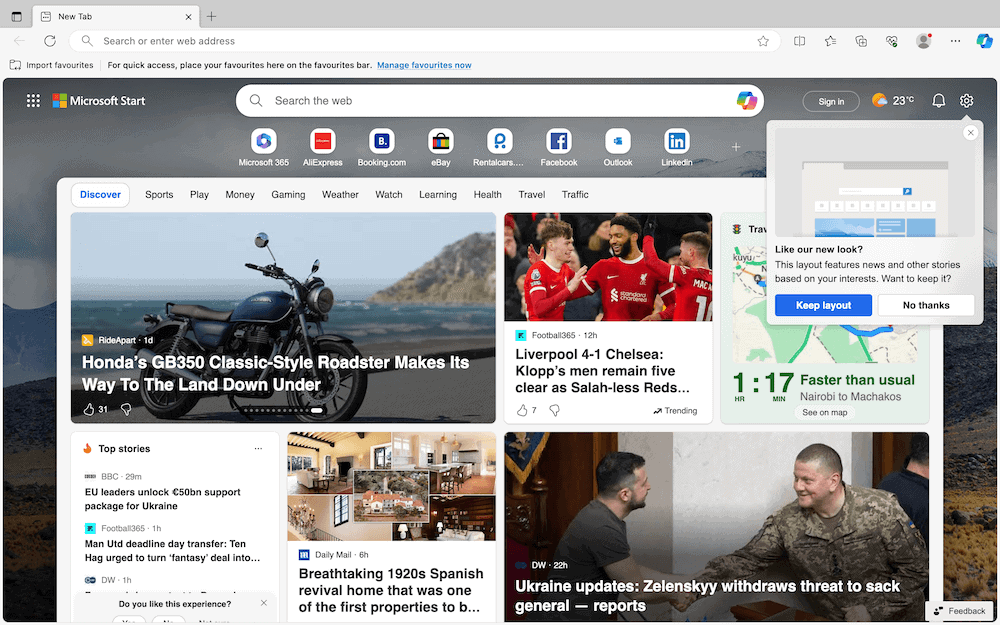
There have been privacy concerns about Edge sharing user data with third parties like Facebook. It also collects data from Windows users even after they’ve restricted it on their browser. In addition, the curated news and other content shown on the feed after the homepage loads makes the browser seem cluttered.
You can download extensions from the Chrome Web Store onto Edge, but you’ll need to manually set them up before using them. Overall, it’s easy to use on Mac but is ideal for Windows users. You can find additional details in our full Edge review.
How We Picked the Best Browsers for Mac
I compared each browser based on privacy, performance, battery and memory efficiency, extension support, usability and integration with macOS. I also considered what makes each browser meaningfully different, rather than assigning an arbitrary overall ranking.
Each browser is therefore recommended for a specific use case, such as privacy, customization or integration with Apple, Google or Microsoft services. Battery and memory assessments draw on available published evidence rather than Cloudwards testing, as we didn’t have access to an Apple Silicon Mac for standardized testing.
Final Thoughts
These seven best browsers for Mac offer a smooth browsing experience depending on the use case. We prefer Vivaldi or Brave because of their strict security policies, effective ad blockers, efficient RAM usage and seamless browsing experience. They are also easy to use and have a minimalistic design with no clutter.
Chrome outperformed Safari due to its multiple extensions and seamless integration with a myriad of third-party apps. However, Safari is more secure than Chrome and works just fine for non-power, everyday users. Firefox, Opera and Edge are also effective and worth trying out.
If your default browser uses Google and you don’t like the AI Overviews, we have a guide on how to turn off Google AI.
Which browser have you been using on your Mac? What makes you want to find a new browser? Which of the seven browsers listed here do you consider the best for your Mac? Let us know in the comments, and thank you for reading.
FAQ: Mac Browsers
Chrome is better for Mac because it offers many more integrations and extensions than Safari does. However, if you’re an Apple product enthusiast who’s not a power user, the updated version of Safari will do just fine.
Vivaldi is the preferred browser on Mac because it is fast and secure, has efficient RAM usage and allows you to sync browser data and settings across devices.
Chrome, Edge, Brave and other Chromium-based browsers all perform well on Mac, while Safari is also highly competitive. Benchmark results can vary by browser version, Mac hardware and workload, so there isn’t one browser that is consistently fastest in every test.
The best browser to use on Mac is Vivaldi. It’s great for both power and non-power users, has great data security and offers a seamless browsing experience across synced devices.