How Do Password Managers Work? The Ultimate Guide to Password Management Software
Our team of experts has been researching and testing password managers for years. This guide shares our insights on how password managers work and what to look for when choosing one.


Written by Wisdom Sablah (Writer)
Reviewed by Kate Hawkins (Editor, Writer)
Facts checked by Eugenie Tiu (Editorial Assistant)
Last Updated:
All our content is written fully by humans; we do not publish AI writing. Learn more here.
If you’ve ever found yourself stuck at a login screen trying to remember your password — or reusing the same password across many accounts — you would benefit from using a password manager to help create and store secure passwords. Password managers store your login credentials in a secure, encrypted vault and autofill them when you visit a website or open an app.
In this guide, I’ll break down what password managers are and how they work. I’ll also walk you through the different types of password managers and show you how to choose and set up a reliable option. If you want a quick recommendation, Proton Pass stands out as one of the best password managers, thanks to its strong encryption and privacy-first design.
-
04/09/2026
We rewrote this guide to provide more detailed information on password managers, as well as provide a list of our top password manager recommendations.
What Is a Password Manager?
A password manager is an encrypted digital environment for creating and storing login credentials and personal data. Think of a password manager as a high-security digital safe. It can store all your digital valuables, from usernames and passwords to credit card numbers. The safe is locked with a master key that only you possess.
When you create an account, the software generates a cryptographic vault tied to your unique master password. Every login credential you add is encrypted and stored in that vault. When you need to log in somewhere, the password manager decrypts the relevant entry locally on your device and autofills your details.
What Is the Purpose of a Password Manager?
The primary purpose of a password manager is to generate and securely store your login credentials. The software automatically retrieves your credentials whenever you need them, so you don’t have to rely on memory. This makes logging in both faster and easier.
A password manager can also recognize weak or reused passwords and prompt you to change them to ensure all accounts use strong, unique passwords, improving your online security.
Why Use a Password Manager?
You should use a password manager if you want secure, organized and easily retrievable passwords and login credentials.
- Security: Generating and storing long, random, unique passwords for every account eliminates the single biggest cause of data breaches: password reuse. A strong, unique password means that if one site is compromised, your other accounts remain safe.
- Organization: All your credentials are stored in one secure, searchable location. You no longer have to worry about using sticky notes or spreadsheets.
- Convenience: Autofill functionality means you never have to type in a password again, except your password manager master password. The software recognizes the website you’re on and populates your credentials instantly, saving time and reducing frustration.
How Do Password Managers Work?
Password managers work by storing your login credentials in an encrypted database that automatically fills them in for you. When you save a new login, the software encrypts the username and password using your master password as the cryptographic key.
This encrypted data is then stored in your vault, either on your device or in the cloud, depending on the provider. Your unique master key is required to access the vault.
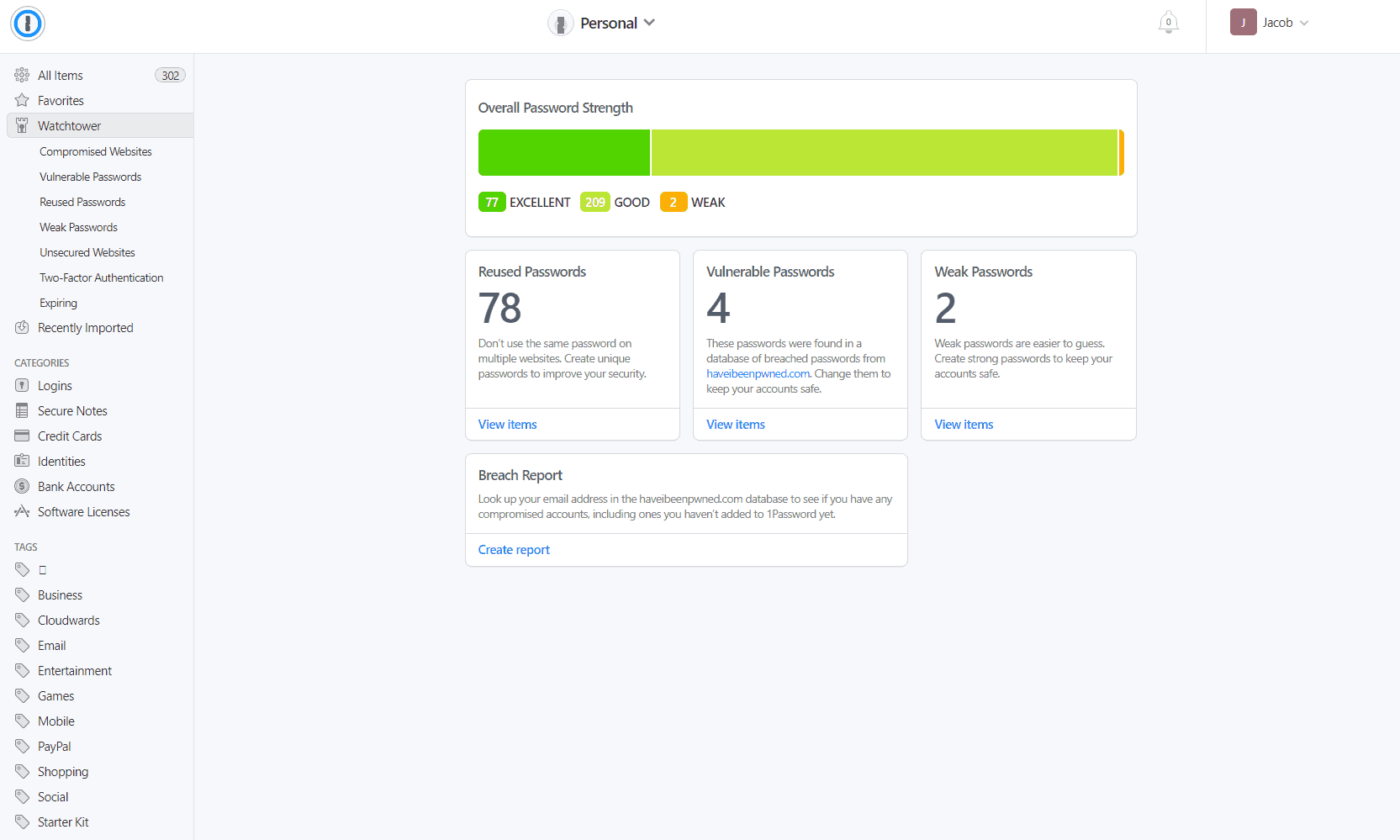
When you visit a website and need to log in, the password manager recognizes the URL, decrypts the relevant credentials on your device using your master password and autofills the login form. The encryption and decryption processes happen locally, so your master password and plain-text credentials never travel over the internet to the provider’s servers.
The Security Technology & Encryption Behind Password Managers
The security of most reputable password managers rests on three foundations: strong encryption, zero-knowledge architecture, and multi-factor authentication.
- Strong encryption: Reputable password managers use industry-standard encryption algorithms to ensure vault data cannot be read even if intercepted. The most common is AES-256 — the same standard used by the U.S. government for classified data — though some managers use alternatives like XChaCha20 or Salsa20, which are considered equally strong by cryptographers. With any of these, brute-forcing a single encrypted vault would take current computers billions of years.
- Zero-knowledge architecture: Vault data is encrypted locally on your device before it ever reaches the provider’s servers. The service provider never receives or stores your master password; it’s used only on your device to derive an encryption key. In principle, this means even a server breach exposes nothing readable. In practice, independent researchers have found that the zero-knowledge guarantee is not always as complete as vendors claim, so it’s worth choosing a manager that undergoes regular third-party security audits.
- Multi-factor authentication (MFA): MFA adds a second verification step before access is granted, such as a one-time code from an authenticator app or a hardware security key. Even if your master password were compromised, an attacker would still need to pass this second check. Importantly, MFA is often optional rather than enforced by default, so enabling it is one of the most impactful steps a user can take.
How Safe Are Password Managers?
Password managers are incredibly largely safe. They utilize strong encryption and zero-knowledge architecture to protect your data from hackers. Even in the rare event of a breach, your data would remain secure because the hackers wouldn’t be able to see your real passwords or sensitive information.
For example, when LastPass experienced a breach in 2022, attackers were able to access encrypted vault data. However, LastPass’ zero-knowledge design meant the information it stored was unreadable and essentially useless without each user’s master password, which the company never stored or had access to.
What Are the Types of Password Management Software?
Password management software typically comes in three forms: dedicated standalone applications, browser-based extensions and enterprise-level solutions.
| Feature: | Dedicated Apps | Browser Extensions | Enterprise Solutions |
|---|---|---|---|
| Best for | Individual & families | Casual users | Teams & businesses |
| Password generation | Advanced | Basic | Advanced |
| Secure sharing | |||
| Cross-device sync | Full | Limited | Full |
How to Choose a Password Manager
To choose a password manager, apply objective evaluation criteria: check that it supports all your devices and browsers, has undergone independent third-party security audits, offers the features you need (such as dark web monitoring or secure sharing), and fits your budget.
- Check essential features: A good password manager should include a password generator, secure autofill and cross-device syncing.
- Prioritize strong security: Look for strong encryption, zero-knowledge architecture and providers that have passed independent third-party security audits.
- Review privacy practices: Ensure the provider collects minimal user data, does not monetize user information and, ideally, offers open-source code for public inspection.
- Look for advanced capabilities: Features like dark web monitoring, breach alerts, encrypted file storage and secure password sharing add significant value, especially for families or teams.
The Best Password Managers
Based on my tests and hands-on experience, the best password managers are Proton Pass, LastPass and 1Password.



How to Use a Password Manager
To use a password manager, you’ll have to install it on your device and generate a master key. You can then import account passwords and even install a browser extension. In the guide below, I go over easy-to-follow, step-by-step instructions to set up a password manager on your device.
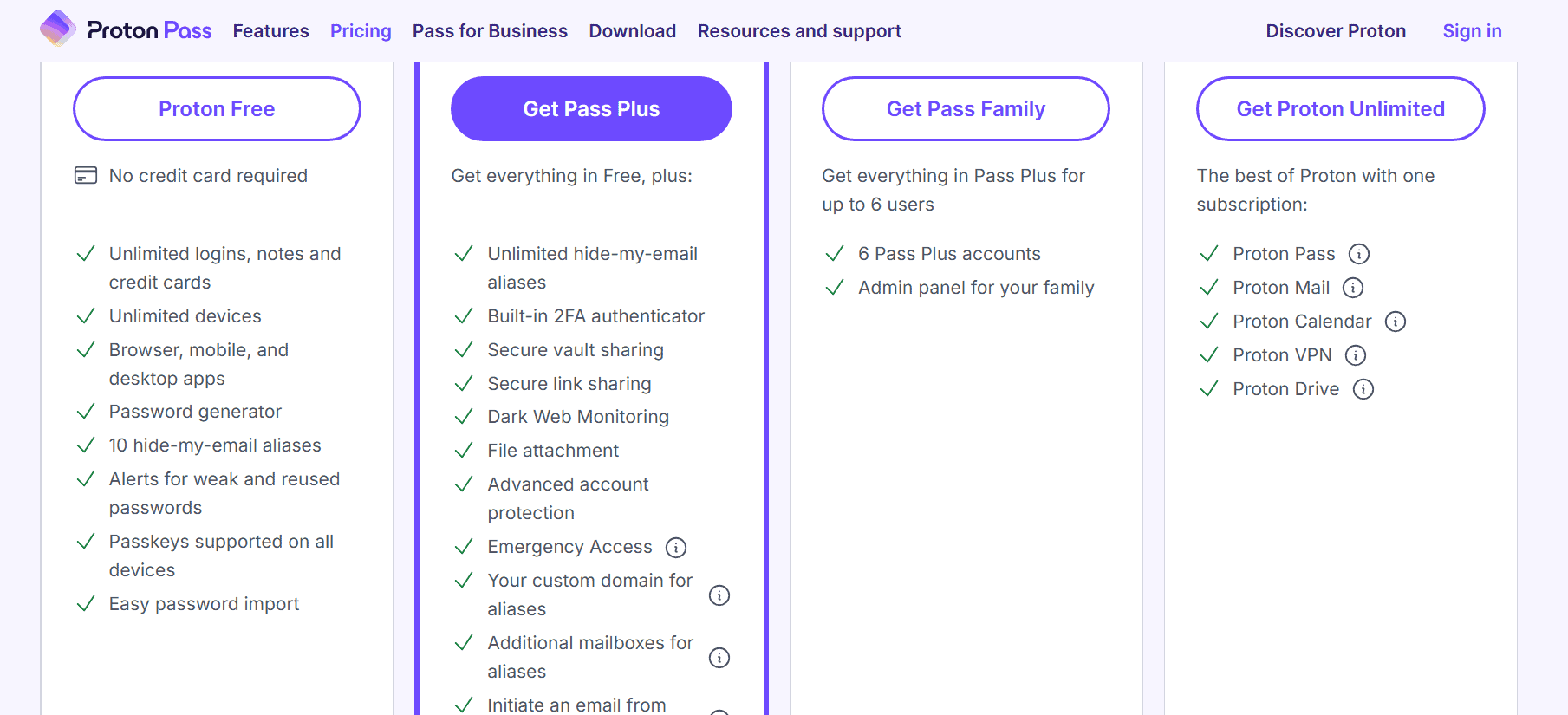
- Download & Install Your Password Manager
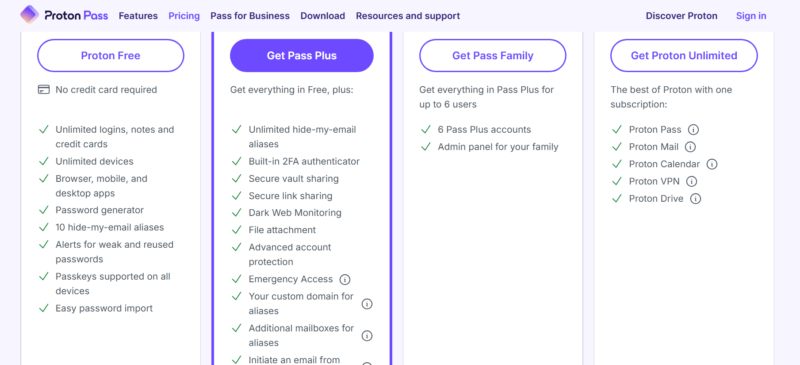
Go to your preferred password manager’s website, purchase a subscription and find the app for your device. You can often choose between a web app, a native app or a browser extension.
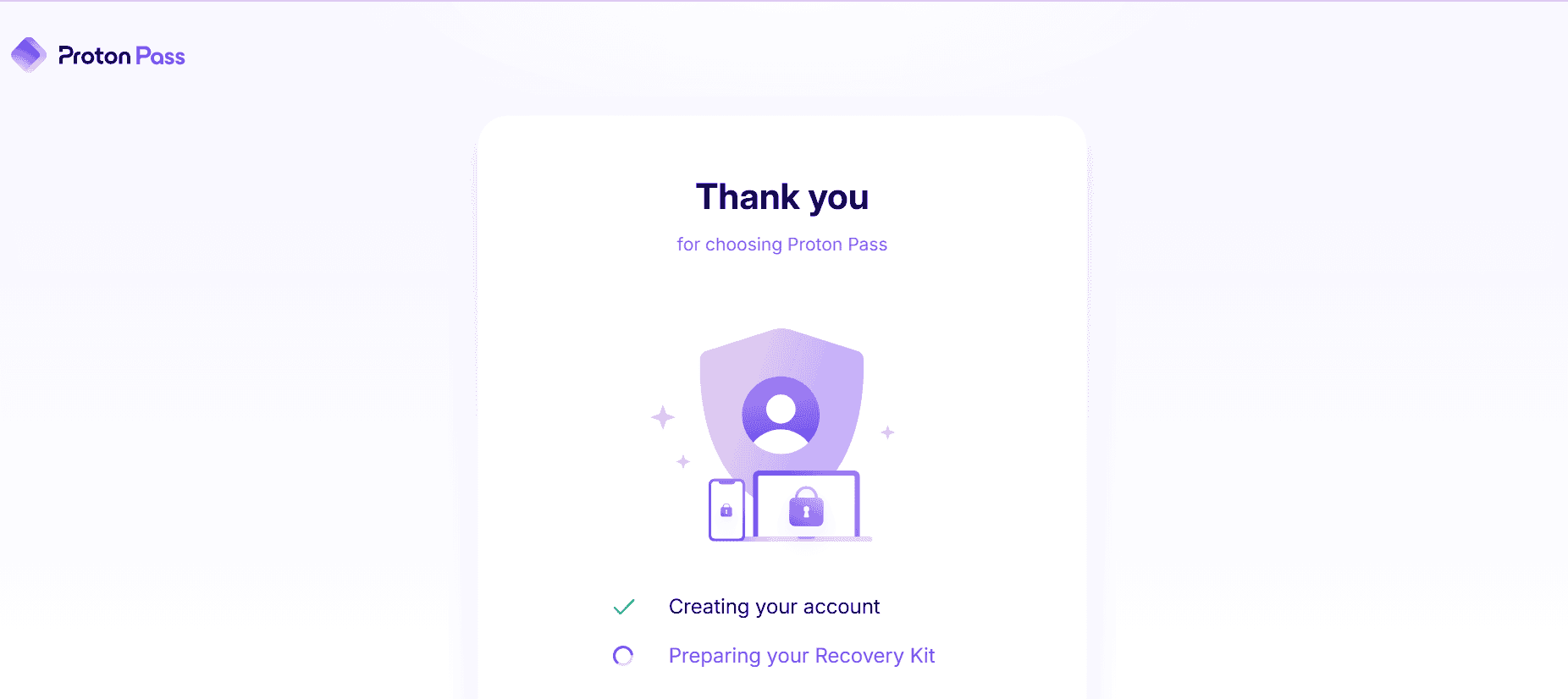
- Generate a Master Key or Recovery Kit
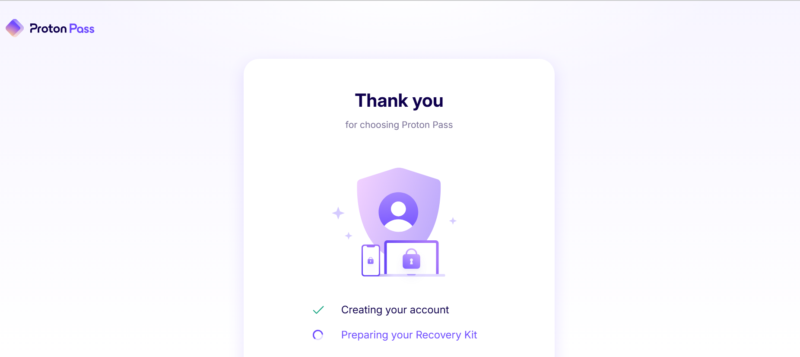
Create a long, memorable master password (a passphrase of four or more random words works well — learn how to make a good password here). Store this password somewhere physically secure.
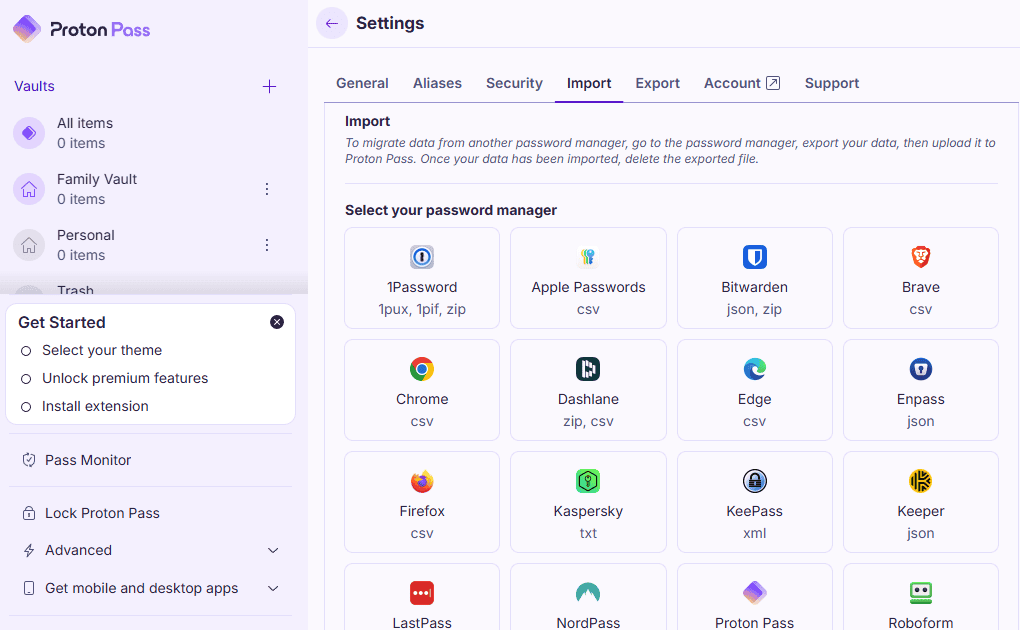
- Import Passwords
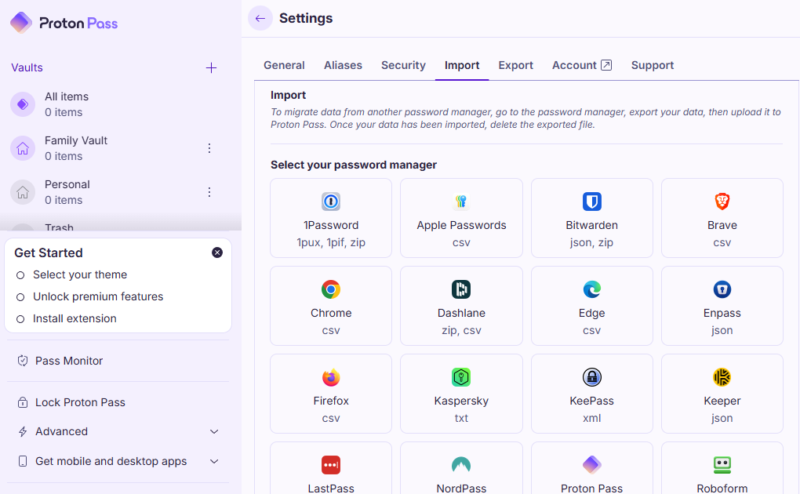
Most password managers can import existing credentials from your browser or a CSV file. This makes the initial transition seamless.
How Does Secure Password Sharing Work?
Secure password sharing lets you grant access to accounts without revealing your password. Instead of sending credentials via email or chat, you can use a password manager to share a specific login or vault with another user.
In practice, you send an email invite, and the recipient accesses the shared item by creating or logging in to an account with the same password manager. The shared login will appear in their vault and can be used to autofill the login credentials without exposing the password itself. You can grant or revoke access in the permissions settings at any time.
Final Thoughts
Password managers represent one of the highest-return security investments you can make. For a few dollars a month, you get strong encryption, seamless autofill across devices and built-in password generation. Consider Proton Pass for its privacy-first ethos and excellent free plan, 1Password for its polished feature set, or LastPass for its accessibility.
Do you have a better understanding of how password managers work? Is there another password manager you’d like me to review? Do you have any other questions? Share your questions and thoughts with me in the comment section below. As always, thanks for reading.
FAQ: How Does a Password Manager Work?
A password vault is an encrypted storage space where all your sensitive data and credentials are securely stored.
Yes, 1Password is considered very safe due to its strong encryption, zero-knowledge architecture and regular independent security audits.
Most password managers cannot recover your master password due to their zero-knowledge design. If you forget your master password, you may lose access to your vault, so it’s important to store it securely.