Zoho vs Microsoft 365 Productivity Suites: Which Is Best for Your Needs?
I compared Zoho vs Microsoft 365 for businesses, evaluating pricing, features, integrations and ease of use. Learn why Microsoft 365 excels in enterprise power, while Zoho shines in affordability and simplicity.


Written by Kevin Kiruri (Writer)
Reviewed by Kate Hawkins (Editor, Writer)
Facts checked by Eugenie Tiu (Editorial Assistant)
Last Updated:
All our content is written fully by humans; we do not publish AI writing. Learn more here.
Key Takeaways: Zoho Workplace vs Microsoft 365
- The main difference between Zoho Workplace and Microsoft 365 is that Zoho focuses on affordable, simple tools, while Microsoft 365 offers more extensive features, deeper integration and advanced capabilities for large businesses.
- If you need a simple, user-friendly interface for everyday tasks and basic collaboration, Zoho Workplace is the better choice.
- Microsoft 365 is better than Zoho Workplace for handling complex projects, as it offers enterprise-grade security, desktop apps and support for larger businesses with advanced workflows.
Facts & Expert Analysis: How to Choose Between Microsoft 365 and Zoho Workplace
- Microsoft 365 excels at enterprise functionality and scalability: Microsoft 365 is known for its advanced capabilities and strong integration support for complex projects. This makes it suitable for large businesses and advanced users.
- Zoho Workplace stands out for its affordability and value: Zoho Workplace is a highly affordable solution that delivers essential tools for documents, collaboration and communication without overwhelming users.
- Total cost of ownership vs enterprise scalability: Adopting Zoho workplace can drastically reduce a company’s software overhead, offering great value for small to medium-sized companies. Microsoft 365 requires a higher financial investment, but its robust, enterprise-grade capabilities justify the cost for large enterprises.
The right productivity suite shapes how efficiently your team operates. This is where the Zoho vs Microsoft 365 comparison comes into play, as both suites offer powerful tools for file management, collaboration and productivity. In this guide, I compare these solutions to help you decide which one best meets your organization’s needs.
If you’re looking for an affordable and easy-to-use solution for small teams, try Zoho Workplace’s 15-day free trial to explore its apps and collaboration features. If your focus is on advanced features, strong integration and powerful desktop applications, start a 30-day free trial of Microsoft 365 to experience its full capabilities.
-
05/10/2026 Facts checked
We rewrote this article to provide a more up-to-date comparison.
Cloudwards’ Choice: Microsoft 365 Is the Winner
 Cloudwards’ Choice: Microsoft 365 Is the Winner
Microsoft 365 is the better solution due to its powerful desktop versions, deep integration and extensive features that support growing businesses and complex projects. However, its higher pricing structure and steep learning curve may not suit small teams. I recommend trying the Microsoft 365 Business Standard plan, which comes with a 30-day free trial.
Which Is Better: Zoho Workplace vs Microsoft 365?
Although Microsoft 365 is the winner, the right solution depends on your specific needs, goals and how your team works.
Zoho Workplace is a good option for startups and small teams looking for a simple and cost-effective productivity suite. It focuses heavily on simplicity and offers built-in communication apps to avoid the overwhelming clutter of enterprise software. Learn more about the software in our Zoho Workplace review.
Microsoft 365 is better suited for large businesses and advanced users who need enterprise-grade features such as heavy-duty performance, deep integration and advanced security. For a deeper dive, read our comprehensive Microsoft 365 review.
Who Is Zoho Workplace For?
- Startups and small teams: Zoho Workplace offers startups an affordable, easy-to-use platform with essential apps for collaboration, file sharing and everyday tasks.
- Budget-conscious businesses: Zoho has highly affordable plans suitable for businesses looking to reduce expenses while retaining access to reliable tools to create, manage and track documents, communication and projects.
- Teams that prefer simplicity: Zoho Workplace works best for teams that value a user-friendly interface, a minimal learning curve and straightforward usability for managing workflows and basic project management needs.
Who Is Microsoft 365 For?
- Large businesses and enterprises: Microsoft 365 is suitable for large businesses that need a scalable platform with extensive features, strong integration and enterprise-grade security protocols to manage operations and complex projects.
- Advanced users and professionals: Those who require powerful desktop versions of Microsoft Word, Excel or PowerPoint to handle data-heavy tasks or professional documents for complex projects will find this suite helpful.
- Teams in need of automation and integration: Microsoft 365 offers easy integration with third-party tools and automation through Power Automate to streamline processes, improve teamwork and boost productivity.
Our Detailed Comparison Methodology
To provide a clear and fair analysis, I evaluated both Zoho Workplace and Microsoft 365 individually, examining apps, features, pricing structures and usability across different business scenarios. This approach ensures a balanced view to help businesses and teams understand which platform best meets their needs.
Microsoft 365 vs Zoho Workplace: Comparison at a Glance
| Features |  |  |
|---|---|---|
| $8.33 / month(All Plans) | (All Plans) 30-days money-back guarantee | |
| Review | Review | |
| Dedicated sync folder | ||
| Customizable sync folder | ||
| Virtual Drive | ||
| Selective Sync | ||
| Block-Level Sync | ||
| Folder Sharing | ||
| Sharing Permissions | ||
| Upload Links | ||
| Password Protected Sharing | ||
| Expiry Dates | ||
| Download Limits | ||
| Sharing Statistics | ||
| Text Documents | ||
| Spreadsheets | ||
| Presentations | ||
| Forms & Surveys | ||
| Real-Time Collaboration | ||
| Suggested Edits | ||
| Commenting | ||
| Whiteboarding | ||
| Version History | ||
| Task Management | ||
| Shared Calendars | ||
| Group Chats | ||
| Video Creation/Editing | ||
| Website Builder | ||
| AI Assistant | ||
| AI Content Generation | ||
| AI Summarization | ||
| AI Data Analysis | ||
| Worfklow Automation | ||
| E-Signatures | ||
| Booking & Schedueling | ||
| Note-Taking App | ||
| Mail Client | ||
| Chat Client | ||
| Video Calls | ||
| Audio Calls | ||
| Email Notifications | ||
| Personal Calendar | ||
| Third-Party Integrations | ||
| No-Code Integrations | ||
| Project Management Tool Integration | ||
| CRM Integration | ||
| API Access | ||
| At-Rest Encryption | AES 256-bit | |
| In-Transit Encryption | TLS/SSL | |
| Multi-Factor Authentication | ||
| Data-Loss Prevention | ||
| Client-Side Encryption | ||
| Conditional Access Policies | ||
| Advanced Threat Protection | ||
| Information Rights Management | ||
| Endpoint Management | ||
| eDiscovery & Auditing Tools | ||
| Data Residency Options | ||
| Support Tickets | ||
| Email Support | ||
| Chat Support | ||
| Phone Support | ||
| 24/7 Support | ||
| Dedicated Support Agent | ||
| Help Center / Knowledge Base Quality | ||
| Desktop App | Windows, Mac | |
| Mobile App | Android, iOS | |
| Web Interface | ||
| Command-Line Interface | ||
| Free Trial Offered | ||
| Money-Back Guarantee | ||
| Accepted Payment Methods |
Zoho Workplace vs Microsoft 365: Similarities
Zoho Workplace and Microsoft 365 provide businesses with a comprehensive office suite designed to manage everyday tasks. Below, I explore the similarities of how each platform operates.
Document Creation & Editing Tools
Both Zoho Workplace and Microsoft 365 provide powerful document creation and editing tools. The platforms support real-time collaboration with tools such as Zoho Writer and Microsoft Word. This allows multiple users to work on the same file, leave feedback and track changes.
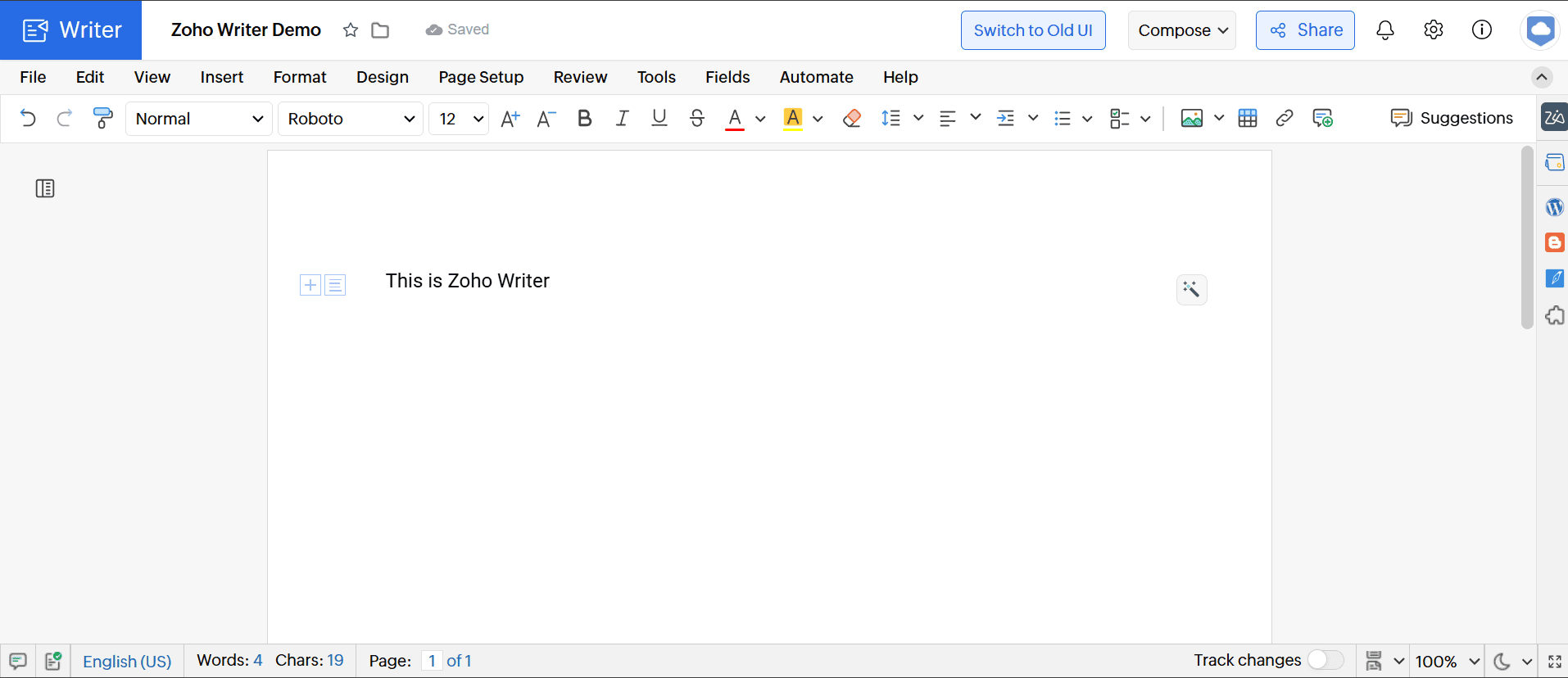
teams create and edit documents in real time.
Both suites also include spreadsheet and presentation apps such as Zoho Sheet and Show, as well as Excel and PowerPoint. These apps offer essential capabilities for handling data, reports and visual content. The tools are designed to support smooth filing and real-time collaboration, making them a reliable solution for everyday tasks.
Calendars
Zoho Workplace and Microsoft 365 offer built-in calendar tools that help teams organize schedules and plan meetings. The calendars are fully integrated with their respective platforms and allow users to create events, set reminders and invite participants, making day-to-day collaboration more structured and efficient.
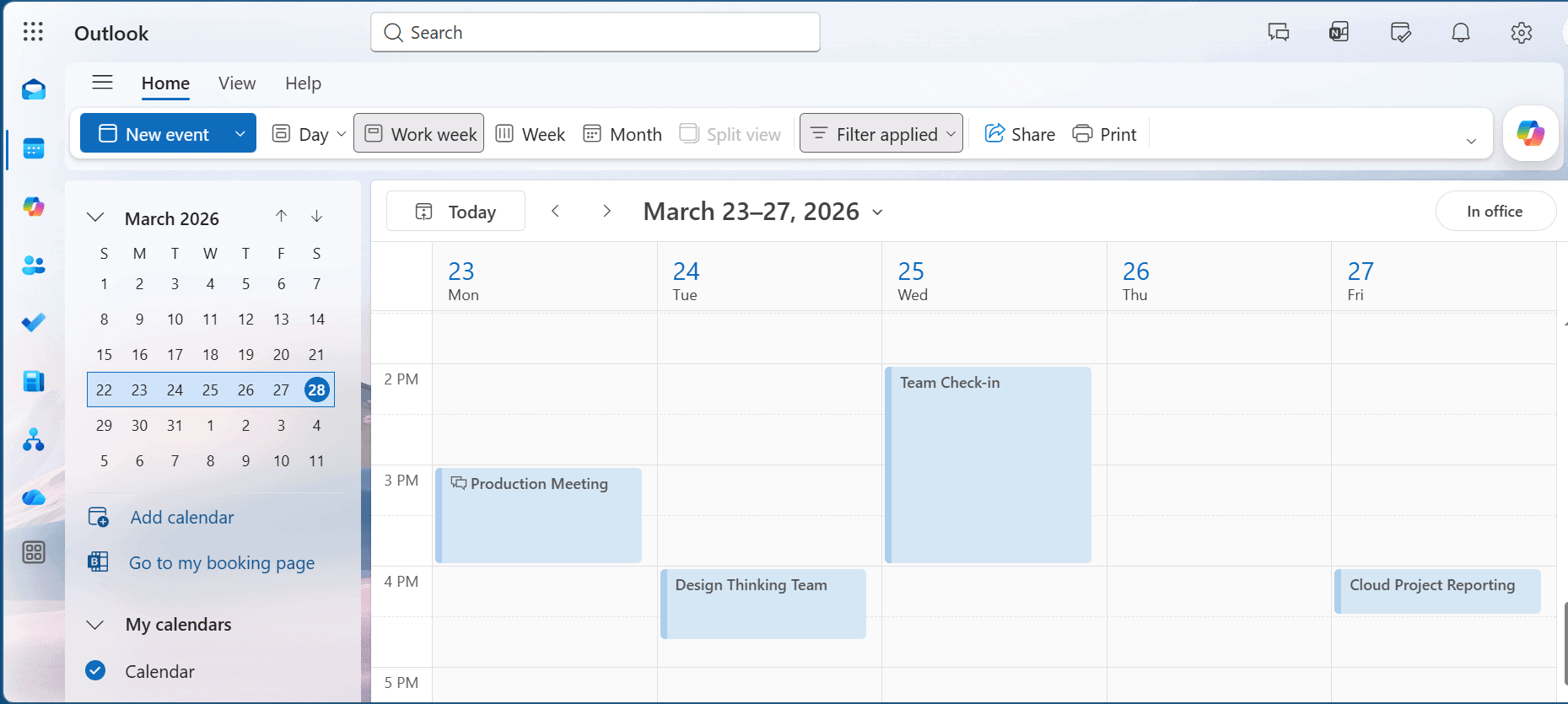
manage tasks and coordinate projects.
Both solutions support shared calendars, improving visibility across teams and making it easier to coordinate projects. With greater visibility, team members can see each other’s availability in real time, eliminating back-and-forth communication to find a suitable meeting time. This simplifies group schedules and helps boost the organization’s productivity.
File Storage, Management & Sharing Features
Microsoft 365 and Zoho Workplace provide cloud-based storage systems for users to securely store, organize and access documents from any device via the web. Microsoft uses OneDrive and SharePoint, while Zoho uses WorkDrive to store and share files.
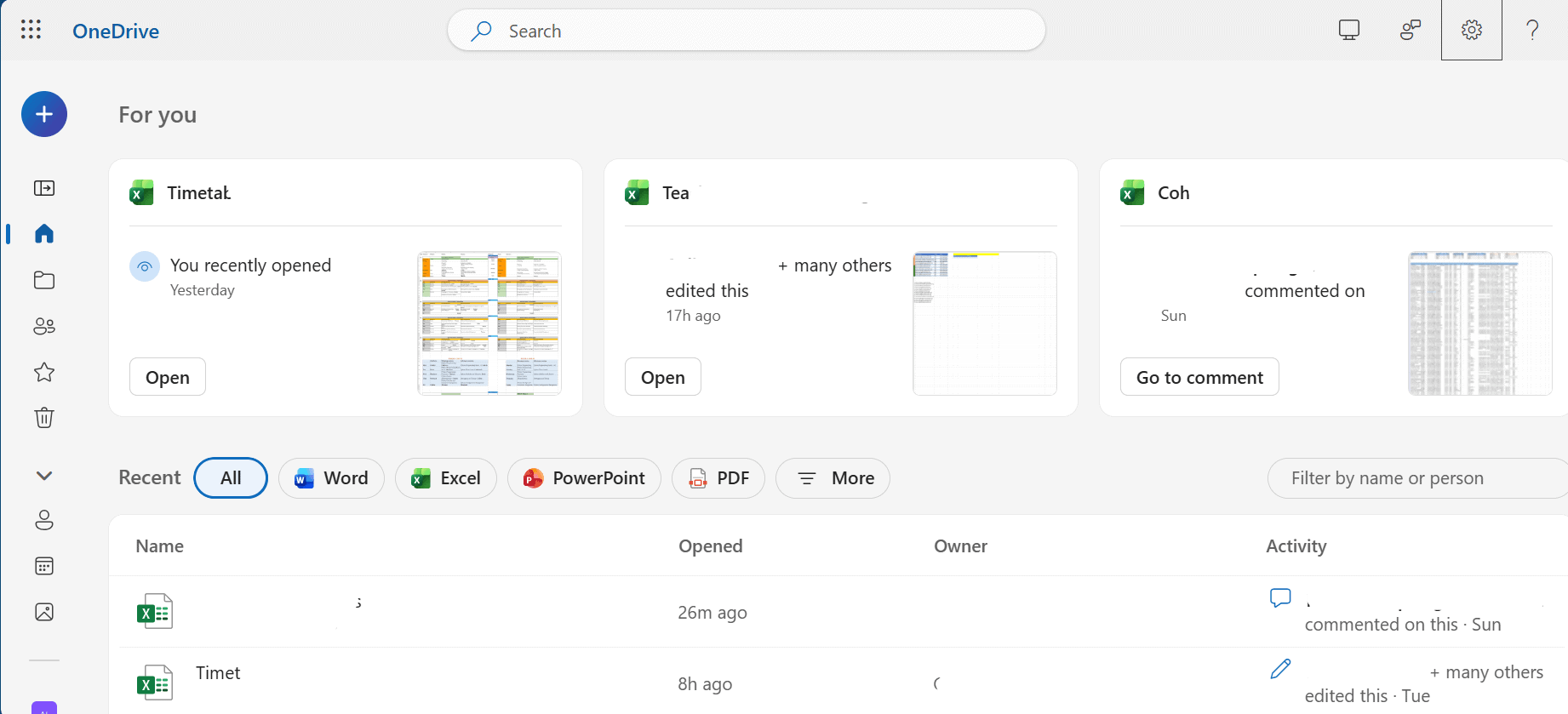
Organizations can create dedicated team folders and set specific access permissions, ensuring only authorized personnel can view the folders. Both platforms automatically track version history and let you monitor exactly who has made changes to a specific document.
AI Tools
Both platforms incorporate AI-powered tools to enhance productivity and automate routine tasks. Each platform provides an intelligent assistant — Copilot for Microsoft and Zia for Zoho — to help users with tasks such as generating text, drafting emails, analyzing data and automating repetitive processes. This helps reduce manual labor and speed up processes.
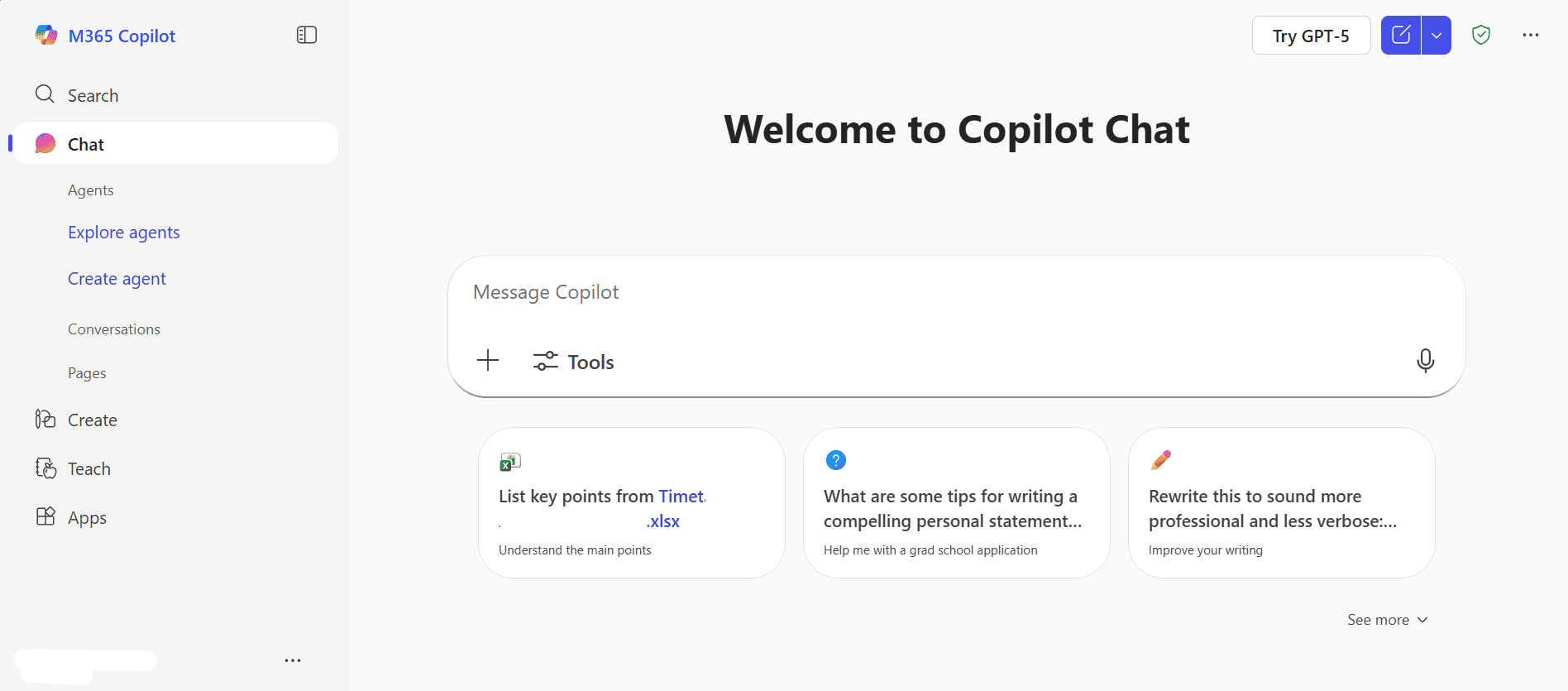
content and analyze data in Microsoft 365.
The AI tools in both Zoho and Microsoft 365 are evolving to offer advanced automation for complex projects. Copilot allows advanced users to create automated workflows using Power Automate. Zoho is matching this evolution with Zia Agents, which quietly runs in the background to organize your inbox, qualify leads and manage your calendar in real time.
Collaboration & Communication Tools
Both suites offer dedicated tools to keep your staff connected through chat, email and video conferencing. Microsoft offers Teams as an all-in-one solution for chat and video conferencing. Zoho offers Zoho Cliq for instant messaging and Zoho Meeting for calls.
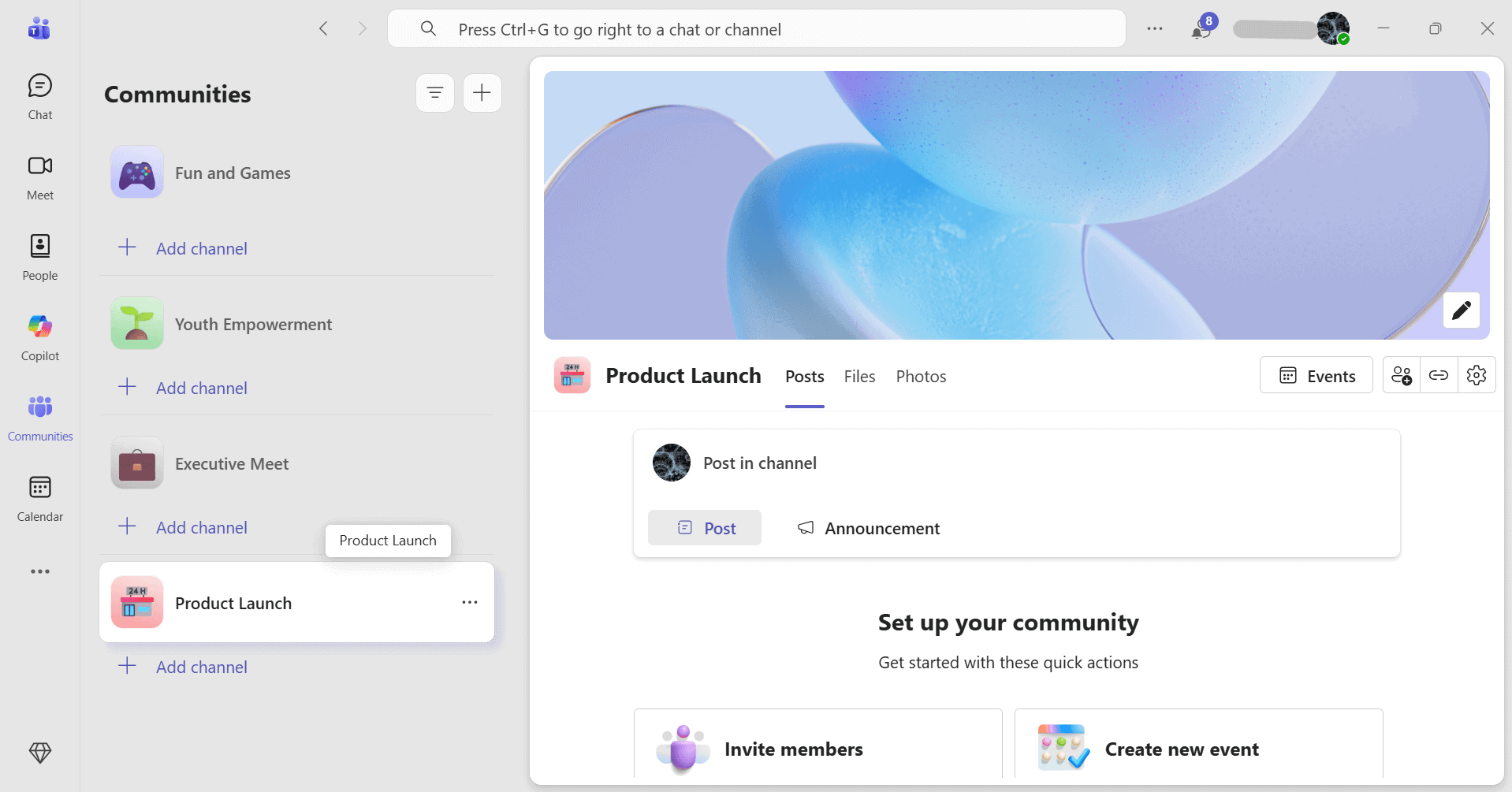
and file sharing in one platform.
The communication tools also support shared workspaces where users can collaborate on documents, exchange feedback and coordinate tasks. For example, during a Microsoft Teams or Zoho Meetings call, you can easily share your screen or drop a link in the chat to review projects together.
Microsoft 365 vs Zoho Workplace: Differences
While both platforms share many core tools and features, each one has distinguishing elements. These differences often influence a business’ choice of productivity suite.
Pricing
Zoho Workplace is widely known for its affordability, offering plans ideal for startups and small teams with limited budgets. Pricing starts at $3 per user per month, billed annually, for Workplace Standard.
Microsoft 365 involves a higher investment. However, it provides a broader range of extensive features that help larger businesses effectively handle heavy workloads. It also offers flexible plans for personal, business and enterprise users, starting at $6 per user per month for Microsoft 365 Business Basic.
- One user
- Multiple users
- Higher Copilot usage limits & exclusive Copilot features
More plans
- Price and storage is per user Up to 300 users
- Price and storage is per user Up to 300 users
- Price and storage is per user Up to 300 users
- Price and storage is per user Up to 300 users
- Price and storage is per user Up to 300 users
- Price and storage is per user Up to 300 users
- Price and storage is per user Up to 300 users
Zoho Mail vs Outlook
Zoho Mail offers a clean, user-friendly interface for managing business emails without ads or distractions. It’s ideal for small teams and startups that need reliable communication tools while keeping costs low. The simplicity makes it easy for teams to get started with a minimal learning curve.
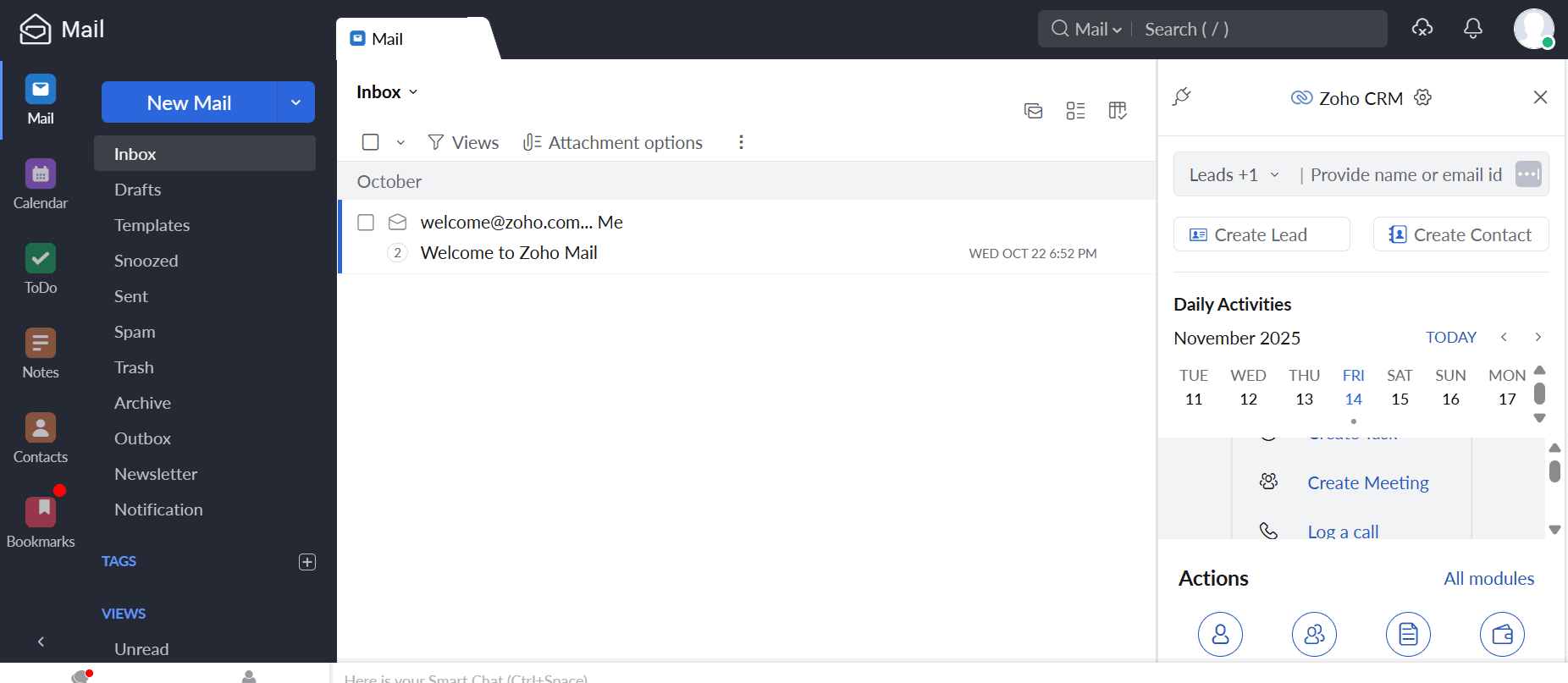
communication and collaboration.
Microsoft Outlook provides a more advanced email experience, with deep integration across Microsoft 365 apps and third-party tools. It supports desktop versions, shared mailboxes, calendar syncing and automated workflows with Power Automate. However, these added capabilities come with a steeper learning curve for new users.
Customer Support Quality
Zoho Workplace offers more direct and accessible support, making it a strong fit for small teams and startups that need quick help via chat, email or phone. Microsoft 365 takes a more structured approach, providing extensive documentation, automated support systems and human assistance that prioritizes higher-tier plans.
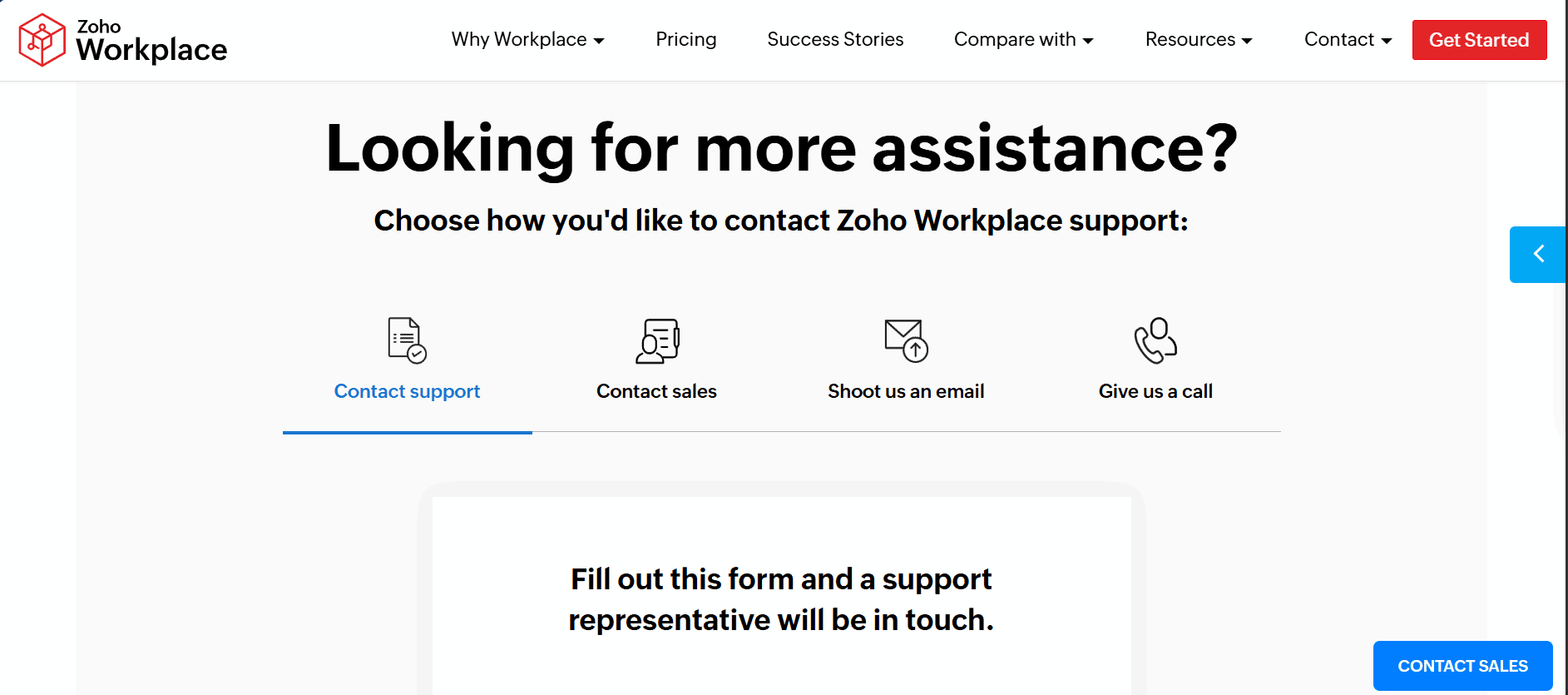
through live chat, email and detailed guides.
The Verdict: Why I Think Microsoft 365 Wins Overall
Microsoft 365 stands out as the more complete solution for most businesses. It offers more extensive features, powerful desktop versions and deeper integration with third-party tools. This makes it better equipped for handling complex projects, scaling operations and supporting growing teams over time.
The Microsoft 365 Business Standard plan is the best balance of value and functionality. It offers both cloud and desktop versions of essential tools for everyday projects and teamwork. Sign up for a one-month free trial to try out the platform risk-free.
If You Want to Consider Other Services, Check Out…
If you’re looking for alternative productivity suites beyond Zoho and Microsoft 365, consider Google Workspace or OnlyOffice.
FAQ: Comparing Productivity Suites
Zoho may be better than Microsoft 365 for certain use cases. For example, Zoho is a better choice for startups and small teams since it is more affordable and user-friendly. Microsoft 365, on the other hand, is better suited for large businesses due to its more extensive features.
Yes, Outlook is generally better than Zoho Mail. It provides deeper integration, automation and enterprise-level email management. Zoho Mail is a good option for smaller businesses looking for a clean, user-friendly solution at a low cost.
Yes, Zoho integrates with Microsoft 365, allowing teams to easily share documents and sync contacts, email and calendars across both systems.
Microsoft 365 has the most extensive features, including powerful desktop versions of its Office apps, which makes it ideal for enterprise use. Google Workspace, on the other hand, focuses on simplicity and real-time collaboration. Zoho stands out as an affordable alternative for small teams and startups.

