The Best AI Apps in 2026: Tested Across Every Use Case
In this guide, I’ve tested the top tools in each AI category, comparing pricing and features, so you can find the best AI tool for you.


Written by Kate Hawkins (Editor, Writer)
Reviewed by Valentina Bravo (Managing Editor)
Last Updated:
All our content is written fully by humans; we do not publish AI writing. Learn more here.
Key Takeaways: These Are the Best AI Apps in 2026
- nexos.ai — The best overall platform for managing, monitoring and orchestrating AI models at scale.
- ChatGPT — The best for writing, research, coding, file analysis and customization features.
- Claude — The best AI tool for analyzing long documents and handling complex reasoning tasks.
- Google AI Studio — The most capable free AI platform for testing prompts, workflows and Gemini models.
- Cursor — The best AI coding tool for developers who want project-wide context and AI-assisted programming.
- Perplexity — The best AI research assistant for finding information quickly with source-backed answers.
- Jasper — The best AI writing tool for maintaining a consistent brand voice across marketing content.
- Synthesia — The best AI video generator for creating professional presenter-style videos from text.
- ElevenLabs — The best AI voice tool for realistic voice generation and cloning.
- Midjourney — The best AI image generator for producing high-quality creative artwork and illustrations.
Facts & Expert Analysis About AI Agents:
- Modern AI apps use large language models with tool-calling features, enabling them to search the web, analyze files and interact with other services. This lets them complete multi-step tasks and work with real-time information instead of relying solely on their training data.
- Context length is a key differentiator, with tools like Claude and ChatGPT able to process large documents and datasets in a single session. Larger context windows reduce the need to split files into smaller chunks and help AI maintain consistency across complex tasks.
- The biggest productivity gains come from integrating AI into workflows rather than switching to newer AI models. Connecting AI to your existing tools often delivers more value than switching between models with slightly better performance.

There are thousands of AI apps available, but most aren’t worth keeping once the novelty wears off. Many are little more than ChatGPT with a different interface, while others are too limited, expensive or difficult to fit into a real workflow.
To find the tools that deliver value, I tested dozens of AI apps, including chatbots, writing tools, coding assistants, research platforms, image and video creators, voice tools, productivity apps and automation software. In this guide, I focus on real-world usefulness, ease of use, feature depth and overall value so you can choose the right tool.
What Are AI Apps? (And Why Most Aren’t Worth Your Time)
AI apps are applications built on large language models (LLMs) that can understand context, generate content and automate tasks in ways traditional software can’t. Some are AI-native products, like ChatGPT and Claude, while others simply add AI features to existing platforms.
The problem is that many AI tools offer little beyond a different interface wrapped around the same underlying models. Others are so complex that non-technical users struggle to get anything meaningful from them. I also found that some tools produce overly cautious, generic responses that need extensive editing.
The Best AI Apps Compared
| AI Tool | Lowest Price | Free Plan | Top Use Case | Best For |
|---|---|---|---|---|
| nexos.ai | $22/month | | AI orchestration & model management | Managing multiple AI models |
| ChatGPT | $20/month | | General-purpose AI assistance | Overall best AI app |
| Claude | $24/month | | Long-form analysis & reasoning | Document analysis |
| Google AI Studio | $8/month | | Prompt testing & model experimentation | Free AI development |
| Cursor | $20/month | | AI-assisted software development | Coding & programming |
| Perplexity | $20/month | | Web research & answer generation | Research & fact-finding |
| Jasper | $49/month | | Marketing & branded content | Content marketing teams |
| Synthesia | $15/month | | AI avatar video creation | Training & business videos |
| ElevenLabs | $5/month | | Voice generation & cloning | AI voiceovers |
| Midjourney | $10/month | | AI image generation | Creative image creation |
Best AI Tools for Automating Complex Workflows & Business Data Processing
For the best AI automation tools, I focused on platforms that automate decisions, processes and repetitive business workflows.
1. nexos.ai — Best for Enterprise AI Operations and Model Orchestration
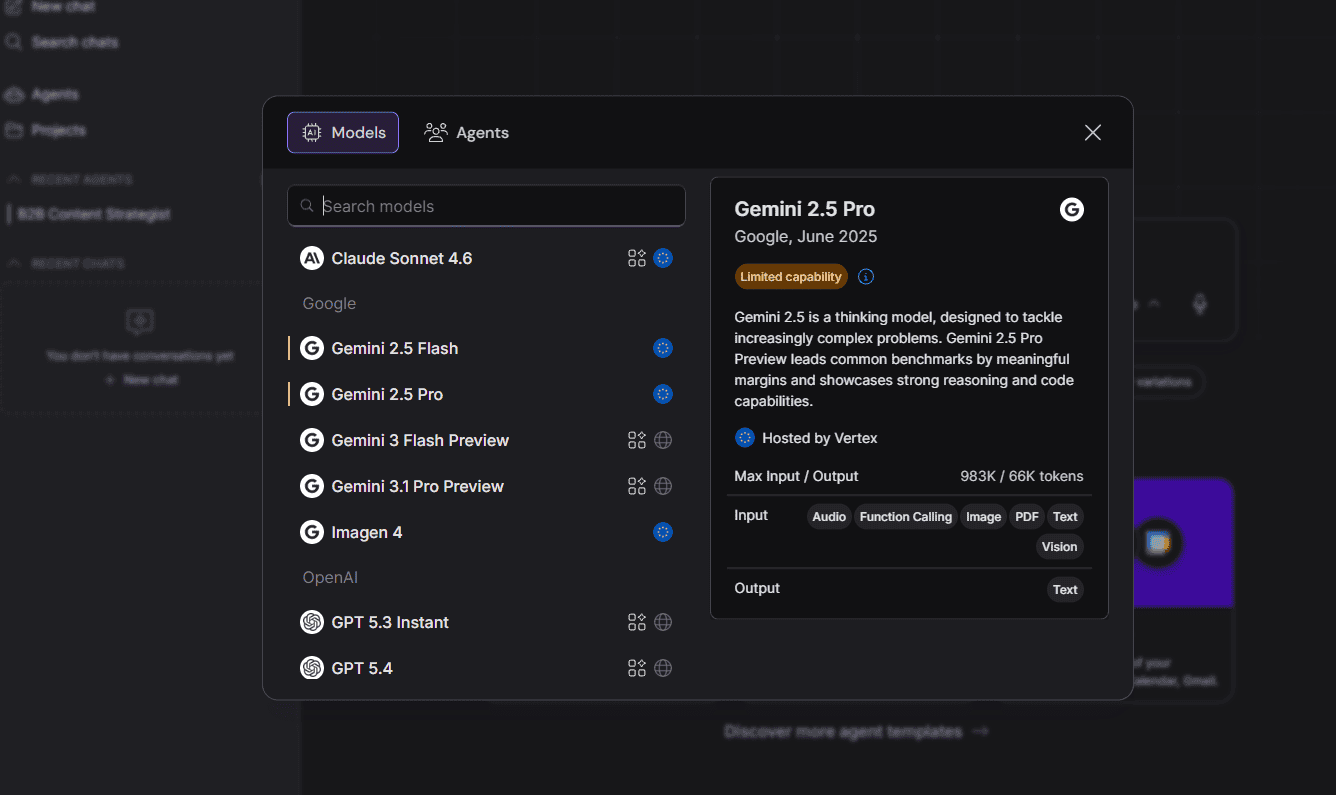
nexos.ai focuses on managing AI, giving businesses visibility into how models are being used while helping route requests to the right model for each task. For organizations building AI into business processes, that level of control can become essential as usage grows.
| Plan: | Price |
|---|---|
| Monthly | $23 |
| Pro + API Credits* | $42 |
| Enterprise | Contact Support |
2. Lindy — Best for AI Agent Workflows
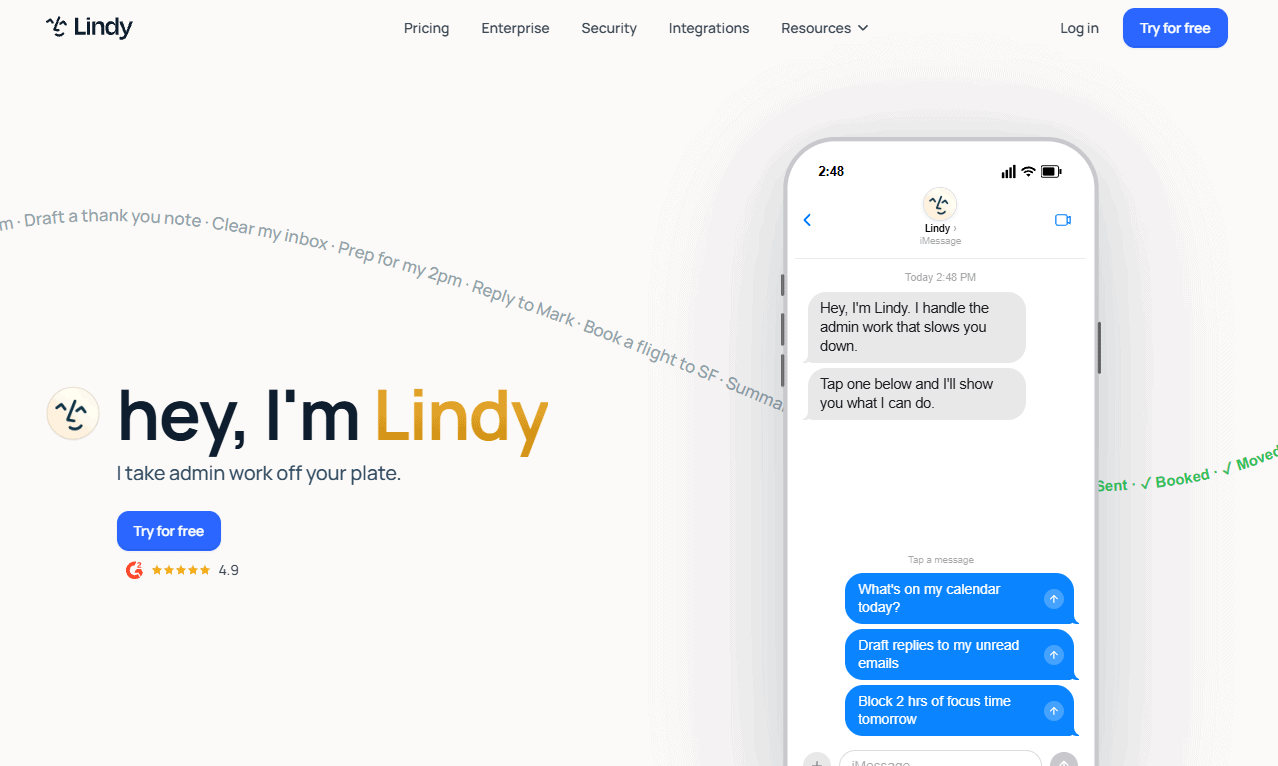
Lindy is somewhere between an AI chatbot and an automation platform. Instead of creating simple triggers, you build AI agents that can make decisions, gather information and complete tasks across multiple applications. It’s much more capable than traditional automation tools when workflows need reasoning rather than simple rules.
| Plan: | Monthly Pricing | Annual Pricing |
|---|---|---|
| Plus | $50/month | N/A |
| Pro | $100/month | N/A |
| Max | $200/month | N/A |
| Enterprise | Custom Pricing | Custom Pricing |
3. Zapier — Best for No-Code Business Automation
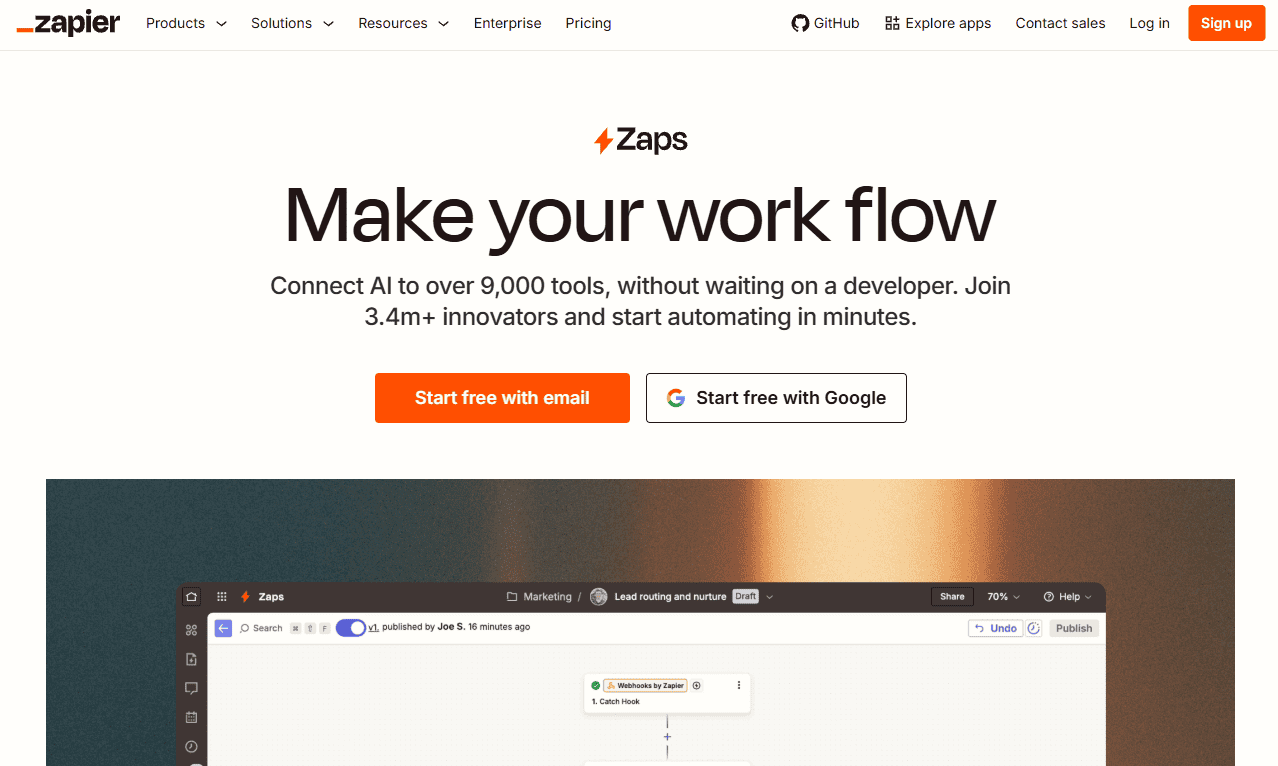
Zapier is one of the easiest ways to automate repetitive work. Its strength isn’t AI reasoning, but in its enormous integration library and approachable workflow builder. While newer platforms focus on AI agents, Zapier is one of the fastest ways to connect business tools and eliminate manual data entry.
| Plan: | Monthly Pricing | Annual Pricing |
|---|---|---|
| Platform Free | Free | Free |
| Platform Professional | $30/month | $20/month |
| Platform Team | $104/month | $69/month |
| Platform Enterprise | Custom Pricing | Custom Pricing |
| Agents Free | Free | Free |
| Agents Pro | N/A | $33/month |
| Agents Enterprise | Custom Pricing | Custom Pricing |
| Chatbots Free | Free | Free |
| Chatbots Pro | N/A | $13/month |
| Chatbots Advanced | N/A | $67/month |
| Chatbots Custom | Custom Pricing | Custom Pricing |
The Best Free AI Tools and Apps (No Credit Card Required)
The best free AI tools give you enough functionality to do real work without immediately hitting a paywall. I focused on tools with useful free plans and reasonable daily and long-term use limits.
4. Google AI Studio — Best Free AI Tools for Power Users
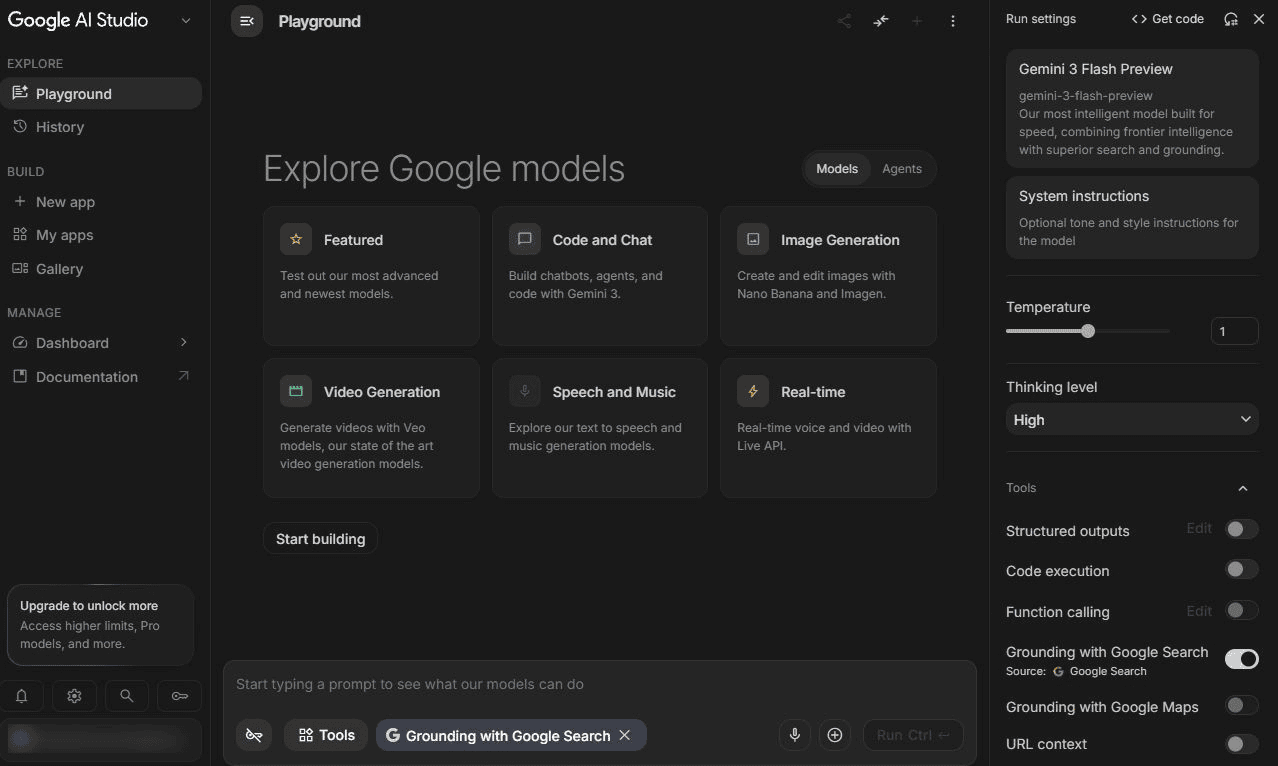
Google AI Studio feels like Google’s sandbox for serious AI users. I used it to test prompts, analyze large files and compare Gemini models without worrying about subscription limits. It isn’t as polished as ChatGPT, but if you want free access to advanced AI models, few tools offer better value.
| Plan: | Monthly Price (USD) | Yearly Price (USD) |
|---|---|---|
| Google AI Plus | $7.99/month | $95.88/year |
| Google AI Pro | $19.99/month | $239.88/year |
| Google AI Ultra | $99.99/month | N/A |
5. Gemini — Best Free AI Assistant for Google Users
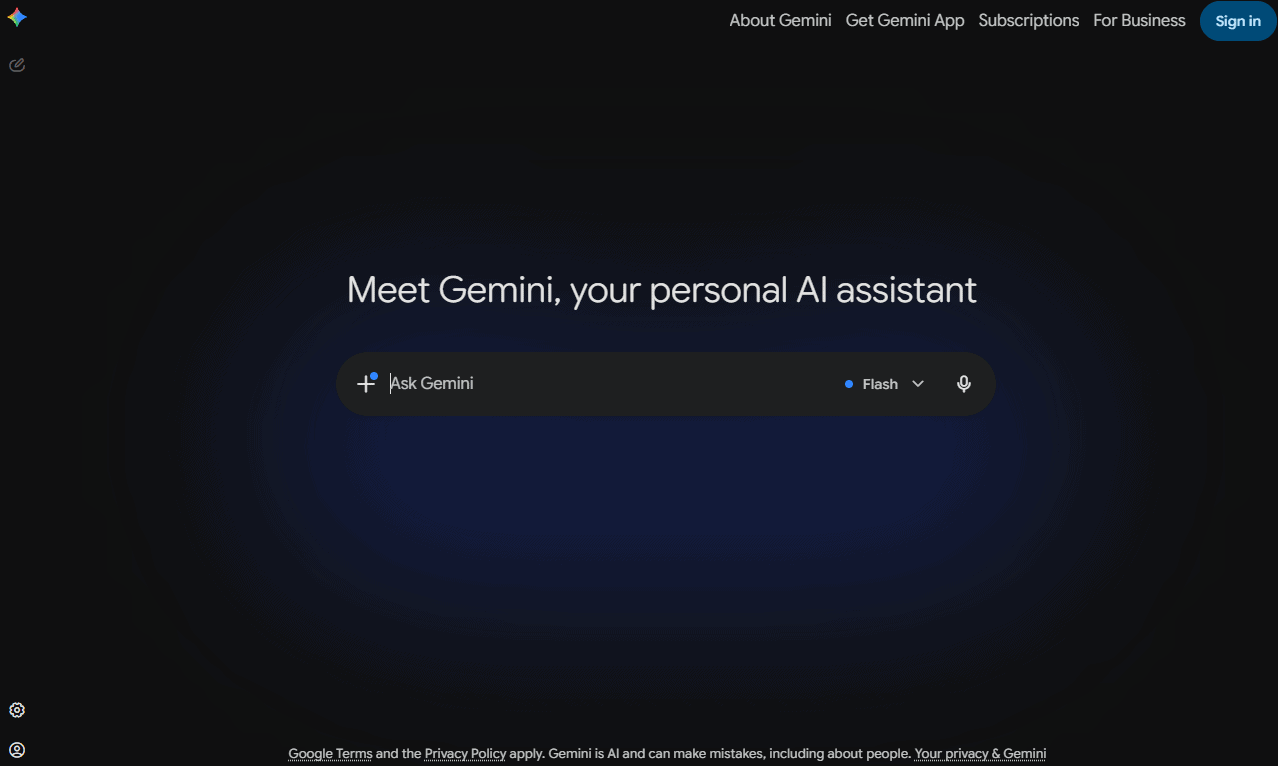
Gemini works best when it’s paired with the tools many people use in their day-to-day workflows. During testing, I found it useful for summarizing documents and handling routine productivity tasks. It doesn’t always match ChatGPT or Claude for depth, but its Google integrations make it genuinely convenient.
| Plan: | Monthly Pricing | Annual Pricing |
|---|---|---|
| Free | Free | Free |
| Google AI Plus | $6/month | $45/year |
| Google AI Pro | $25/month | $191/year |
| Google AI Ultra | $106/month | N/A |
6. Microsoft Copilot — Best Free Tool for Microsoft 365 Users
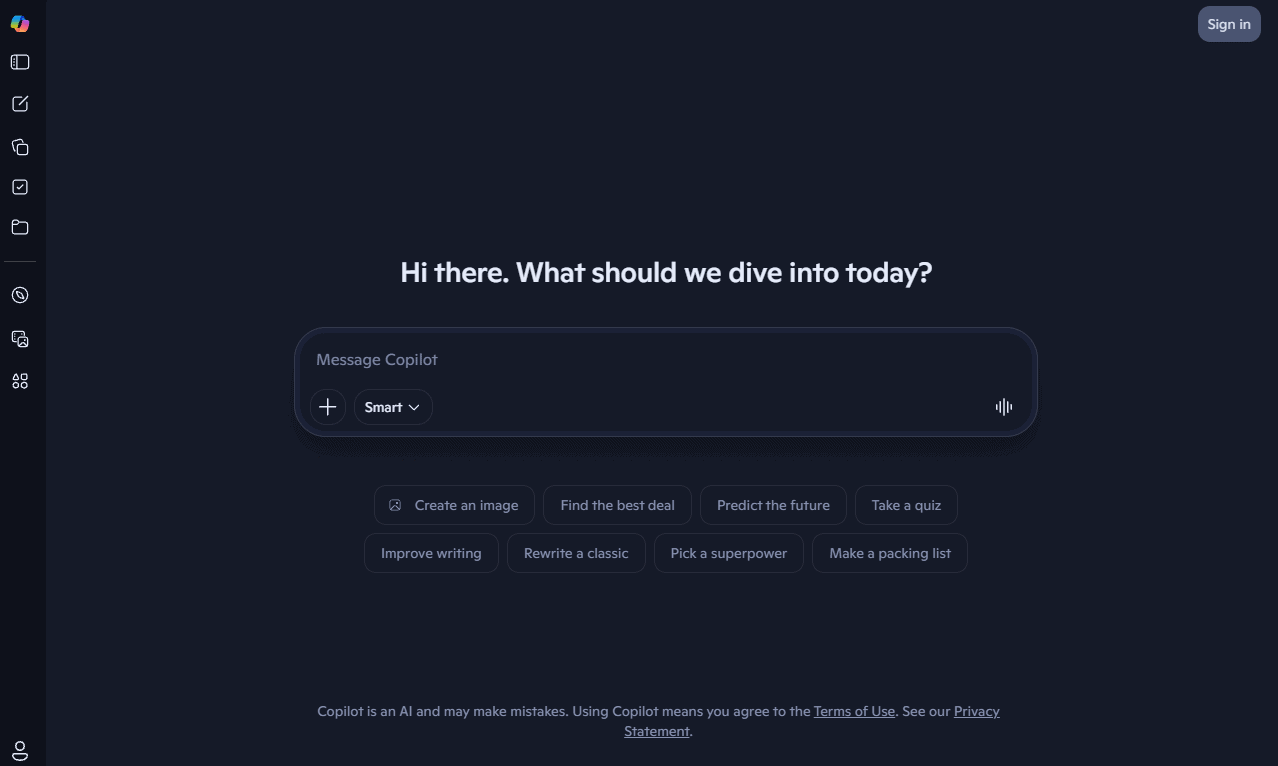
Copilot’s biggest strength is convenience. If you already spend your time working in Word, Excel or Outlook, AI assistance is only a click away. I wouldn’t choose it over dedicated AI chatbots for advanced tasks, but for everyday work it removes enough friction to earn a spot on this list.
| Plan: | Monthly Pricing | Annual Pricing |
|---|---|---|
| Free | Free | Free |
| Microsoft 365 Personal | $11/month | $112/year |
| Microsoft 365 Premium | $25/month | $251/year |
Best AI Chatbots and General-Purpose AI Models
AI chatbots can handle everything from writing and research to coding and data analysis. I chose tools that consistently deliver useful answers and maintain context well.
7. ChatGPT — Best Overall AI Chatbot
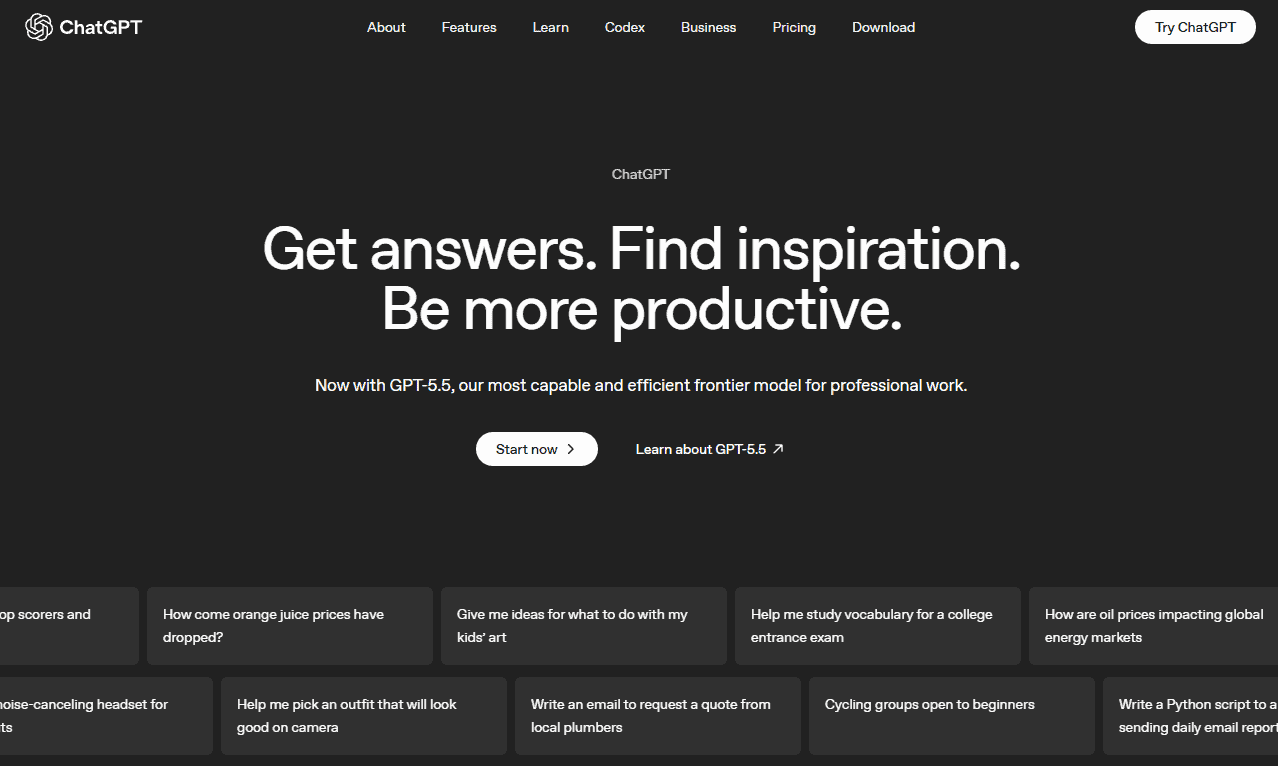
ChatGPT consistently performs well across a wide range of tasks, from writing and coding to document analysis and research. While specialized tools can outperform it in certain areas, no other chatbot matches its combination of features, integrations and overall flexibility.
| Plan: | Pricing |
|---|---|
| Free | $0/month |
| Go | $8/month |
| Plus | $20/month |
| Pro | $100/month |
| Business | $20/user/month |
| Enterprise | Custom pricing |
8. Claude — Best for Long Documents and Deep Analysis
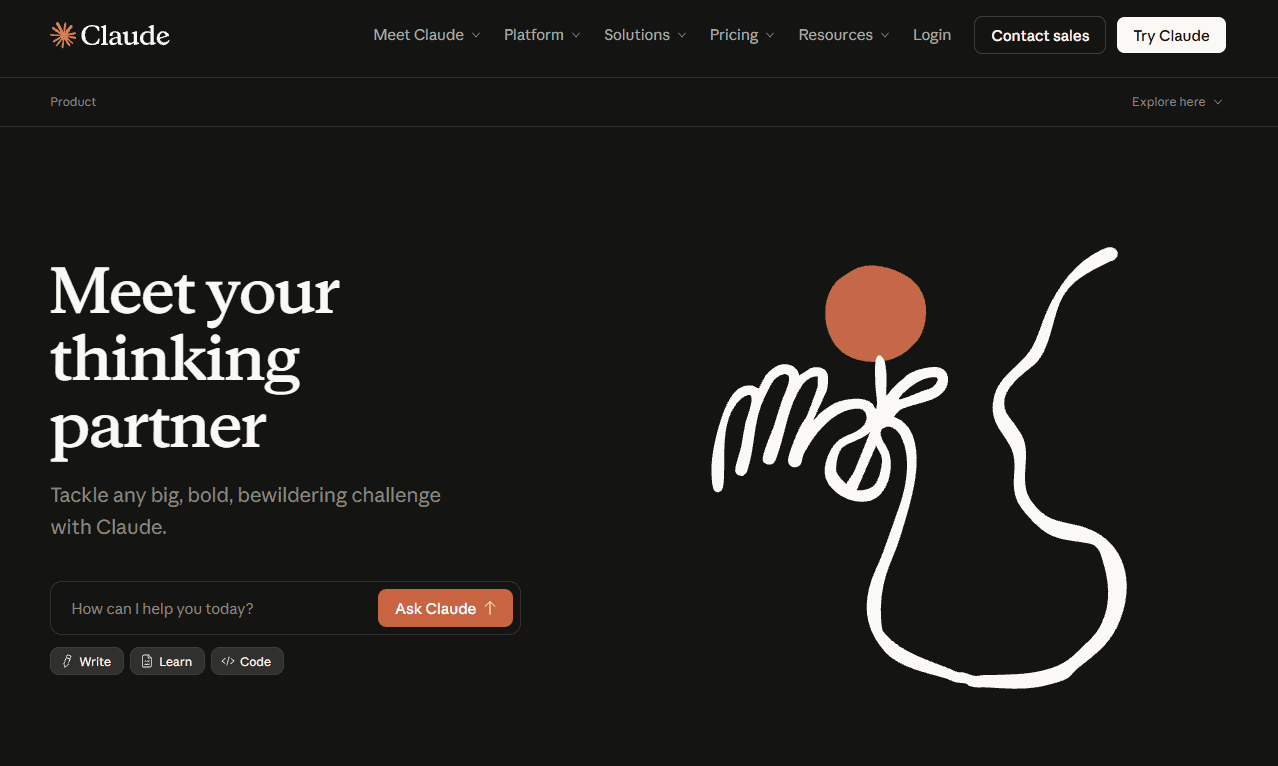
Claude’s ability to understand and reason through large amounts of information makes it a top-choice AI chatbot. During testing, Claude was consistently better than most competitors at handling long reports, PDFs and complex prompts. Its responses tend to feel more nuanced and less rushed than other AI chatbots.
| Plan: | Monthly Pricing | Annual Pricing |
|---|---|---|
| Free | Free | Free |
| Pro | $24/month | $20/month |
| Max | $119/month | N/A |
| Team (Standard Seat) | $25/user/month | $20/user/month |
| Team (Premium Seat) | $124/user/month | $99/user/month |
| Enterprise | Custom Pricing | Custom Pricing |
9. Perplexity — Best for AI-Powered Research
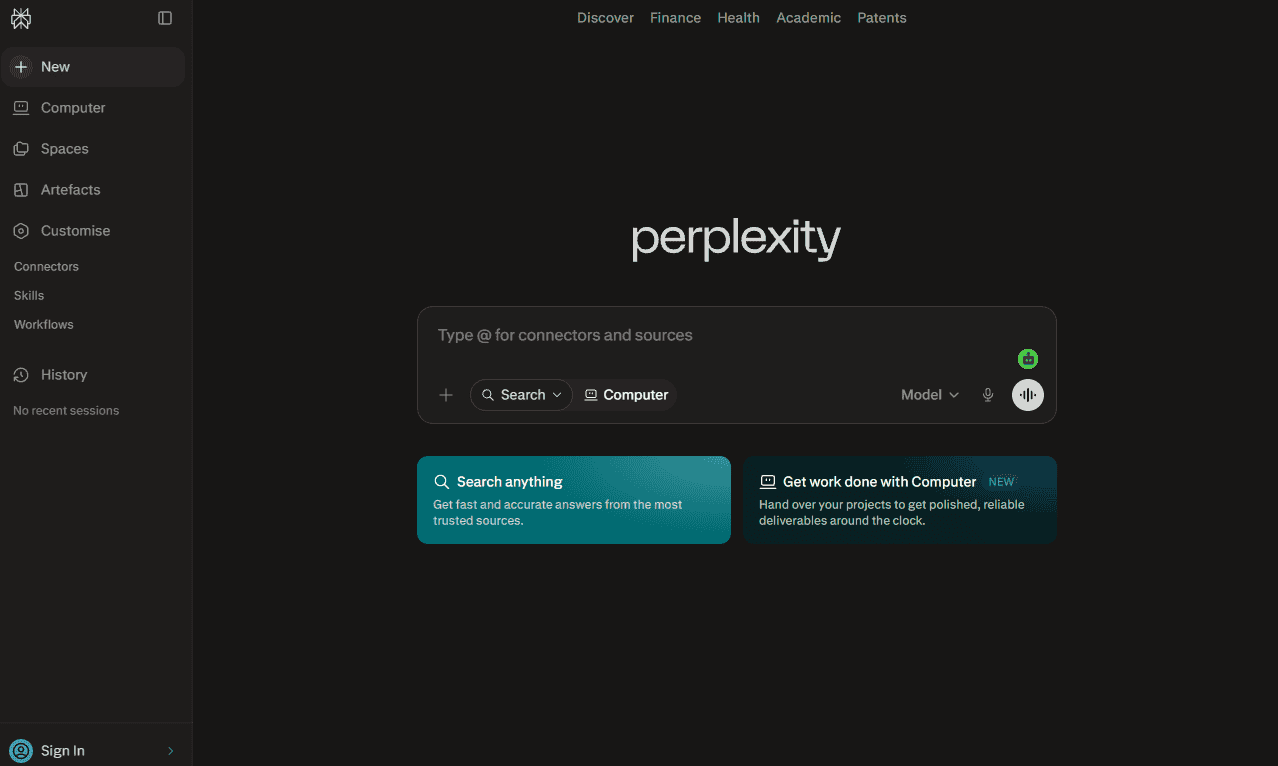
Perplexity feels more like a research assistant than a traditional chatbot. Instead of relying primarily on its training data, it searches the web and cites sources alongside its answers. I found it useful for investigating unfamiliar topics, verifying information and gathering sources more quickly than when I use a traditional search engine.
| Plan: | Monthly Pricing | Annual Pricing |
|---|---|---|
| Free | Free | Free |
| Pro | $20/month | $17/month |
| Max | $200/month | $167/month |
| Enterprise Pro | Custom Pricing | Custom Pricing |
Best AI Tools for Writing and Content Generation
AI writing tools can do more than just generate text, so I looked for tools that can speed up content creation, maintain a consistent brand voice and style and reduce editing time without sacrificing quality.
10. Jasper — Best for Brand Voice and Marketing Content
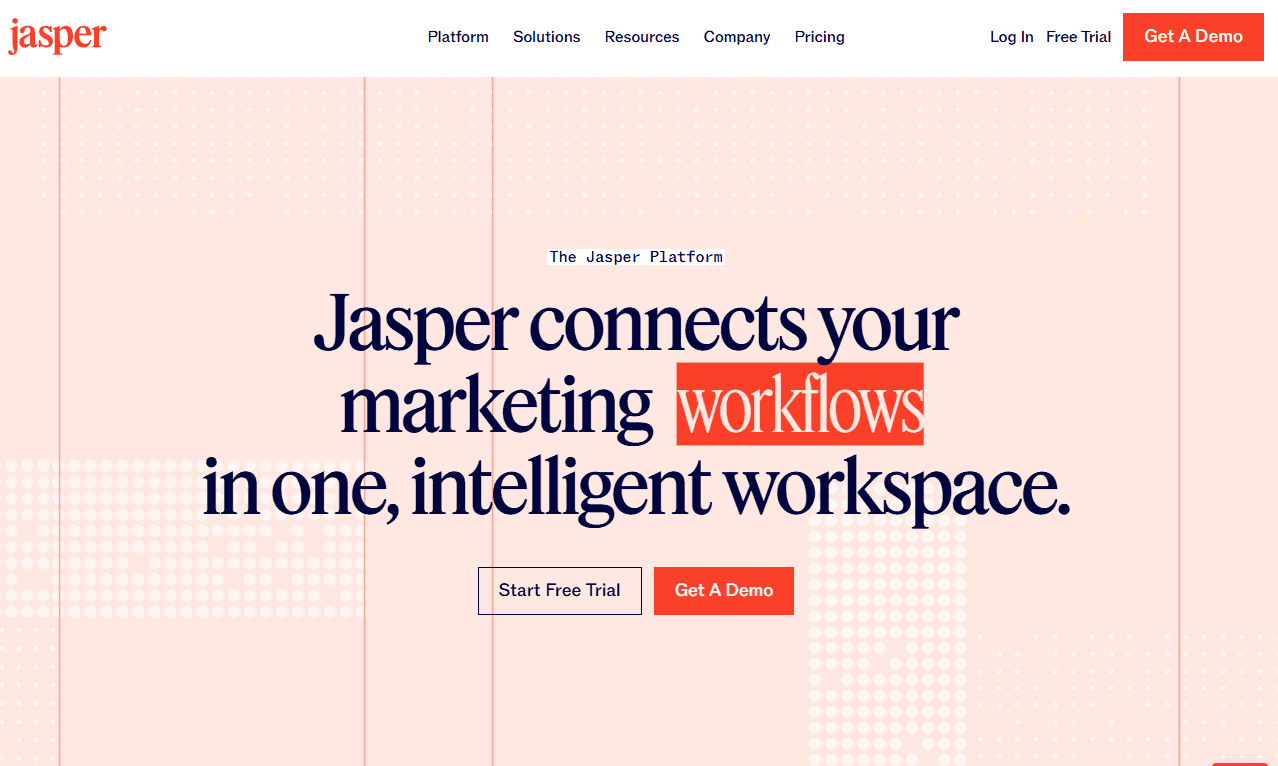
Jasper’s Brand Voice feature is genuinely impressive; it’s able to learn a company’s tone from existing content and apply it across different formats. I found the output was consistent in style and voice, but it still benefits from human editing before final publication.
| Plan: | Monthly Billing | Annual Billing |
|---|---|---|
| Pro | $69/user/month | $59/user/month |
| Business | Custom pricing | Custom pricing |
11. Notion AI — Best for Structured Writing and Team Documentation
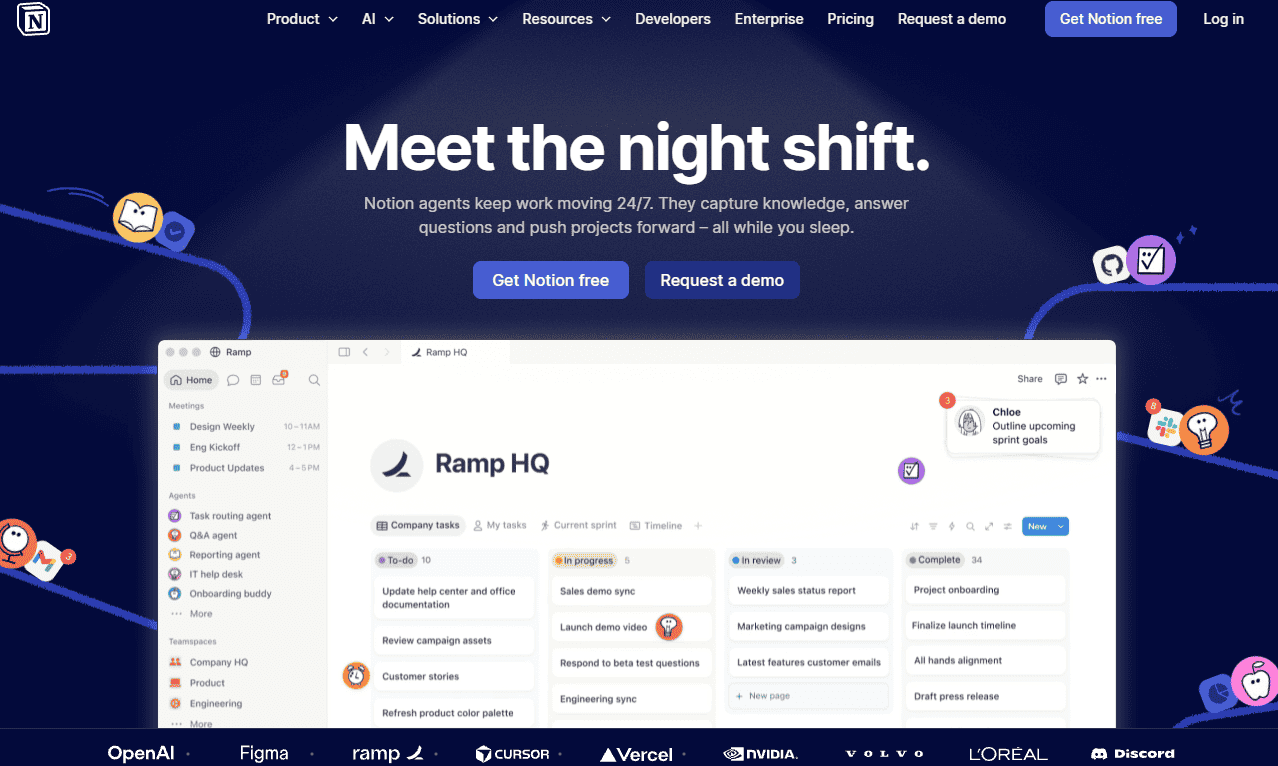
Notion AI works in the same space where many teams already keep their documents. In my tests, it worked well for summarizing notes, drafting documentation and turning information into structured content. If your workflow already lives in Notion, its AI tool feels like a productivity upgrade.
| Plan: | Monthly Pricing | Annual Pricing |
|---|---|---|
| Free | Free | Free |
| Plus | $13/month | $11/month |
| Business | $26/month | $22/month |
| Enterprise | Custom Pricing | Custom Pricing |
12. Copy.ai — Best for Fast Marketing Copy
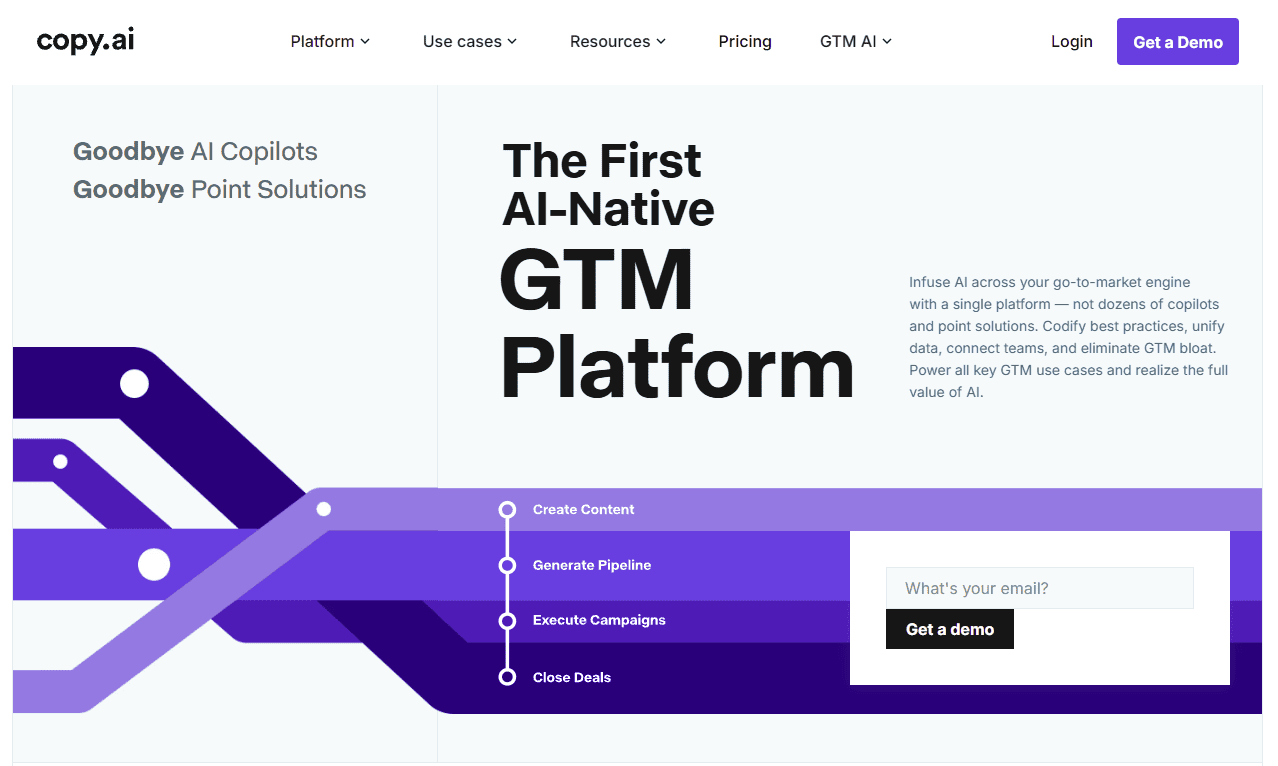
Copy.ai focuses on speed rather than depth. It’s great for generating marketing copy, sales messages and other short-form content incredibly quickly. While I wouldn’t use it to write a complete article, it can save a surprising amount of time for repetitive marketing tasks like writing emails and ads.
| Plan: | Monthly Pricing | Annual Pricing |
|---|---|---|
| Chat | $29/month | $24/month |
| Enterprise | Custom Pricing | Custom Pricing |
Best AI Coding Tools and Apps for Developers
The best AI coding tools understand entire projects, explain bugs and help turn ideas into working software. I focused on tools that genuinely improve development speed without creating more cleanup work.
13. Cursor — Best AI Coding Tool Overall
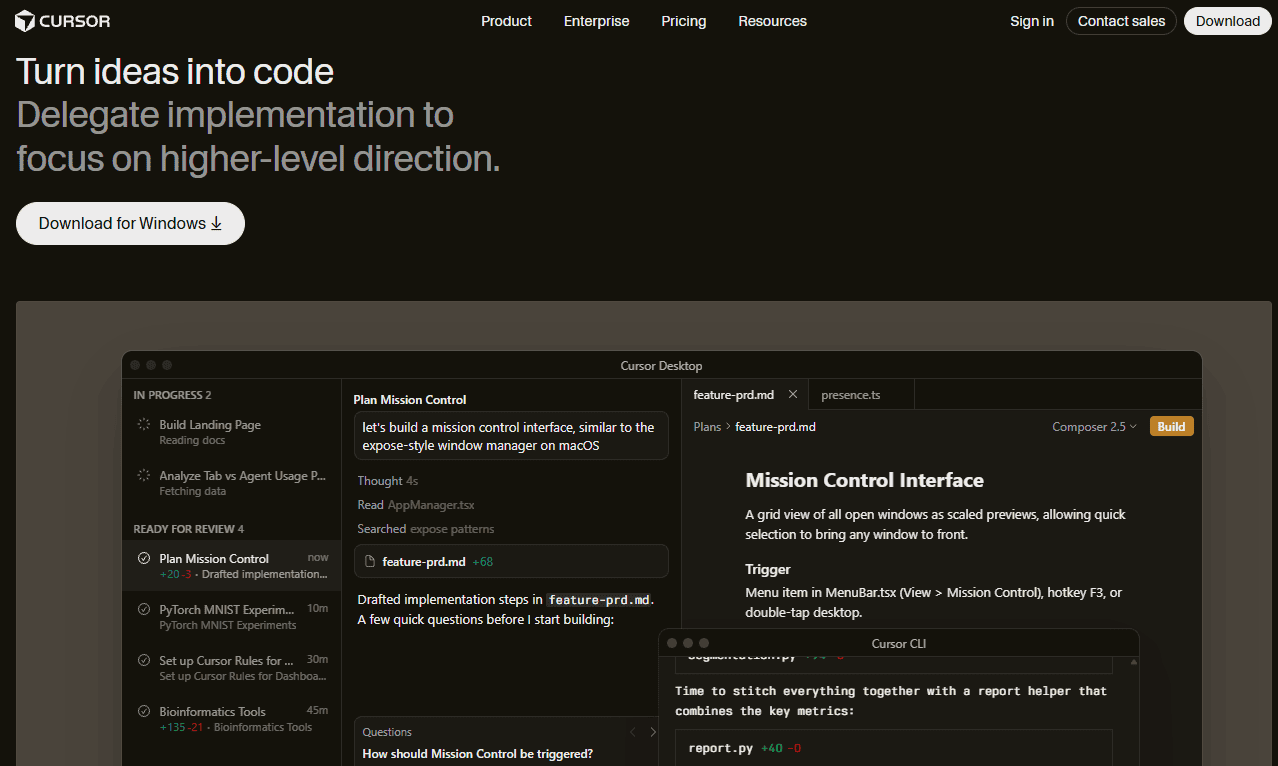
Cursor feels like the first AI coding tool built specifically for developers rather than adapted from a chatbot. During tests, its codebase awareness was particularly useful when working across multiple files. It also handles vibe coding surprisingly well, turning natural-language instructions into usable code with minimal prompting.
| Plan: | Monthly Pricing | Annual Pricing |
|---|---|---|
| Hobby | Free | Free |
| Individual | $20/month | $16/month |
| Teams | $40/user/month | $32/user/month |
| Enterprise | Custom Pricing | Custom Pricing |
14. GitHub Copilot — Best for IDE Integration
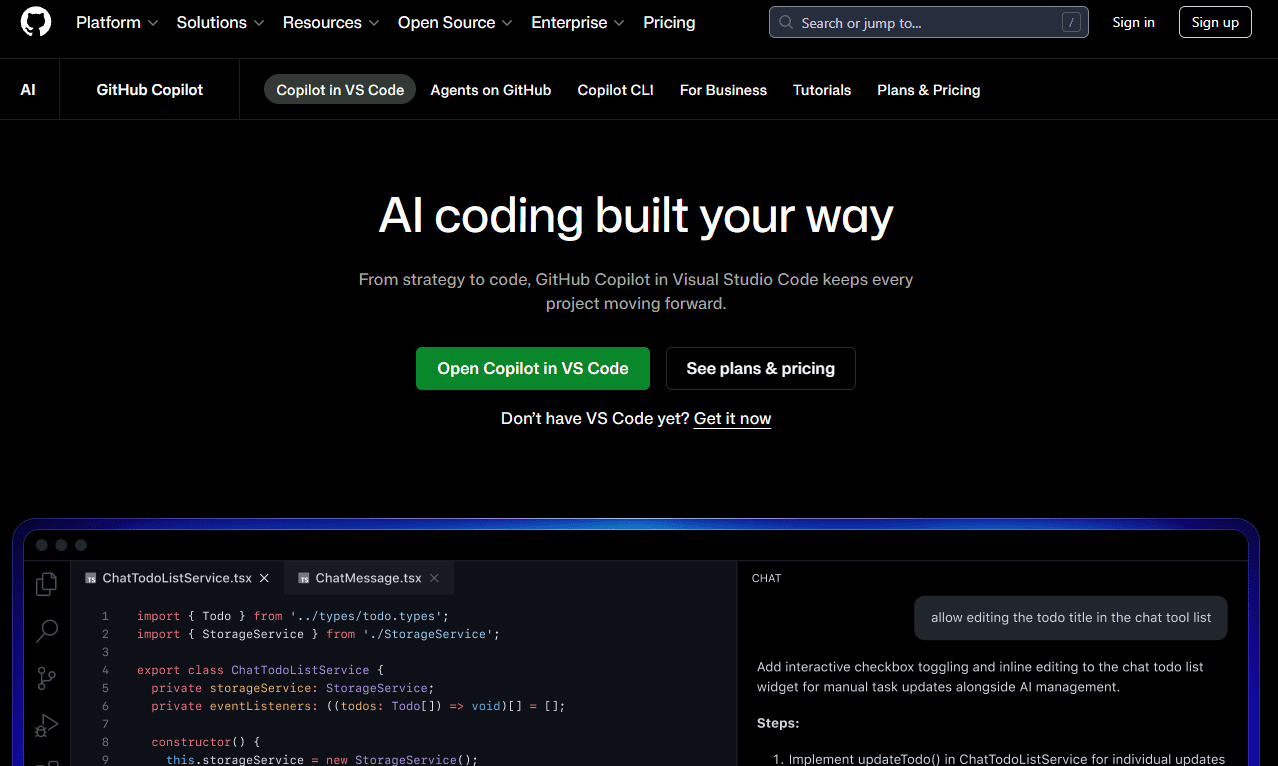
GitHub Copilot is one of the easiest ways to add AI to development workflows. It works directly inside the tools many developers already use every day. While newer IDEs offer deeper context awareness, Copilot still excels at speeding up repetitive coding tasks.
| Plan: | Monthly Pricing | Annual Pricing |
|---|---|---|
| Free | Free | Free |
| Pro | $10/user/month | $100/year |
| Pro+ | $39/user/month | N/A |
| Max | $100/user/month | N/A |
| Business | $19/user/month | N/A |
| Enterprise | $39/user/month | N/A |
15. Devin Desktop — Best for AI-Native Software Development
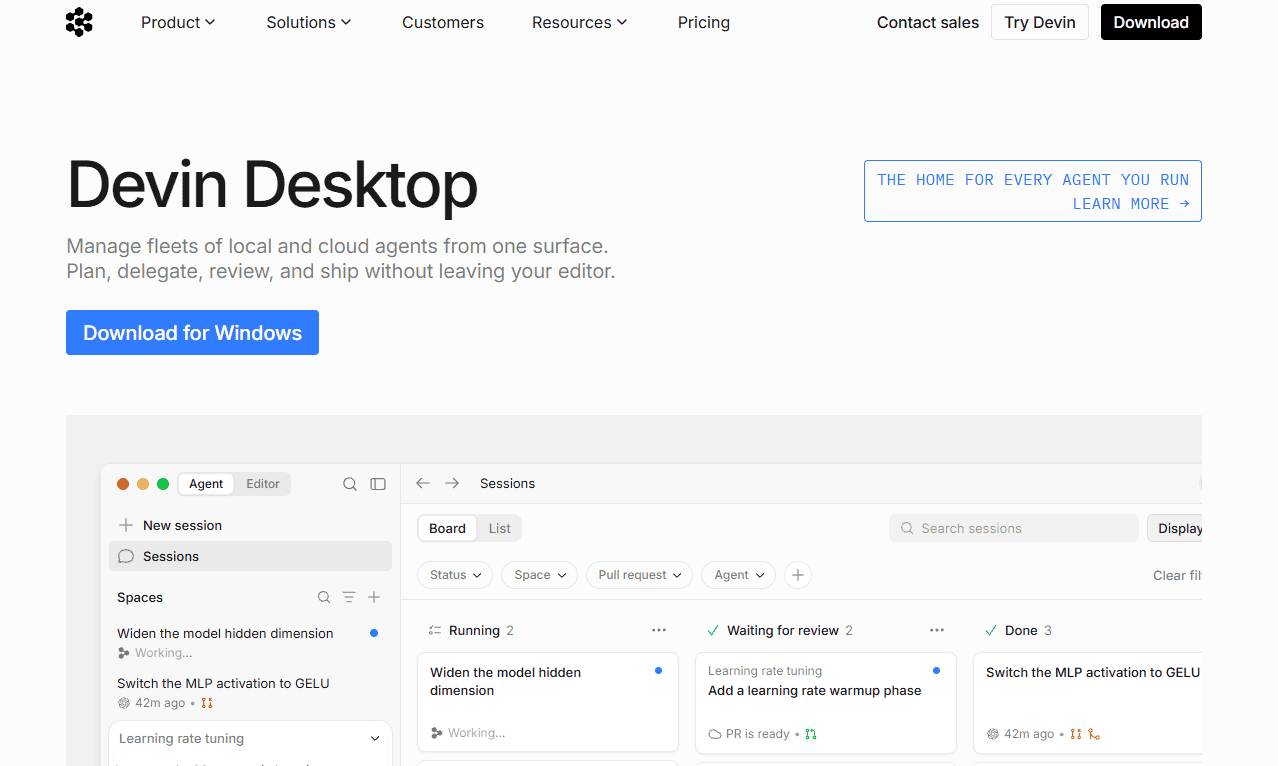
Devin Desktop pushes further into AI-assisted development than most competitors. Rather than just suggesting code, it can plan tasks, make changes across multiple files and help manage larger development workflows. I found it useful for prototyping projects where speed mattered more than perfect code quality.
| Plan: | Monthly Pricing | Annual Pricing |
|---|---|---|
| Free | Free | Free |
| Pro | $20/month | N/A |
| Max | $200/month | N/A |
| Teams* | $80/month | N/A |
| Enterprise | Custom Pricing | Custom Pricing |
Best AI Video Generation Apps and Tools
I focused on AI video generation tools that genuinely improve video creation, editing or presentation workflows rather than simply adding AI features for marketing purposes.
16. Synthesia — Best for AI Avatar Videos
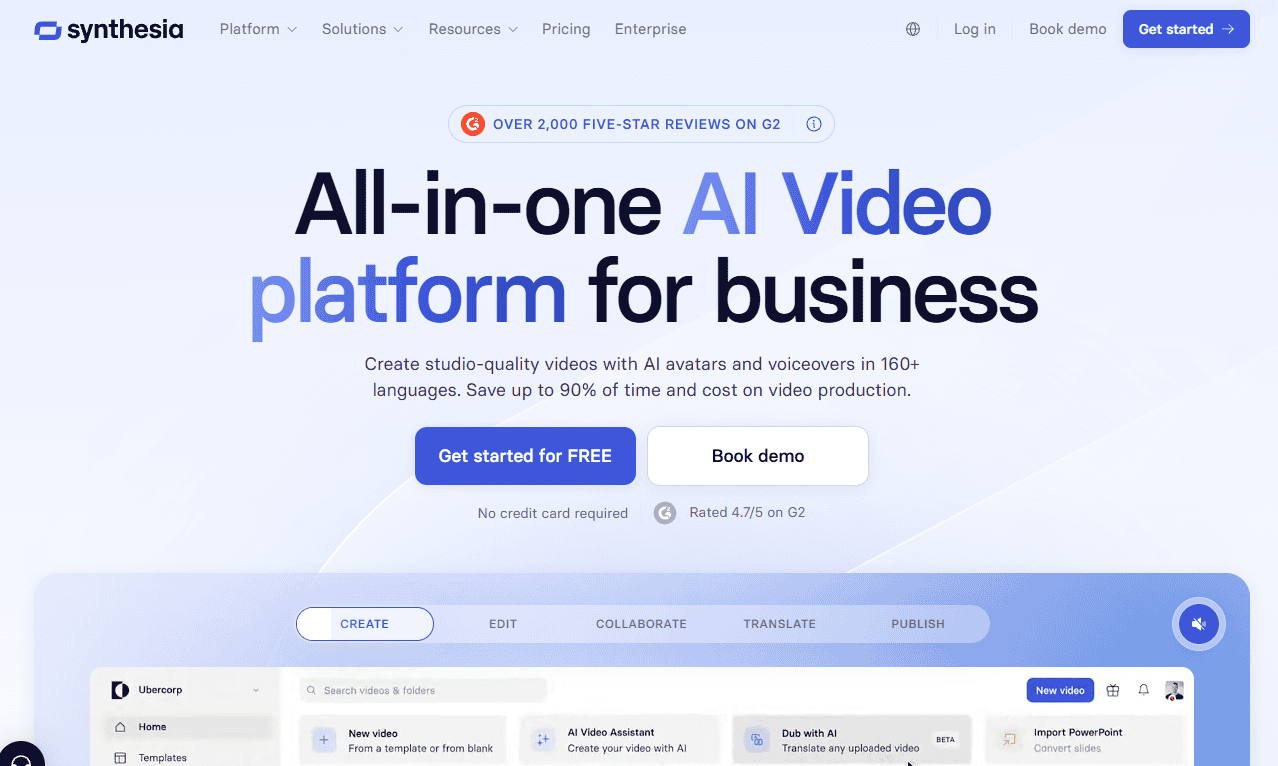
In testing, I found Synthesia’s script-to-video workflow is efficient, especially for training materials and business presentations. While the avatars have an unmistakable AI look, the overall quality is good enough for many professional use cases.
| Plan: | Monthly Pricing | Annual Pricing |
|---|---|---|
| Basic | Free | Free |
| Starter | $25/month | $15/month |
| Creator | $51/month | $31/month |
| Enterprise | Custom Pricing | Custom Pricing |
17. Descript — Best for AI-Powered Video Editing
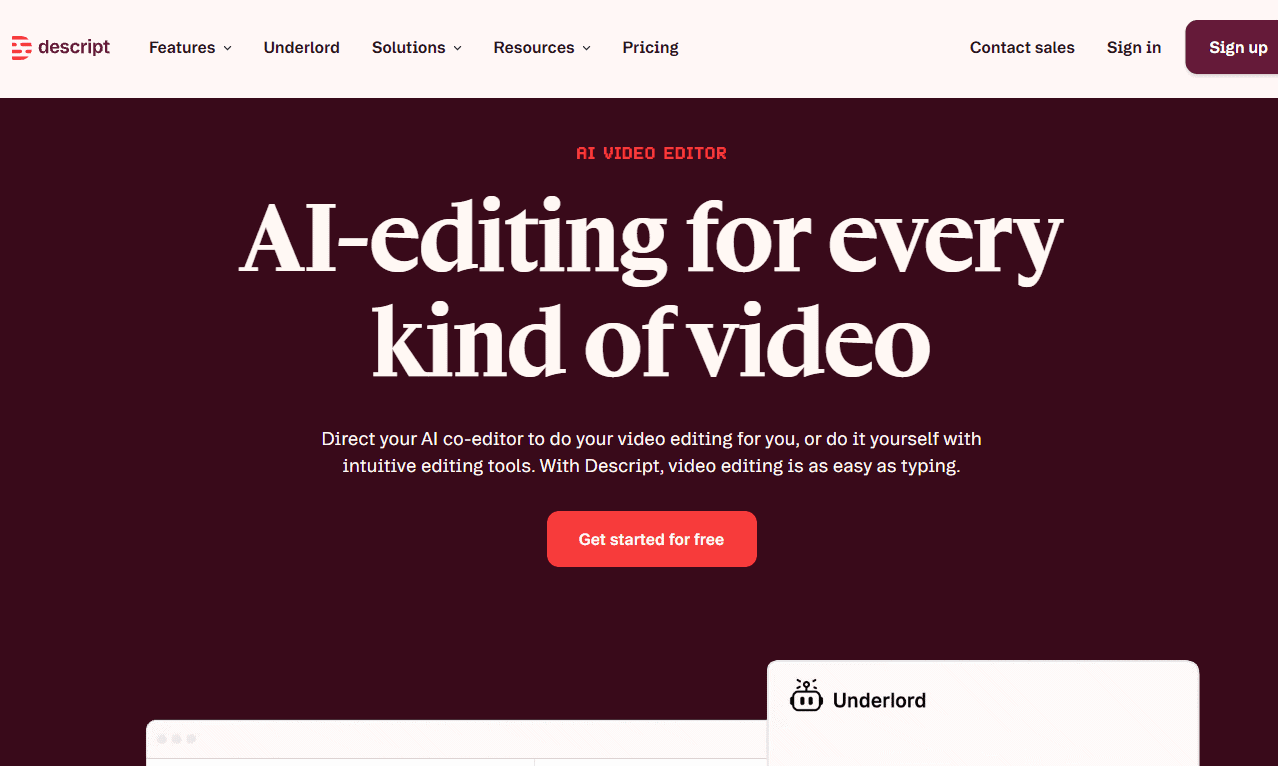
Instead of working directly on a timeline, Descript lets you edit the transcript and video updates automatically via text-based prompts. Tell Descript what edits to make, and it’ll do it for you. During tests, the filler word removal tools saved a lot of time, especially when working on interviews and presentations.
| Plan: | Monthly Pricing | Annual Pricing |
|---|---|---|
| Hobbyist | $24/month | $16/month |
| Creator | $35/month | $24/month |
| Business | $65/month | $50/month |
| Enterprise | Custom Pricing | Custom Pricing |
18. Runway — Best for Creative AI Video Generation
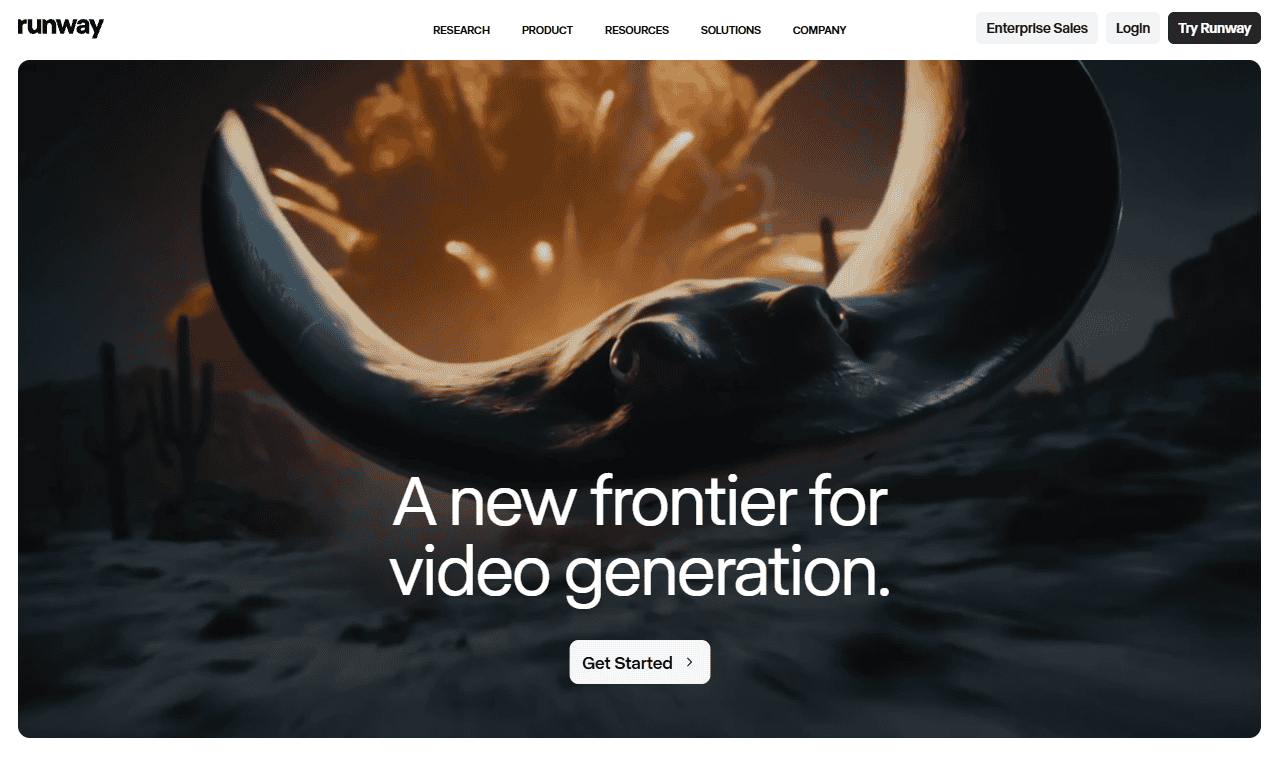
Runway is one of the most impressive AI video generators, turning simple prompts into short video clips and offering tools that normally need advanced editing skills. The results aren’t always perfect, but for creative experiments and quick content production, it’s incredibly flexible.
| Plan: | Monthly Pricing | Annual Pricing |
|---|---|---|
| Free | Free | Free |
| Standard | $15/month | $12/month |
| Pro | $35/month | $28/month |
| Max | $95/month | $76/month |
| Enterprise | Custom Pricing | Custom Pricing |
Best AI Voice Tools: Voice Generation, Cloning and Phone Agents
AI voice tools have dramatically improved recently, and the best platforms can now generate natural-sounding speech, clone voices and create professional audio content.
19. ElevenLabs — Best AI Voice Generator Overall
ElevenLabs consistently produces some of the most natural AI voices I’ve heard. Its voice cloning technology is particularly impressive, capturing tone, pacing and emotion better than most competitors. It delivers professional-quality results for narration, customer-facing audio or multilingual content.
| Plan: | Monthly Pricing | Annual Pricing |
|---|---|---|
| Free | Free | Free |
| Starter | $6/month | $5/month |
| Creator | $11/month | $18/month |
| Pro | $99/month | $83/month |
| Scale | $299/month | $249/month |
| Business | $990/month | $825/month |
| Enterprise | Custom Pricing | Custom Pricing |
20. Synthflow — Best for AI Voice Agents
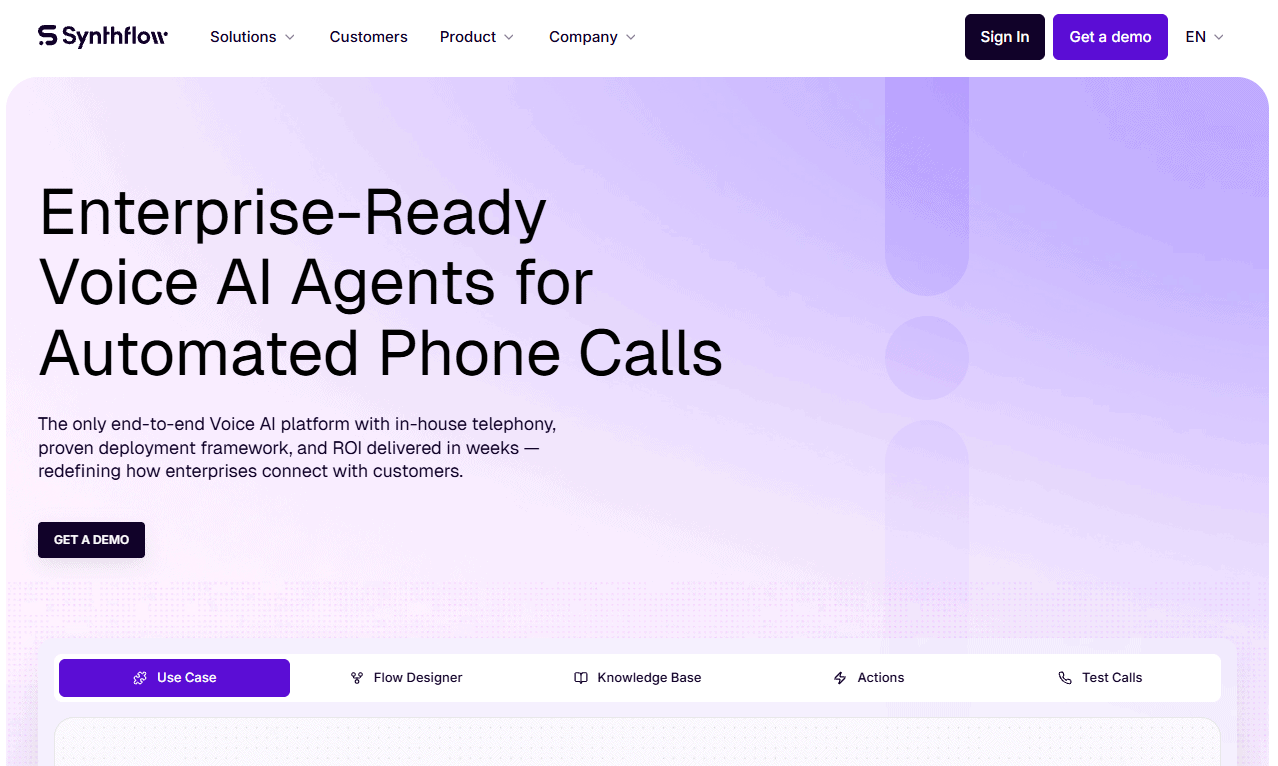
Synthflow helps businesses create and deploy AI voice agents that manage real-time phone conversations. Its no-code approach is appealing for organizations that want to automate customer interactions without building complex infrastructure from scratch. It’s a strong choice for conversational AI deployments.
| Plan: | Annual Pricing |
|---|---|
| Enterprise | Starting at $30,000/year |
21. Vapi — Best for AI Voice Development
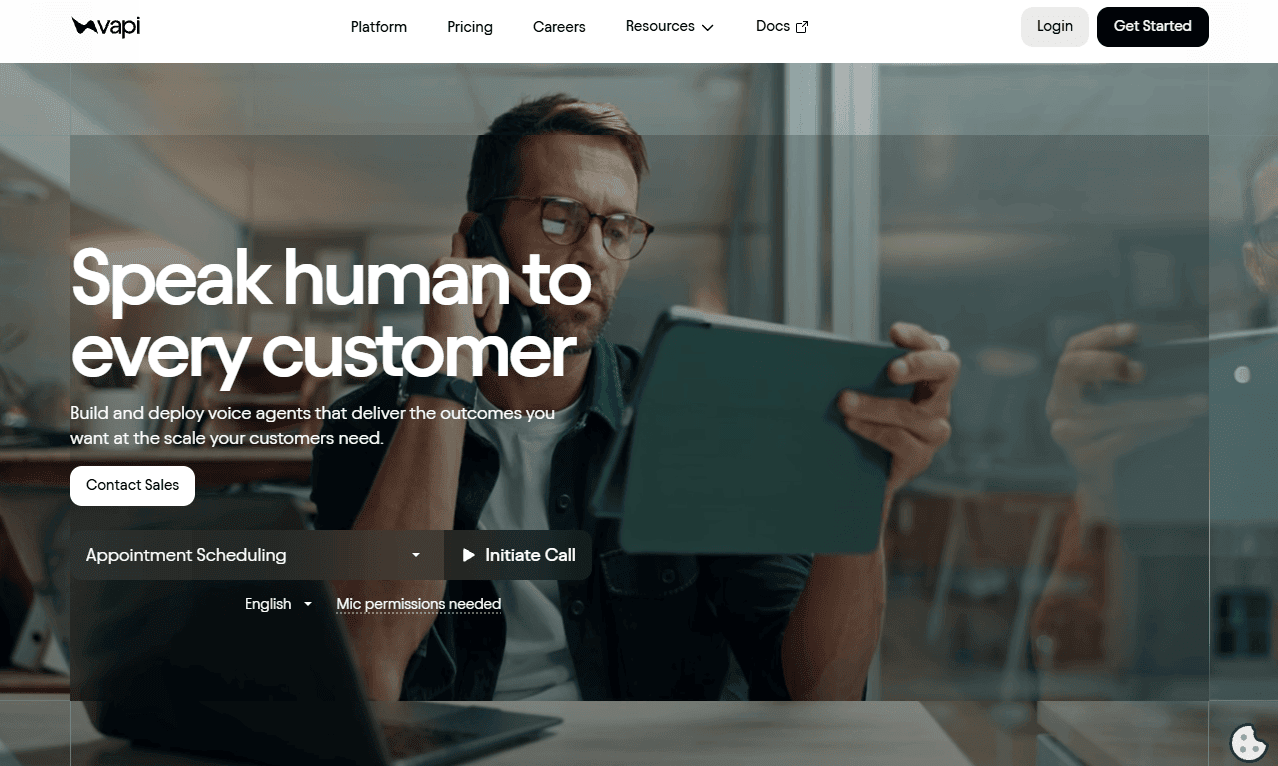
Vapi is for teams that want to build sophisticated voice AI systems without managing the underlying infrastructure. Its flexible APIs and integrations make it easy to connect language models, speech services and telephony tools into a single workflow. It’s a good choice for rapidly developing and scaling voice-enabled apps.
| Plan: | Pricing |
|---|---|
| Build | Usage-Based Pricing |
| Scale | Annual Contract Required |
Best Generative AI Tools for Images
The best AI image generators can create marketing assets, concept art and everything in between. I chose tools that produce high-quality images while remaining accessible to beginners and professionals.
22. Midjourney — Best AI Image Generator Overall
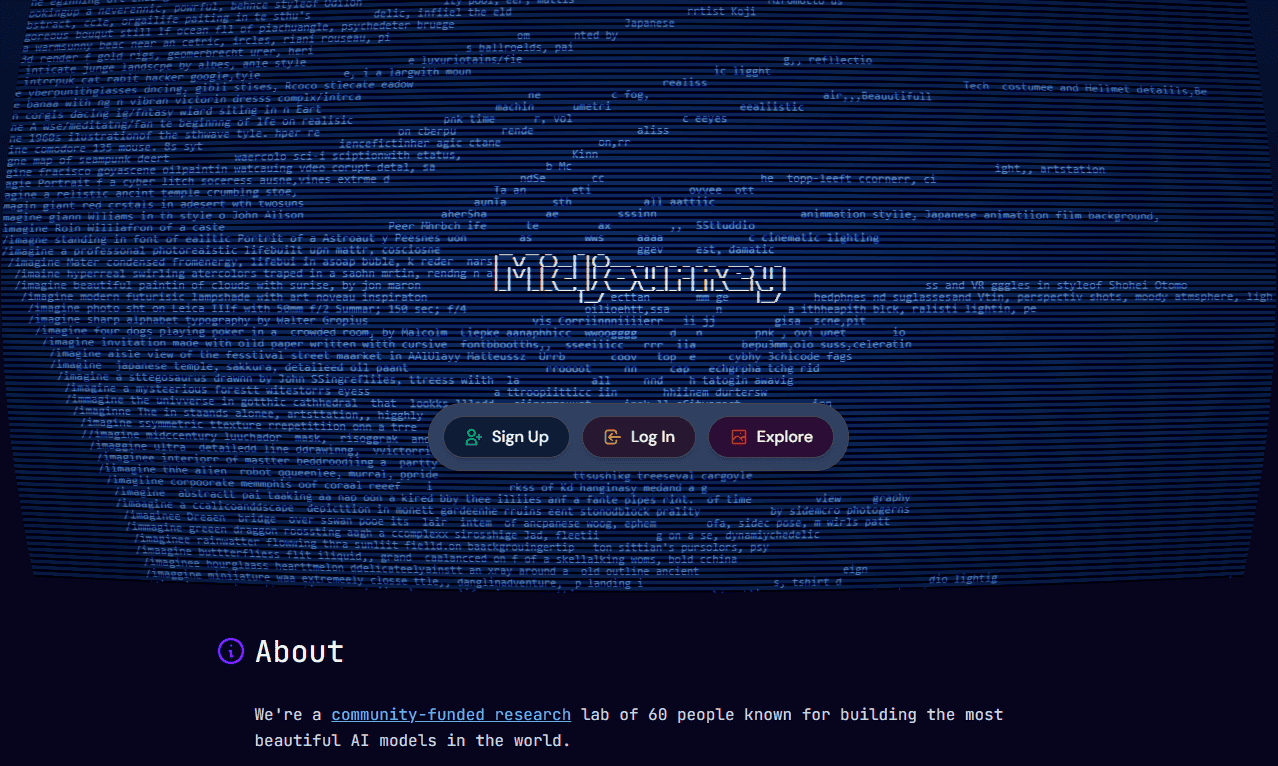
Midjourney is the benchmark for AI-generated images. In my experience, it produces visually striking and polished results, especially for artistic and creative work. While the platform needs some prompt experimentation to get things exactly right, the image quality is often worth the extra effort.
| Plan: | Monthly Billing | Annual Billing (Per Month) |
|---|---|---|
| Basic | $10 | $8 |
| Standard | $30 | $24 |
| Pro | $60 | $48 |
23. Adobe Firefly — Best for Commercial Design Work
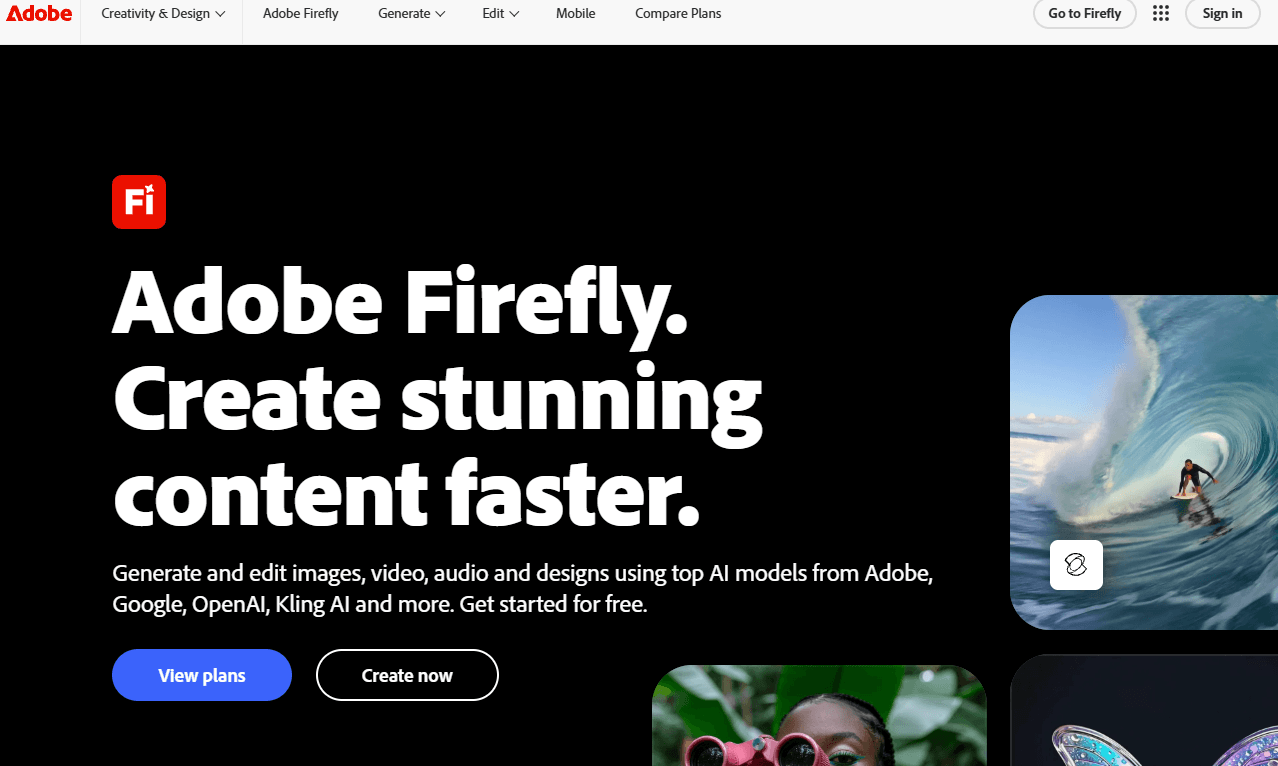
Adobe Firefly fits well into professional creative workflows. Rather than replacing design software, it enhances tools like Photoshop and Illustrator with generative AI features. I found it useful for creating commercial content that can move directly into existing design products.
| Plan: | Price |
|---|---|
| Firefly Standard | $9.98/month |
| Firefly Pro | $19.99/month |
| Firefly Pro Plus | $47.99/month |
| Firefly Premium | $200.40/month |
| Firefly Pro for Teams | $16.66/month per license |
| Firefly Pro Plus for Teams | $39.99/month per license |
| Firefly Premium for Teams | $167.00/month per license |
24. Flyne AI — Best for AI-Powered Product Photography
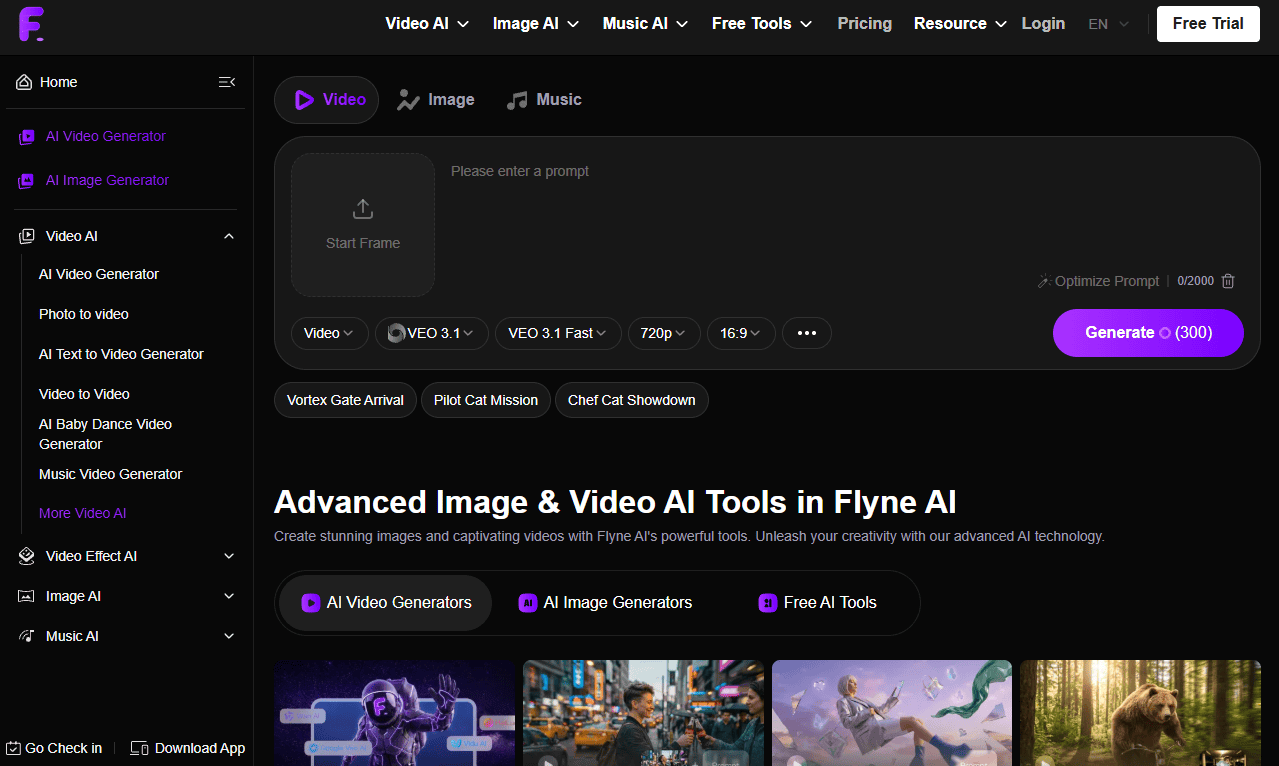
Flyne AI helps businesses create studio-style product images, lifestyle shots and marketing visuals without the cost of traditional photography. It would be especially useful for e-commerce brands that need professional-looking product content at scale while maintaining a consistent visual style.
| Plan: | Monthly Price | Annual Price |
|---|---|---|
| Free | Free | Free |
| Standard | $9.79/month | $7.99/month |
| Popular | $19.99/month | $15.99/month |
| Professional | $29.99/month | $23.99/month |
| Professional Plus | $39.99/month | $31.99/month |
| Professional Max | $49.99/month | $39.99/month |
Best AI Apps for Productivity: Writing, Research and Daily Work
The best AI apps for productivity organize information, automate repetitive work and reduce the time spent managing tasks, notes and communication.
25. Gamma — Best AI Productivity App Overall
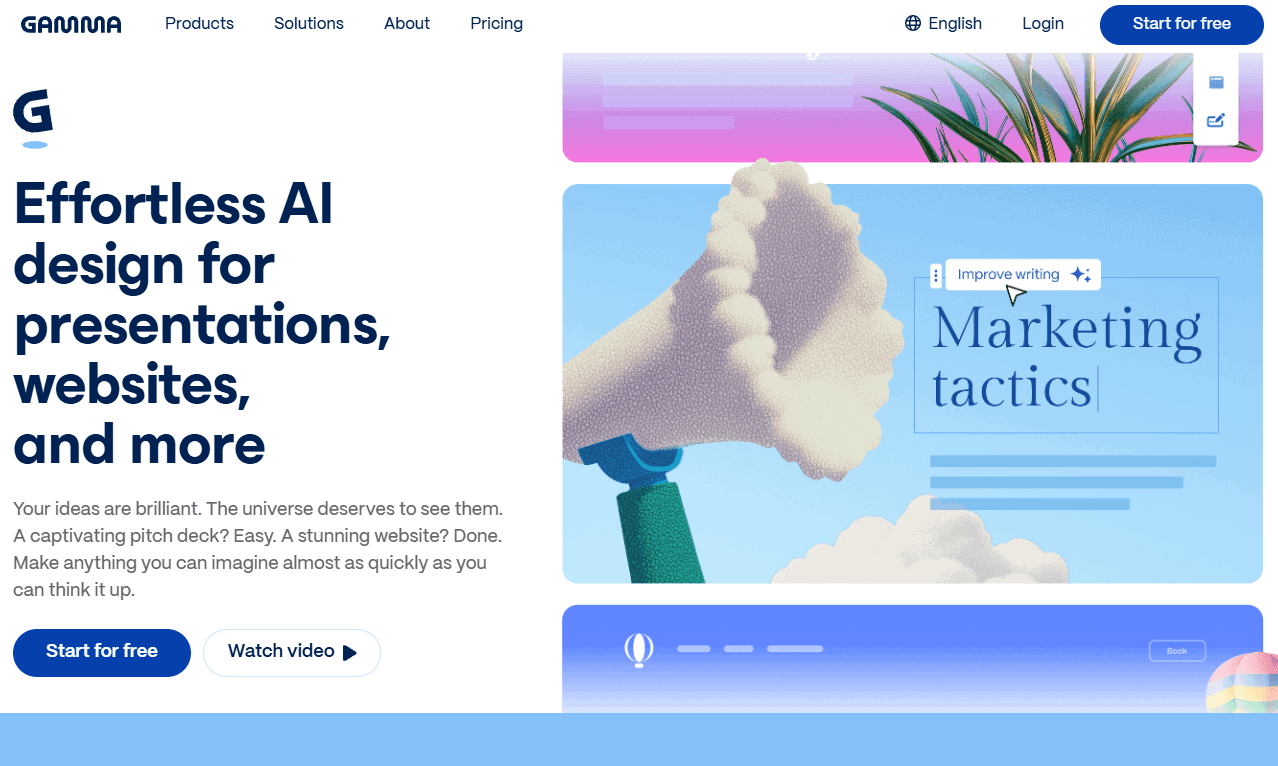
Gamma turns ideas into polished presentations faster than almost any tool I’ve tested. Instead of spending hours arranging slides and layouts, you can generate a complete deck from a prompt and refine it afterwards. It’s useful for creating professional presentations on tight deadlines with good visual quality.
| Plan: | Monthly Price (USD) | Yearly Price (USD) |
|---|---|---|
| Free | Free | Free |
| Plus | $13/month | $109/year |
| Pro | $27/month | $234/year |
| Ultra | $100/month | $1,042/year |
| Team | N/A | $234/user/year |
| Business | N/A | $468/user/year |
26. Clearscope — Best for Content Optimization
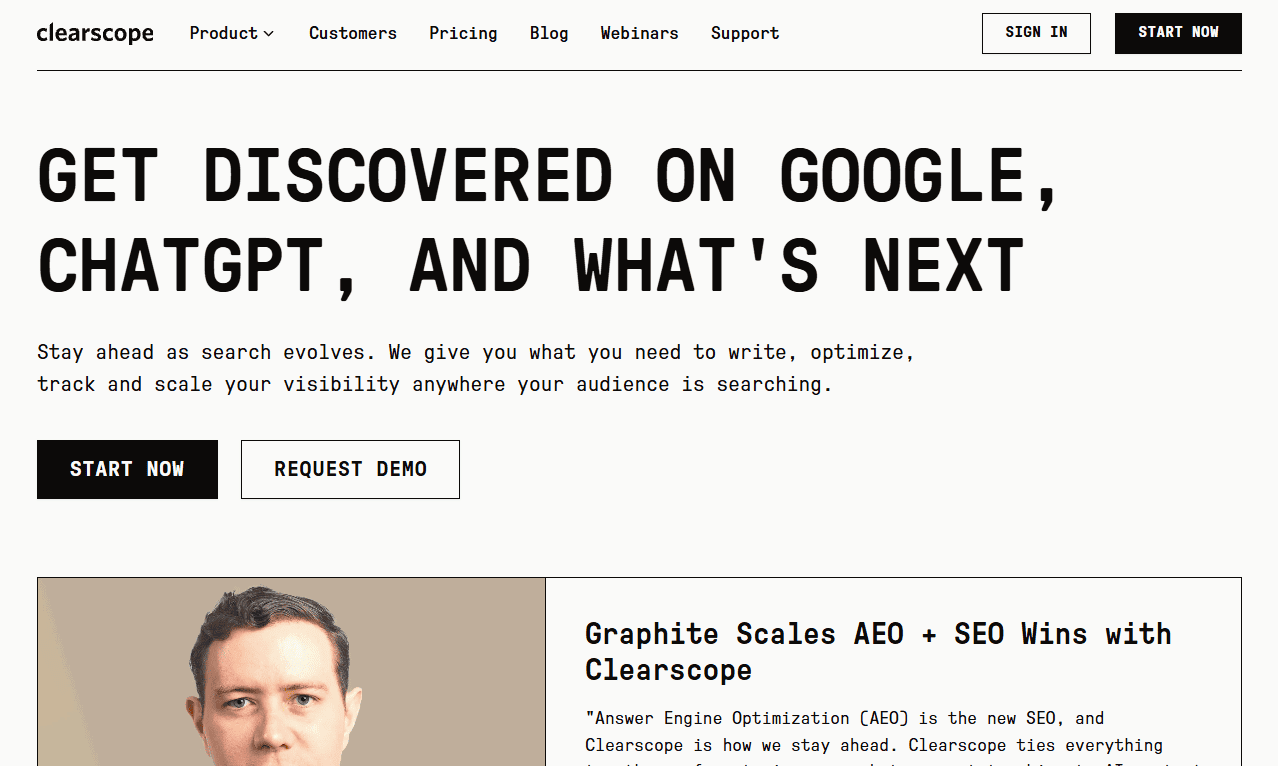
Clearscope is an effective AI-assisted content optimization platform. Rather than generating articles outright, it helps improve content quality by identifying topic gaps and optimization opportunities. In my experience, it works best as an editorial tool that helps writers create more comprehensive and competitive content.
| Plan: | Monthly Price (USD) |
|---|---|
| Essentials | $129/month |
| Business | $399/month |
| Enterprise | Custom |
27. NotebookLM — Best for Research and Knowledge Management
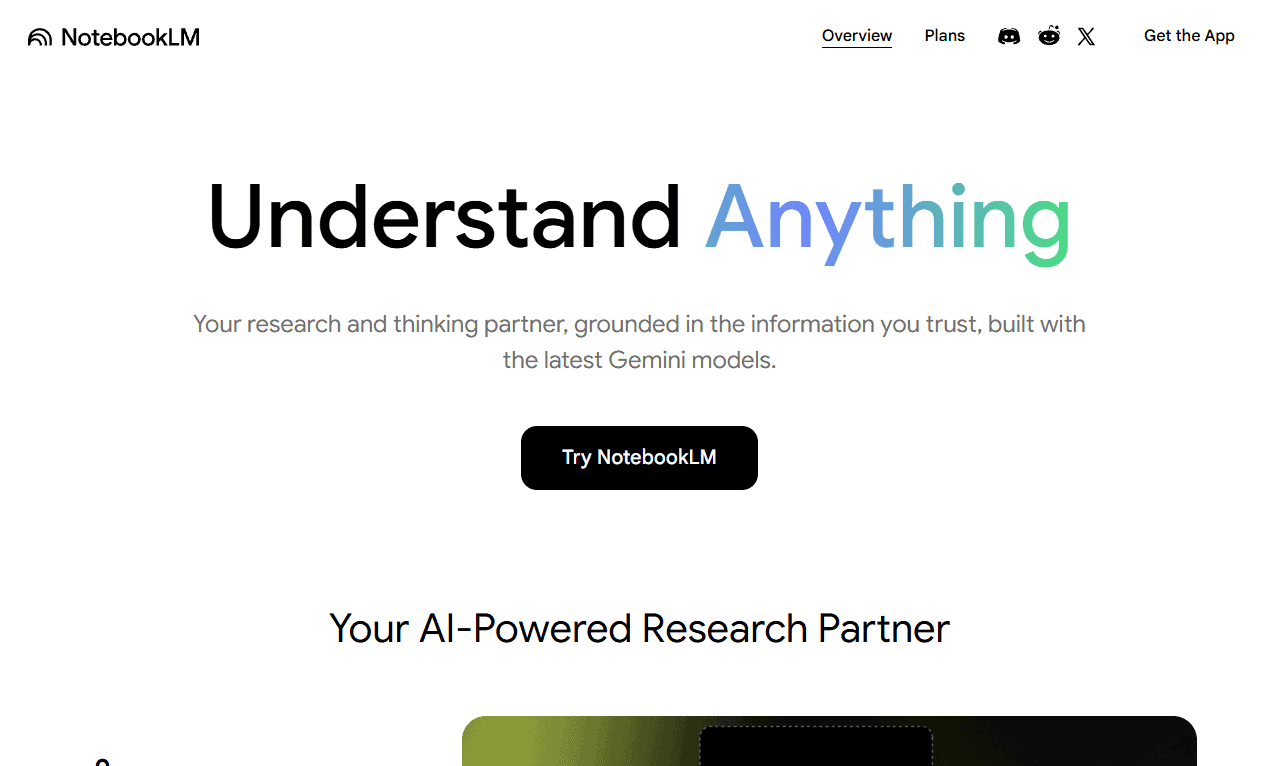
NotebookLM grounds its responses in the documents you provide, rather than solely on general AI knowledge. It’s useful for analyzing reports, summarizing research and finding information across big collections of notes, dramatically reducing the amount of time spent searching through documents.
| Plan: | Monthly Price (USD) | Yearly Price (USD) |
|---|---|---|
| Google AI Plus | $7.99/month | $95.88/year |
| Google AI Pro | $19.99/month | $239.88/year |
| Google AI Ultra | $99.99/month | N/A |
How to Choose the Right AI App for Your Needs
Choosing the right AI app starts with defining the task you need it to perform. A writing assistant, coding tool and automation platform may all use AI, but they solve different problems. The best choice depends on whether you’re generating content, analyzing information or automating business processes.
I recommend looking at how well a tool fits into your existing tech stack before considering pricing. Free plans are useful for testing usability, but usage limits can become a problem as adoption grows.
For teams, the learning curve and technical requirements are equally important, especially if non-technical users are involved. If long-term flexibility is a priority, evaluate API access, data portability and effort required to switch tools in the future.
Final Thoughts
The best AI app really depends on what you need it to do, but a handful of tools stand out; ChatGPT is the strongest all-round option, while specialized tools like nexos.ai, Claude, Cursor, Midjourney, Synthesia and ElevenLabs deliver better results for specific workflows. The key is choosing a tool that solves a problem rather than just adding another subscription.
Which AI tools do you use most often? Have they actually improved your workflow? Are there any tools you think should be on this list? Let me know in the comments below, and thank you for reading.
FAQ: Best AI Agents
Google AI Studio, Gemini and Microsoft Copilot offer some of the most useful free AI experiences available.
nexos.ai, ChatGPT, Claude and Perplexity have excellent iPhone apps for writing, research, productivity and everyday assistance.
Synthesia, Runway and Descript are among the best AI video tools for content creation and editing.
Notion AI and Lindy can help manage tasks, automate reminders and streamline daily workflows.
Character.AI remains the most popular option for roleplaying, fictional conversations and AI-generated personalities.