SharePoint vs OneDrive: What Is the Difference?
SharePoint and OneDrive are both part of the Microsoft 365 ecosystem, but they serve different purposes. This article explains how each service works, what they are designed for and when it makes more sense to use one over the other.



Written by Kevin Kiruri (Writer)
Reviewed by Kate Hawkins (Editor, Writer)
Facts checked by Simona Ivanovski (Fact-Checker, Formatter)
Last Updated:
All our content is written fully by humans; we do not publish AI writing. Learn more here.
Choosing between SharePoint and OneDrive is a common challenge for individuals and organizations using Microsoft 365. At first glance, both tools appear to fulfill the same function: They help users store files, share documents and collaborate online. This overlap often leads to confusion, especially when comparing the best cloud collaboration tools.
However, each platform is built for a different purpose and type of user. OneDrive is best suited for personal file storage and quick sharing across devices. SharePoint, on the other hand, is built for teams that need shared ownership and long-term collaboration. Learn more about these services in our OneDrive review and SharePoint review.
-
02/08/2026 Facts checked
This article was rewritten to clearly explain the differences between SharePoint and OneDrive, and how they’re used today.
Which Is Better: SharePoint vs OneDrive?
Whether SharePoint or OneDrive is better depends on your use case. OneDrive is a great fit for personal use or occasions where users just need to store and share files quickly across devices. SharePoint is well suited for organizations that need shared ownership of documents and team collaboration.
Who Is SharePoint For?
- Corporate teams and departments: SharePoint is ideal for teams that need shared spaces to track tasks, store files, share documents and manage team files.
- Organizations managing large volumes of content: Businesses that deal with high-volume content storage, policies and formal documentation benefit from SharePoint Server and SharePoint Online for strong document management, version control and approval workflows.
- Companies using Microsoft collaboration tools: Organizations that already use Microsoft Teams, Outlook and Office will find SharePoint to be a natural addition to their workflow. For example, Teams files are stored on SharePoint Online, ensuring they’re instantly available to the whole group.
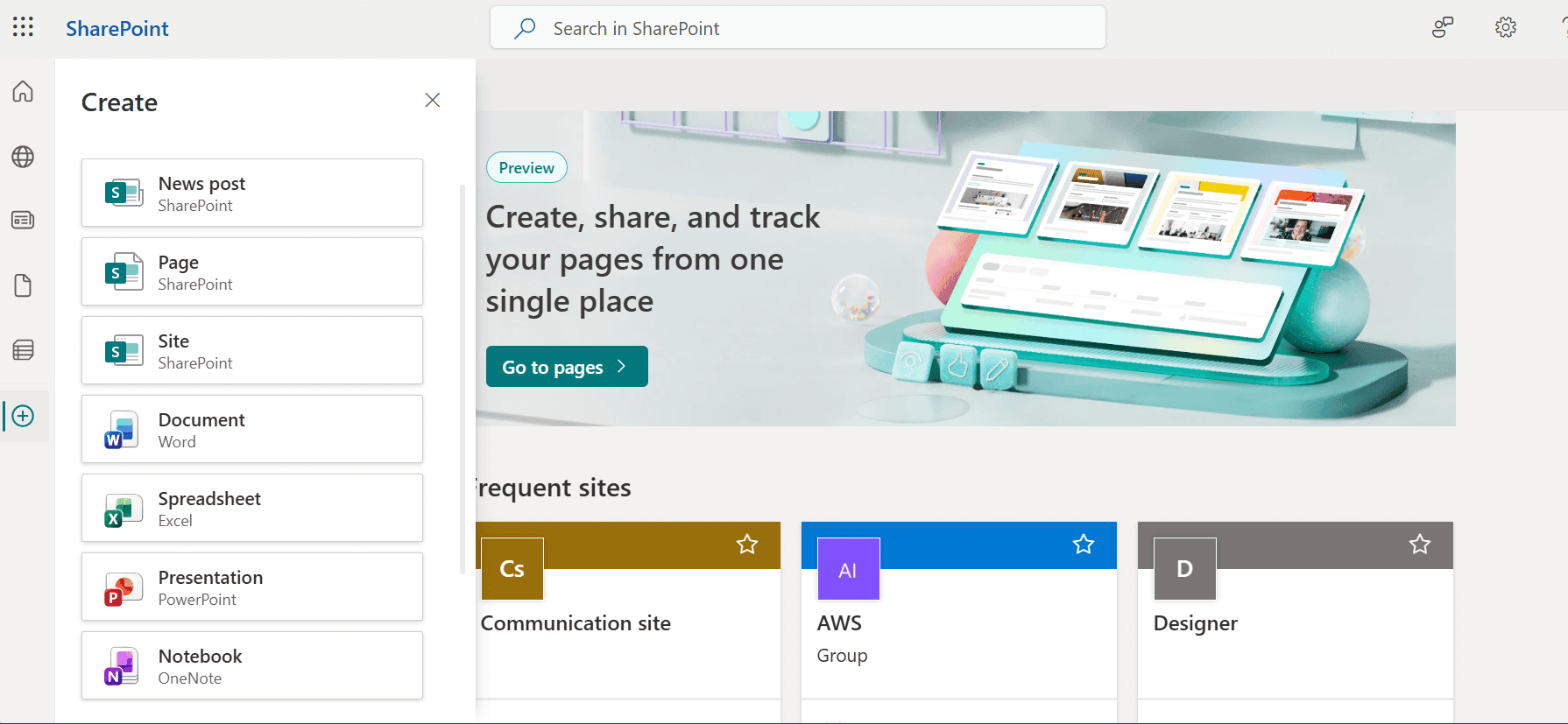
collaboration and document management.
Who Is OneDrive For?
- Individual professionals: OneDrive is perfect for anyone who needs personal storage for files and documents. Files are private by default and can be shared when needed.
- Remote and hybrid workers: For remote work, OneDrive ensures files remain accessible across devices. The OneDrive app on Mac, Windows and mobile keeps files synced to File Explorer, making them available offline.
- Small teams in need of simple file sharing: OneDrive for Business works well for users who need to share files but don’t want to deal with advanced permissions.
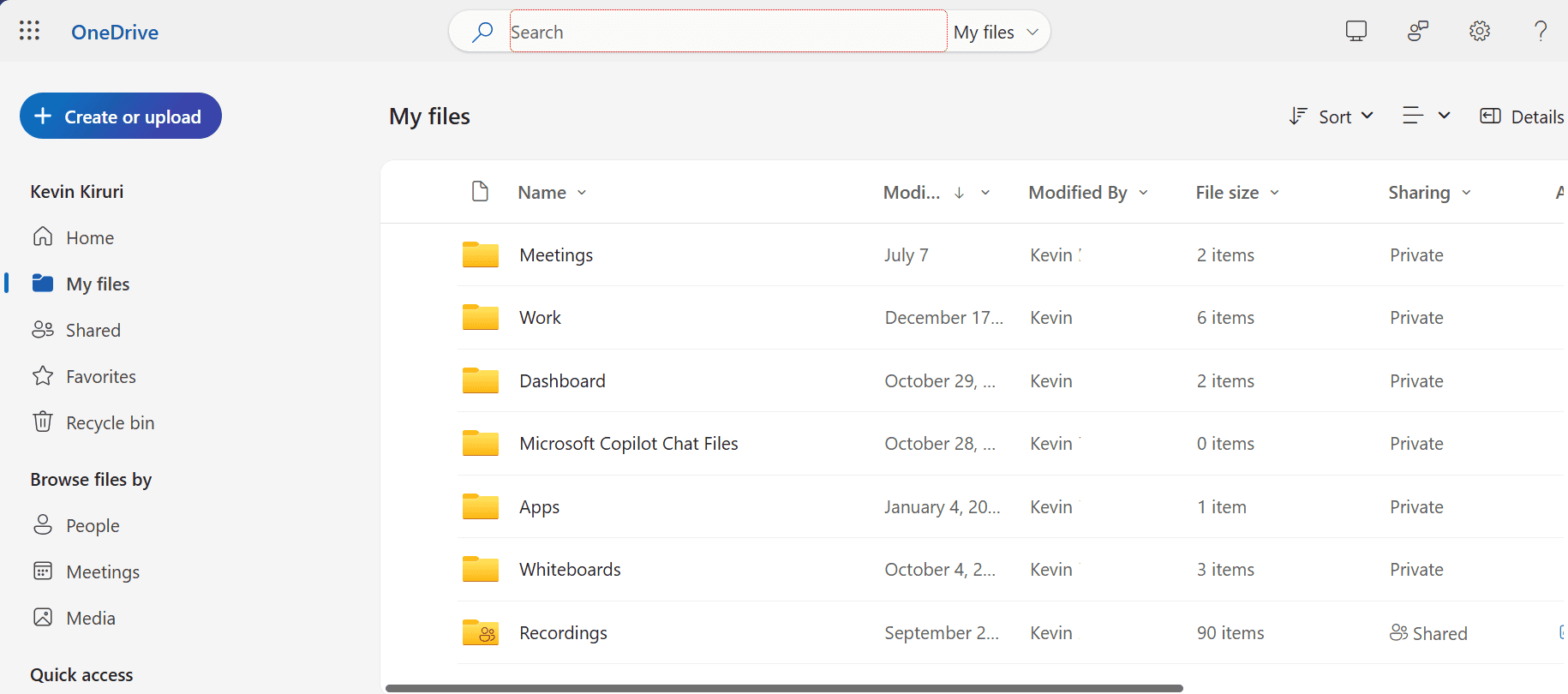
store, sync and share files across devices.
What Is Our Detailed Comparison Methodology?
To fairly compare OneDrive vs SharePoint, I analyzed how each service is used within Microsoft 365 environments. I focused on the user interface and practical differences such as how files are shared, how permissions are granted and how each service supports collaboration.
10,000+ Trust Our Free Cloud Storage Tips. Join Today!

- Demystify cloud storage terminology and key concepts in plain language
- Discover easy-to-implement techniques to securely backup and sync your data across devices
- Learn money-saving strategies to optimize your cloud storage costs and usage
OneDrive vs SharePoint: Comparison at a Glance
| Feature: |  |  |
|---|---|---|
| Primary purpose | Team & organizational collaboration | Personal & individual file storage |
| Ownership | Team or organization-owned | User-owned |
| Best for | Team collaboration, intranet, shared work | Personal use |
| File sharing | Advanced permissions & controls | Simple file & folder sharing |
| Real-time co-authoring | Yes | Yes |
| Version control | Yes | Yes |
| Advanced permissions | Yes | Basic |
What Are the SharePoint vs OneDrive Similarities?
SharePoint and OneDrive share multiple core capabilities. Both are part of Microsoft’s cloud, integrate seamlessly with other Microsoft tools and support modern collaboration. This overlap is one of the major reasons why organizations use OneDrive and SharePoint side by side instead of choosing just one.
- Cloud-based file storage: Both SharePoint and OneDrive allow users to store files in the cloud and access them from a mobile device, browser or computer.
- Real-time collaboration and co-authoring: SharePoint and OneDrive both support real-time co-authoring, allowing multiple users to edit the same documents at the same time without running into version conflicts.
- File sharing and version history: Both services make it easy to share files using links, restore files from previous versions and configure file access settings.
What Are the OneDrive vs SharePoint Differences?
While OneDrive and SharePoint both handle file storage and sharing, they differ in their approach to ownership, permissions and collaboration.
- File ownership: OneDrive files are owned by individuals, while SharePoint files belong to sites.
- Intranet use cases: SharePoint supports intranet pages, whereas OneDrive does not.
- Permissions and edit access: SharePoint offers granular permissions and advanced document management, while OneDrive has more basic sharing controls.
- Integration with team workflows: SharePoint is built for team collaboration through Teams and project-based access. OneDrive is primarily dedicated to personal storage.
- Document management capabilities: SharePoint supports advanced versioning and large document libraries, whereas OneDrive focuses on simpler file storage.
If You Want to Consider Other Services, Check Out…
If neither SharePoint nor OneDrive fully meets your needs, there are several other storage solutions that may be a better fit.



Final Thoughts
SharePoint and OneDrive serve distinct purposes within an organization. SharePoint is designed for structured team file management and advanced permissions, while OneDrive focuses on personal storage, syncing and file sharing. Many teams use both.
If you’re considering SharePoint, you may also want to compare SharePoint vs OneDrive before making a decision.
Which service do you use more, and why? Do you rely on them separately or use them side by side? Share your experience in the comments below. Thank you for reading.
FAQ: OneDrive vs SharePoint
OneDrive is designed for personal file storage and syncing across devices, while SharePoint is built for shared document management and team collaboration.
SharePoint has a steeper learning curve, and users often need training to manage sites, permissions and file structure effectively.
No, OneDrive has not replaced SharePoint. OneDrive is for personal storage, while SharePoint remains the primary tool for team collaboration and shared organizational content.

