Google Workspace vs Microsoft 365 Copilot: Pricing, Security and AI Tools Compared in 2026
Comparing Google Workspace vs Microsoft 365 Copilot reveals that while the tools are similar, they differ in terms of security, customizability, integration and pricing. This guide will help you choose the best tool for you based on your needs and budget.



Written by Grace Micere (Writer)
Reviewed by Valentina Bravo (Managing Editor)
Facts checked by Simona Ivanovski (Fact-Checker, Formatter)
Last Updated:
All our content is written fully by humans; we do not publish AI writing. Learn more here.
Key Takeaways: Google Workspace vs Microsoft 365 Copilot
- The main difference between Google Workspace and Microsoft 365 Copilot is that Google Workspace is more intuitive, affordable and easier to use than Microsoft 365, though it is also less private.
- Microsoft 365 Copilot works well for larger businesses and tech-savvy people who need more data security.
- Google Workspace offers more integration options with third-party apps than Microsoft 365 Copilot.
Facts & Expert Analysis About Google Workspace vs Microsoft 365 Copilot
- Google Workspace’s evolution from GSuite: Google announced Workspace in 2020 and made it available to users in 2021; Google Workspace evolved from GSuite.1
- Microsoft 365 Copilot’s evolution from Office 365: Microsoft 365 was announced in late 2022 and served as an upgrade of Microsoft Office 365. As of Jan. 15, 2025, Microsoft 365 became Microsoft 365 Copilot, which integrates the Copilot AI chat app.2
- Google and Microsoft launch AI: Both Google and Microsoft launched their AI in 2023 as a direct response to the AI explosion and the growing popularity of ChatGPT. The AI tools are called Gemini and Copilot, respectively.
Google Workspace and Microsoft 365 Copilot are great productivity suites, with office apps to help individuals and teams collaborate seamlessly on projects. The apps provide spreadsheets, forms, calendars, slides and online meeting tools. Comparing Google Workspace vs Microsoft 365 Copilot can be tricky since they’re so similar, which is why we created this guide.
Choosing between these industry giants is a major decision for any business; you can find our detailed evaluations of other top options in our productivity suite reviews.
The best tools for you will depend on your needs and the tools you’re currently using. We put together this guide to show what sets each platform apart. You can try both risk-free using their free versions. Notably, their cloud storage tools, Google Drive and OneDrive, made it to our list of the best cloud storage solutions.
If you’re evaluating underlying cloud infrastructure to power your chosen office suite, check out our What Is Oracle Cloud guide. It unpacks Oracle Cloud’s core services, pricing tiers and real-world use cases, helping you decide if OCI can deliver the performance and scalability your business needs.
10,000+ Trust Our Free Cloud Storage Tips. Join Today!

- Demystify cloud storage terminology and key concepts in plain language
- Discover easy-to-implement techniques to securely backup and sync your data across devices
- Learn money-saving strategies to optimize your cloud storage costs and usage
You might also explore what is IBM Cloud, which offers enterprise-grade solutions for hybrid and multi-cloud deployments, with a strong focus on AI integration and data security.
 Cloudwards’ Choice: Google Workspace Is the Winner
I chose Google Workspace as the winner because it is more intuitive than Microsoft 365 Copilot. I also like that it integrates seamlessly with multiple third-party apps, making task, time and project management a breeze across multiple tools. If you want to learn more, read our Google Workspace review.

Google Workspace vs Microsoft 365 Copilot Comparison Chart
| Sync: | Google Workspace | Microsoft 365 Copilot |
|---|---|---|
| Sync Folder | ||
| Block-Level Sync | ||
| Selective Sync | ||
| Bandwidth management | ||
| Sync Any Folder |
| File Sharing: | Google Workspace | Microsoft 365 Copilot |
|---|---|---|
| File Link Sharing | ||
| Link Passwords | ||
| Link Expiry Dates | ||
| Folder Sharing | ||
| Folder Permissions | ||
| Link Download Limits | ||
| Upload Links |
| Productivity: | Google Workspace | Microsoft 365 Copilot |
|---|---|---|
| File Previews | ||
| Edit Files | ||
| In-App Collaboration | ||
| Office Online | ||
| Docs | ||
| Notes App | ||
| Media Playback | ||
| Mobile Apps | ||
| Deleted File Retention | ||
| Versioning | ||
| WebDAV |
| Security: | Google Workspace | Microsoft 365 Copilot |
|---|---|---|
| 24/7 Support | ||
| Live Chat Support | ||
| Telephone Support | ||
| Email Support | ||
| User Forum | ||
| Knowledgebase | ||
| Free Plan: |
Which Is Better: Google Workspace vs Microsoft 365 Copilot?
Google Workspace is better because it offers multiple integrations and is more intuitive than Microsoft 365 Copilot. It works well for personal users and small business owners who need an inexpensive productivity suite. Since it has real-time collaboration tools, remote teams will find it useful when working on the same document.
Google Workspace includes the following services: Gmail, Drive, Meet, Calendar, Chat, Gemini AI app, Docs, Sheets, Slides, Vids, Keep, Sites, Forms, NotebookLM and AppSheet.
On the other hand, Microsoft 365 Copilot works great for larger businesses and tech-savvy people who have a lot of sensitive data to protect. It offers multi-factor authentication, Microsoft Defender antivirus, and anti-spam and anti-phishing protection. Big teams can collaborate using MS Office’s suite of tools and top-tier features like advanced endpoint management.
Microsoft 365 Copilot includes the following services, though they vary depending on your plan: Teams, OneDrive, SharePoint, Exchange, Word, Excel, PowerPoint, Outlook, Clipchamp, Microsoft Loop, Microsoft Entra ID, Intune, Microsoft Defender, Microsoft Purview and the Copilot AI app.
Who Is Google Workspace For?
- Solo entrepreneurs: The Business starter plan costs only $7 per user per month on the annual plan and comes with 30GB of shared space, a custom email address option, access to Gemini AI and more.
- Remote teams: Google Workspace works well for remote teams who need to collaborate on tasks at the same time.
- Small businesses: Startups and small businesses will find Google Workspace’s affordable but feature-rich plans ideal for their operations.
Who Is Microsoft 365 Copilot For?
- Larger businesses: Microsoft 365 Copilot has sophisticated features that enterprise-level companies, such as those using SaaS infrastructure, would find useful.
- Tech-savvy teams: Microsoft 365 Copilot’s interface is more complex than Google’s, making it ideal for people and teams with some technical knowledge.
- People with more advanced security needs: With more robust security features, like multi-factor authentication and full data protection, Microsoft 365 Copilot is ideal for those who need advanced security.
Our Detailed Comparison Methodology
When analyzing the two productivity suites, we considered factors like security, accessibility, feature sets and ease of use. We also considered storage capacity, third-party integrations and pricing. We compared these factors to find similarities between the tools and determine what sets them apart.
We conducted hands-on testing to learn the strengths and weaknesses of each tool, and then checked whether one platform covers the weaknesses we found in the other.
What Are the Similarities Between Google Workspace and Microsoft 365 Copilot?
The similarities between Google Workspace and Microsoft 365 Copilot include being feature-rich productivity solutions that share multiple capabilities. Let’s take a look at some of these similarities.
Productivity Tools
Both platforms have a suite of productivity tools that help teams streamline the way they work:
- Google Workspace has Google Sheets, Google Docs, Google Slides, Google Meet, Google Drive, Google Calendar, Gmail and Google Forms.
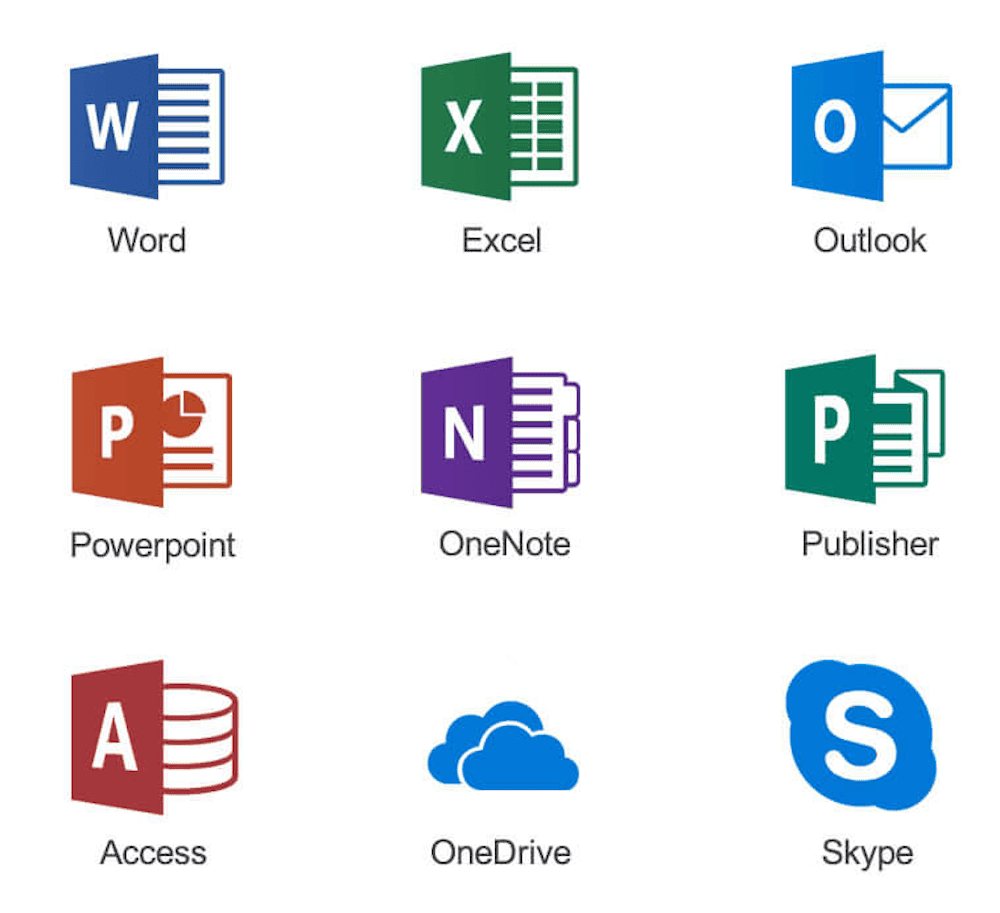
- Microsoft 365 Copilot offers Microsoft Word, Teams, Excel, Calendar, Publisher, PowerPoint, Outlook, OneDrive and OneNote.
Security
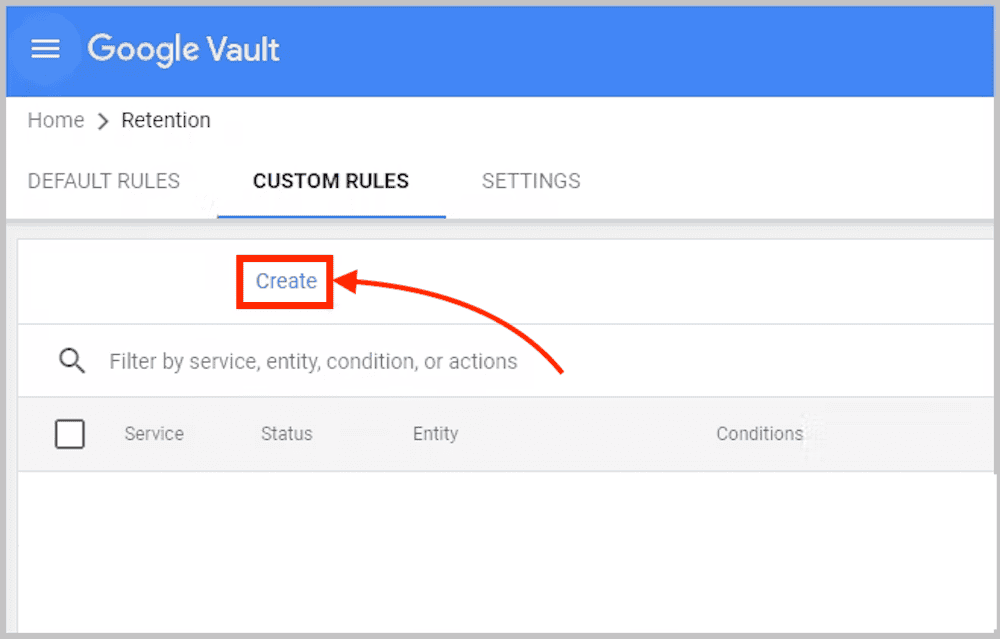
Both Google Workspace and Microsoft 365 Copilot offer phishing and spam protection to help keep your email safe. These platforms also offer safe attachments and links to protect you from cyberattacks. The “eDiscovery” features on Google Vault and Microsoft store information electronically to be used for litigation and investigation if the need arises.
Google Workspace uses AES-256 encryption for data at rest and TLS/SSL for data in transit. Microsoft 365 Copilot uses AES-256 encryption, TLS/SSL and IPsec for data both at rest and in transit. Both Google Workspace and Microsoft 365 Copilot have multi-factor authentication capabilities.
What Are the Key Differences Between Microsoft 365 Copilot and Google Workspace?
The key differences between Microsoft 365 Copilot and Google Workspace lie in their ease of use, storage, privacy and third-party integrations. Their pricing structures are also quite different. Let’s take a closer look at each of these areas.
Microsoft vs Google: Which Is Better for Small Businesses?
Google Workspace is better for small businesses than Microsoft 365 Copilot because it offers a robust feature set and is much cheaper. It is also highly scalable, meaning you can get a bigger plan as your business grows. That said, if your business already works within the Microsoft ecosystem, then Microsoft 365 Copilot could be more convenient.
The Verdict: Why We Think Google Workspace Wins Overall
Google Workspace is the winner because it is highly accessible on multiple devices and operating systems, with mobile apps, desktop apps and web versions. It is simple to use for beginners and pros alike and has an intuitive interface that makes work much easier. It is affordable, integrates with multiple third-party apps and allows users to work offline. The best plan is Business Standard, which you can try out using the 14-day free trial.
If You Want to Consider Other Productivity Services, Check Out…
Zoho, Apple and ClickUp are great alternatives to Microsoft 365 Copilot and Google Workspace. They offer more advanced productivity, security and project features.
Zoho — Best Tools for the Zoho Ecosystem
Zoho is affordable and easy to use, with a more customizable interface than either Google or Microsoft. It is the best choice if you are already using other tools within the Zoho ecosystem, such as Zoho Projects, Zoho CRM, Zoho One and Zoho Invoice.
Apple — Best Tool for the Apple Ecosystem
Apple offers secure software that uses advanced encryption to protect user data. Its zero-knowledge infrastructure is so strong that the FBI couldn’t crack it. It is the best option for those who already use Apple tools and operating systems.
FAQ: Google Workspace or Microsoft 365 Copilot
Google Workspace is better than Microsoft 365 Copilot because it is easier to use, costs less and offers multiple integrations. However, Microsoft 365 Copilot is better for larger businesses with more advanced security needs and for those in the Windows ecosystem.
No, you don’t need Google Workspace if you have Microsoft 365 Copilot — Microsoft has all the tools available on Google.
Microsoft 365 Copilot is better than Google One because it is more secure, offering stronger identity verification and authentication than Google.
Google is better for personal and small business use, while Microsoft is better for larger businesses and tech-savvy people.