10 Best Zoho Alternatives: Our Top Picks & Honorable Mentions
When choosing among Zoho alternatives, understanding why you’re switching and which features will meet your requirements is crucial. Read on as I discuss some of the best business tools you can use instead of Zoho One.



Written by Adeyomola Kazeem (Writer)
Reviewed by Kate Hawkins (Editor, Writer)
Facts checked by Simona Ivanovski (Fact-Checker, Formatter)
Last Updated:
All our content is written fully by humans; we do not publish AI writing. Learn more here.
Key Takeaways: These Are the 10 Best Zoho Alternatives
- Microsoft 365 — Feature-rich business suite. Plans start at $9.99 per month.
- Google Workspace — Cloud productivity suite offering the same experience across platforms. Explore it with a 14-day free trial.
- Proton — Prioritizes secure and private communication. Try it out with its 30-day money-back guarantee.
- Odoo — Highly customizable, open-source business suite. Try the free plan, which supports unlimited users.
- Bitrix24 — All-in-one business suite with a focus on collaboration and communication. Explore it with the free plan, or try a 15-day free trial.
- Zendesk — Robust omnichannel customer service software. Get the best value for money with the Suite Professional plan.
- Salesforce Sales Cloud — Customer relationship management (CRM) solution with comprehensive features. Check it out risk-free with a 30-day free trial.
- ClickUp — Project management software with native time tracking and task prioritization. Try a paid plan backed by a 30-day money-back guarantee.
- Pipedrive — Highly visual sales management tool. Pricing starts at $24 per month or $14 per user per month annually.
- Freshsales — Sales automation tool with multi-channel communication. Try it out with a 21-day free trial.
Facts & Expert Analysis About Zoho Alternatives:
- Customizability: You don’t want to get boxed into the default design of your business tool. Choosing a tool with deep customization helps avoid this.
- Third-party integrations: The availability of third-party integrations is crucial to avoiding vendor lock-in on all-in-one apps.
- App availability: Zoho offers an app for almost every business process, but niche tools offer more advanced features for specific business operations.

The Zoho One suite features sales, marketing, communication, collaboration, human resources, legal and financing apps. Therefore, the best Zoho alternatives offer either a suite of apps or substitutes for individual apps, such as these productivity suites.
When choosing my top picks, I selected five alternative suites and five alternatives to specific Zoho apps. Read on as I dive into their key features, pros, cons, security and performance.
Why Consider Switching From Zoho?
Although Zoho offers apps for various business operations, it isn’t always the best fit for organizations. Factors like team size and lack of feature depth might sway you away from it.
- Needing only a few apps: For growing businesses that need only one or two apps, paying for the Zoho One suite is financially inefficient. You could save costs by paying for individual apps.
- Limited niche features: Zoho apps may lack some advanced features that you’ll find on niche tools. For example, Zendesk has native workforce management, while Zoho Desk doesn’t.
- Inconsistent support: With Zoho’s customer support handling more than 45 apps, support quality can be inconsistent. Sometimes you’ll get a quick resolution, while other times assistance is slow or nonexistent.
- Apps not centralized: With Zoho, you need to download multiple apps to access the tools in your suite. Conversely, platforms like Odoo have one app for all services.
- Steep learning curve: Learning to use all of Zoho One’s more than 45 separate apps takes some effort.
The 10 Best Zoho Alternatives Compared
| Service: | Free Storage | Best Price | E2E Security* | Advanced Sharing | Security |
|---|---|---|---|---|---|
| Microsoft 365 | 5GB | Individual pricing — $129.99 per year Business pricing — $12.50 per user per month, paid annually | Multi-factor authentication (MFA), Microsoft Defender, TLS/SSL | ||
| Google Workspace | 15GB | $14 per user per month, annual commitment | MFA, TLS/SSL admin, vault | ||
| Proton | 5GB | Individual — $9.99 per month, paid annually Families — $23.99 per month, paid annually Businesses — $12.99 per user per month, paid annually | Two-factor authentication (2FA), client-side encryption, Proton VPN, Proton Pass | ||
| Odoo | N/A | $31.10 per user per month, paid annually | AES-256, TLS/SSL, 2FA | ||
| Zendesk | N/A | $115 per agent per month, paid annually | AES-256, TLS/SSL, 2FA, single sign-on | ||
| Salesforce Sales Cloud | N/A | $350 per user per month, paid annually | AES-256, TLS/SSL, MFA via security key or authenticator app | ||
| ClickUp | 60MB | $10 per user per month, paid annually | AES-256, TLS 1.2, 2FA via text or authenticator app | ||
| Pipedrive | N/A | $59 per seat per month, paid annually | AES-256, TLS/SSL, 2FA via email or authenticator app | ||
| Freshsales | N/A | $39 per user per month, paid annually | AES-256, TLS 1.2 | ||
| Bitrix24 | N/A | $87 per organization per month, paid annually | AES-256, TLS/SSL, 2FA |
Best Suite Alternatives to Zoho One
Suites like Microsoft 365, Proton, Odoo and Google Workspace offer generally the same range of services as Zoho One. Find out how they compare as alternatives to Zoho below.
1. Microsoft 365 — Feature-Rich Productivity Suite
Microsoft 365 offers alternatives to productivity, security, collaboration and communication tools in the Zoho One suite, including Zoho Writer, Sheet, Meeting and WorkDrive. The depth of its features sets it apart from similar suites, and in many cases, its apps match niche apps.
Microsoft 365 Hands-On Testing
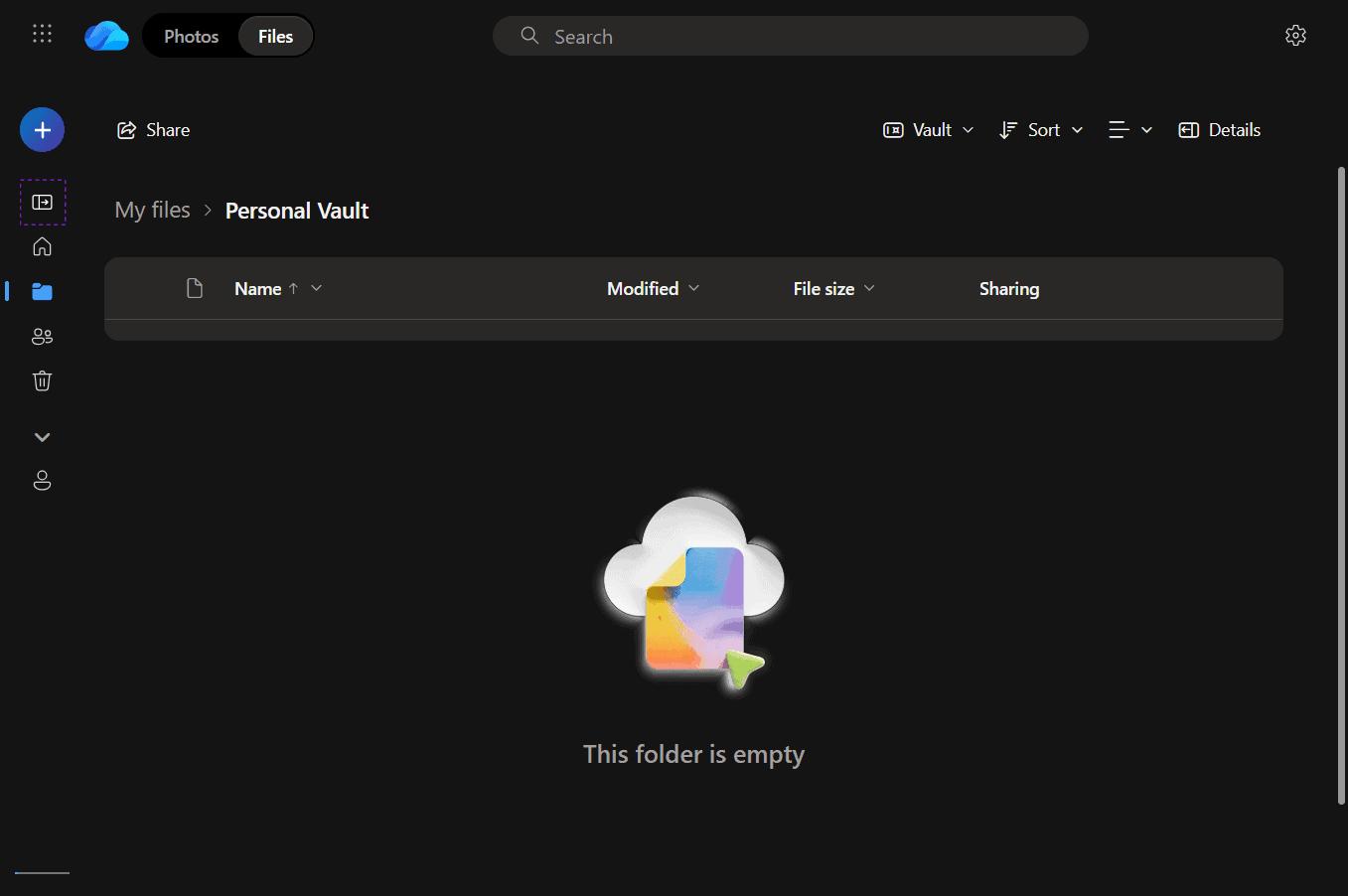
Although they’re packed with features, Microsoft 365 apps have customizable ribbon layouts that make navigation seamless. The learning curve can be steep, but I got the hang of the core features quickly. The user experience differs across platforms: The Windows desktop app has all features, but the web, macOS, Android and iOS apps are missing features like Access.
Microsoft 365 Pricing & Value
Microsoft 365 has a web-based free plan that grants access to core apps like Word, Excel, OneNote and Outlook. It has plans for individuals, families and businesses. You can get a perpetual license if you buy Office Home 2024, but that comes with only Word, Excel, Powerpoint and OneNote.
You can test Microsoft 365’s paid features with a one-month trial. Check our Microsoft 365 review for more information about the platform.
2. Google Workspace — Cloud-Native Productivity Suite
Google Workspace offers alternatives to Zoho’s productivity, collaboration, communication, marketing automation and process automation tools. Being cloud-native, it’s accessible only through the web, but this ensures that users have the same experience on all platforms.
Google Workspace Hands-On Testing
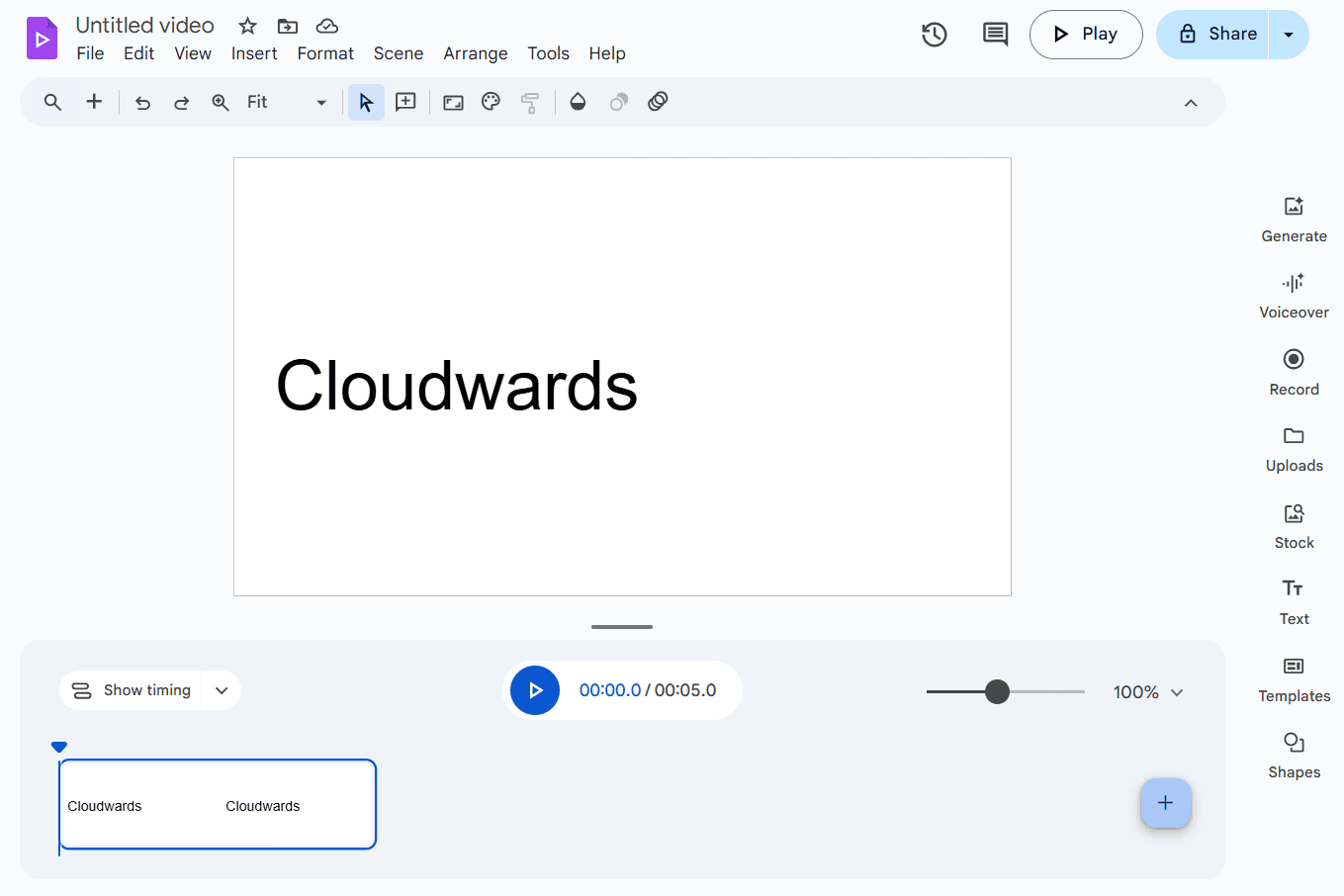
Google Workspace apps have similar interfaces, so basic navigation is a breeze across the suite. I like the generous storage allocation and uniform experience across desktop browsers on different platforms. However, it’s barely functional on mobile browsers, and the mobile app lacks advanced features.
Google Workspace Pricing & Value
Google Workspace’s free plan includes Drive, Meet, Docs, Slides, Sheets and Chat. All paid plans are billed monthly, but you can also pay for a year up front to get a discount of up to 16%. Try out paid features with a 14-day free trial, and discover more details about the platform in our Google Workspace review.

- 15GB
- per user / month, 1 year commitment
- 30GB
- per user / month, 1 year commitment
- 2TB
More plans
- *100TB shared across all users
- 100TB
- per user / month, 1 year commitment
- 5TB
3. Proton — Privacy-Focused Zoho Alternative
Proton is a leading suite when it comes to privacy, with top features including client-side encrypted contact details and end-to-end encrypted mail.
Proton Hands-On Testing
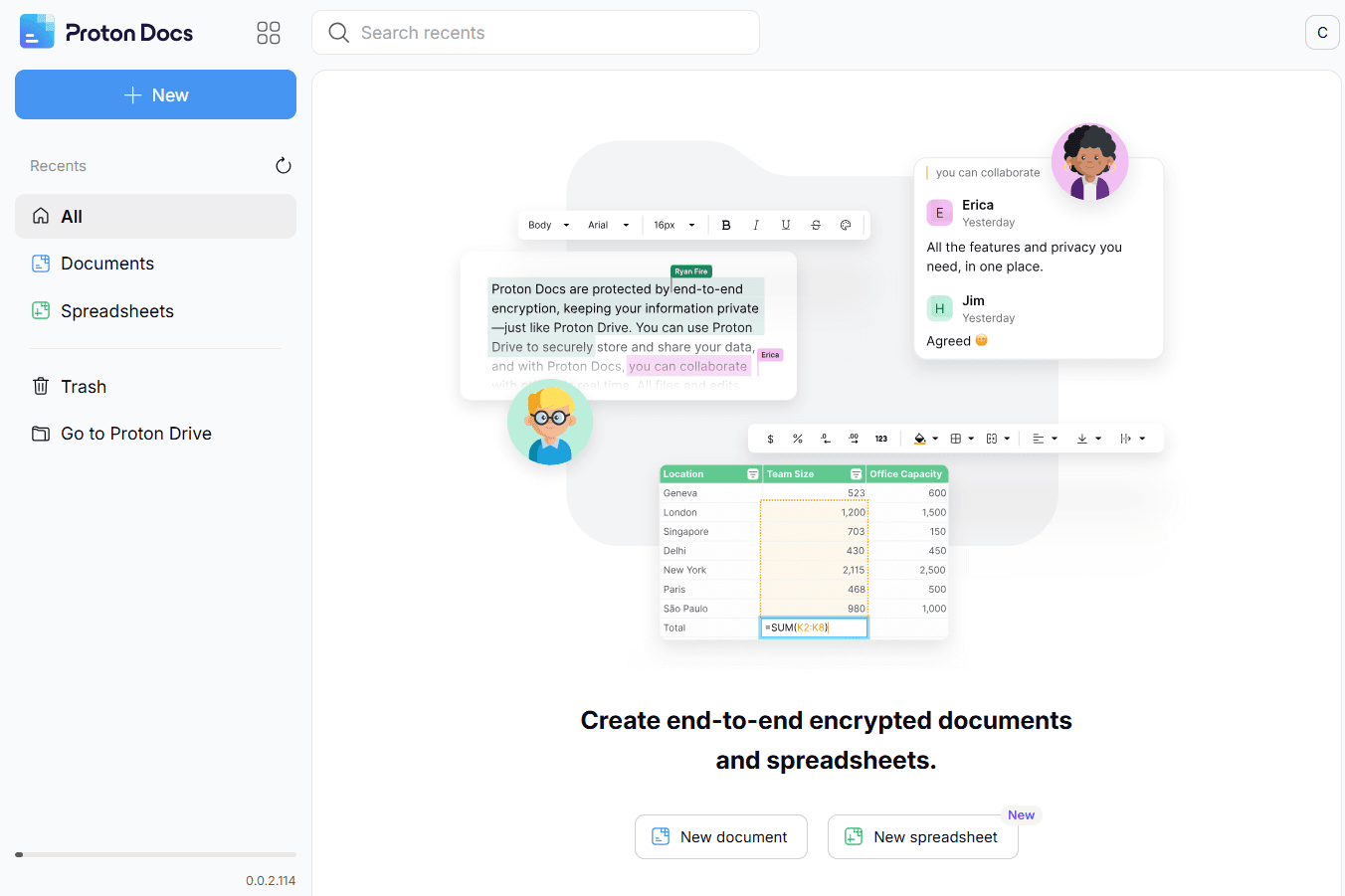
Proton apps are intuitive, so navigation was easy for me during testing, even with the stacked security features and settings. However, certain features are missing on the mobile and desktop apps. For example, the Proton Mail desktop app has no app lock, while the Proton Drive mobile app has no search function.
Proton Pricing & Value
Proton offers a free plan that includes core services like mail, storage, a document processor and a VPN. It offers three paid plans: Individuals, Families and Businesses, all of which are covered by a 30-day money-back guarantee. Learn more about its apps in our Proton Mail, Proton Drive and Proton VPN reviews.

- 5GB
- 200GB
- 500GB
More plans
- 2TB
- 3TB
- per user
- 1TB
- per user, minimum of 2 users
- 1TB
- 1TB
4. Odoo — Best Zoho Alternative
Odoo’s customizability sets it apart from similar tools. It also has a comprehensive suite of tools comparable to Zoho One, including Odoo Documents, CRM, Appointments and Website. However, the setup can get complicated.
Odoo Hands-On Testing
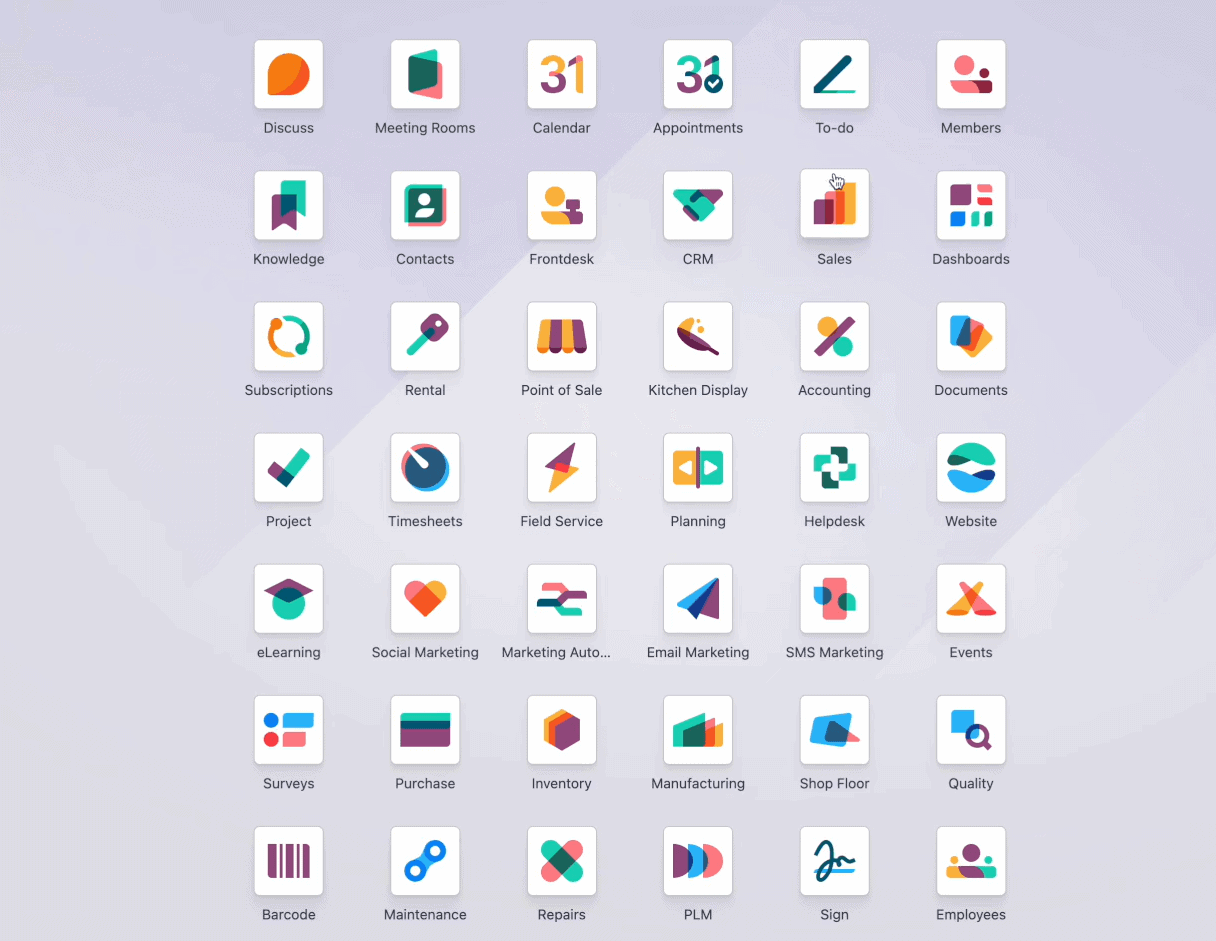
It took some effort to create a custom module on Odoo, but tweaking the interface and workflows was easier. Unlike with Zoho, I didn’t have to switch between multiple windows — Odoo consolidates all services in one app.
When you install the free Odoo app, the system will also install any app that the Odoo app depends on. For instance, when I used the eCommerce app, I also had access to the Invoicing app because eCommerce depends on it. However, I didn’t have access to unrelated apps.
Odoo Pricing & Value
Odoo offers a free plan that is great for personal use. With the free app, you get one main app plus additional support apps. Paid plans are charged per user; Odoo doesn’t offer a volume-driven plan like Zoho One.
| Plan: | Monthly Pricing | Yearly Pricing |
|---|---|---|
| One App Free | $0 | $0 |
| Standard | $38.90 per user | $31.10 per user per month |
| Custom | $58.40 per user | $46.70 per user per month |
5. Bitrix24 — Collaboration-Focused Zoho Alternative
Like Zoho One, Bitrix24 offers a collection of business apps, including CRM, human resources, AI and project management tools. However, Bitrix24 is inclined towards communication and team collaboration tools.
Bitrix24 Hands-On Testing
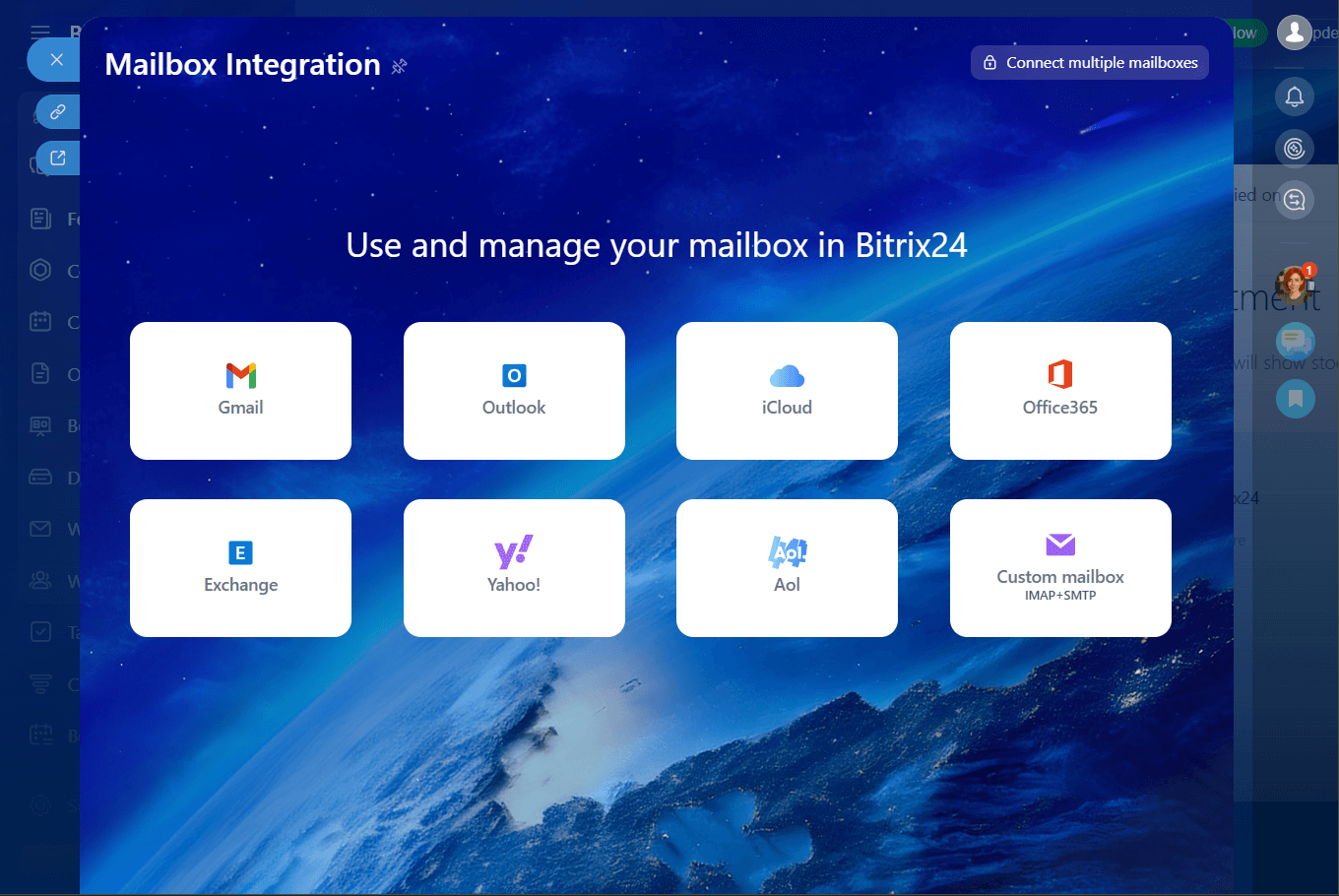
Bitrix24’s collaboration tools, including workspace, meetings and mobile communications, feel relaxed. The website creation and engagement enhancement features have a straightforward workflow; I was able to use them straight out of the box. That said, Bitrix24 generally requires a bit of work and patience to set up.
Bitrix24 Pricing & Value
Bitrix24 has a free plan that supports unlimited users but does not include features like an online store and marketing capabilities. You can also test the waters with the 15-day free trial. Of the paid plans, the yearly Professional plan offers the best value for money.
| Plans: | Monthly Pricing | Yearly Pricing |
|---|---|---|
| Basic | $61 per organization | $49 per org, per month |
| Standard | $124 per organization | $99 per org, per month |
| Professional | $249 per organization | $199 per org, per month |
| Enterprise | $499 per organization | $399 per org, per month |
Best Alternatives for Specific Zoho Apps
If you only ever use a few apps in the Zoho suite, you could consider substitutes for specific Zoho apps, such as the ones discussed below.
6. Zendesk — Best Zoho Desk Alternative
The ease of setting up Zendesk across multiple channels makes it one of the best in its niche. The simple interface and tightly coupled collaboration features are also highlights.
Zendesk Hands-On Testing
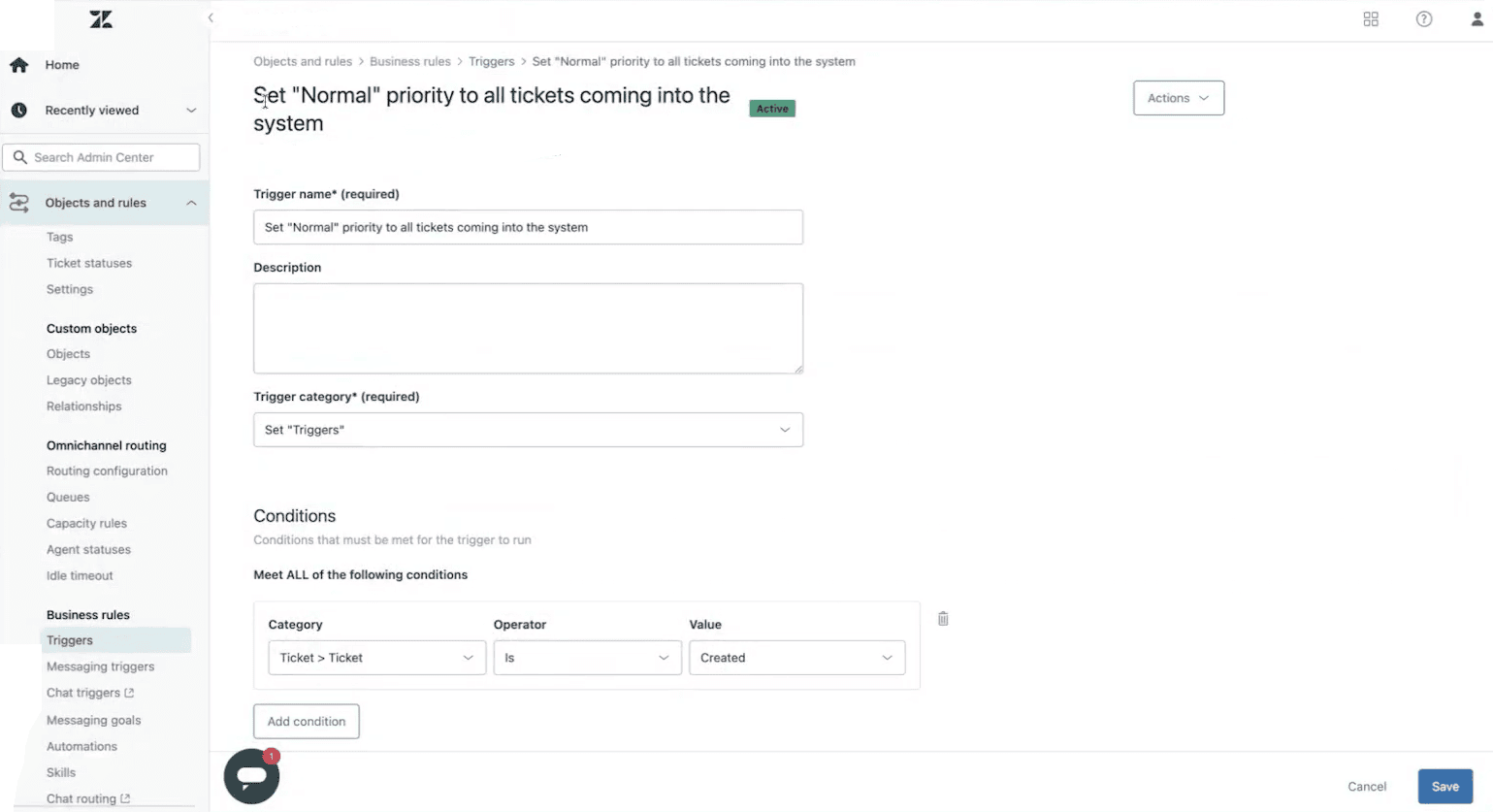
Zendesk is an alternative to Zoho Desk, Zoho One’s customer support software. It offers multiple channels (chat, text, voice and social media) that are intuitive and accessible from the same page. Collaborative features like side conversations are tied to primary interactions, providing extra context when you check tickets.
Zendesk Pricing & Value
Unlike Zoho Desk, Zendesk does not have a free plan but does offer a 14-day free trial. The Suite Professional offers the best deal among the paid plans because its balance of pricing and features is suitable for most organizations.
| Plan: | Monthly Pricing | Yearly Pricing |
|---|---|---|
| Support Team | $25 per agent | $19 per agent per month |
| Suite Team | $69 per agent | $55 per agent per month |
| Suite Professional | $149 per agent | $115 per agent per month |
| Suite Enterprise | $219 per agent | $169 per agent per month |
7. Salesforce Sales Cloud — Best Zoho CRM Alternative
Salesforce Sales Cloud is a solid substitute for teams seeking a move away from Zoho CRM. It is one of the best CRM suites on the market, thanks to its feature depth and customizability.
Salesforce Sales Cloud Hands-On Testing
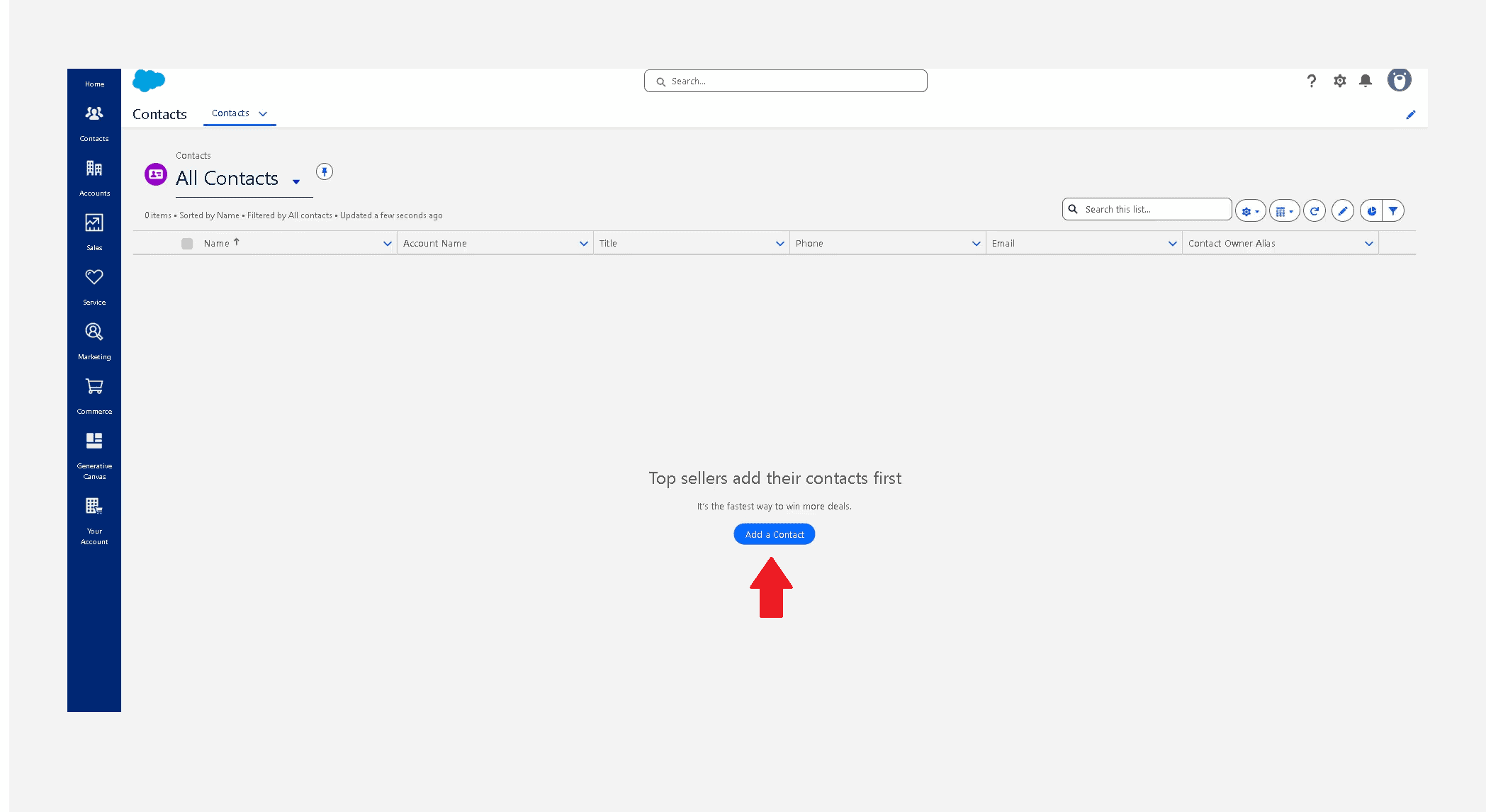
Although I found navigating Salesforce Sales Cloud to be slightly tricky because of the many features, it trumps Zoho CRM when it comes to customization. For example, I was able to build custom reports. In addition, the AppExchange marketplace adds flexibility via third-party applications.
Salesforce Sales Cloud Pricing & Value
Salesforce has a commitment-free 30-day free trial. Most of the paid plans are billed annually, but the Starter Suite plan offers monthly billing. You’ll get the best value on the Enterprise plan.
| Plans: | Pricing |
|---|---|
| Starter Suite | $25 per user per month |
| Pro Suite | $100 per user per month |
| Enterprise | $175 per user per month |
| Unlimited | $350 per user per month |
| Agentforce 1 Sales | $550 per user per month |
8. ClickUp — Zoho Projects Alternative
If you’re considering managing projects outside of Zoho, ClickUp offers a highly customizable platform that allows you to make tweaks to suit virtually any workflow.
ClickUp Hands-On Testing
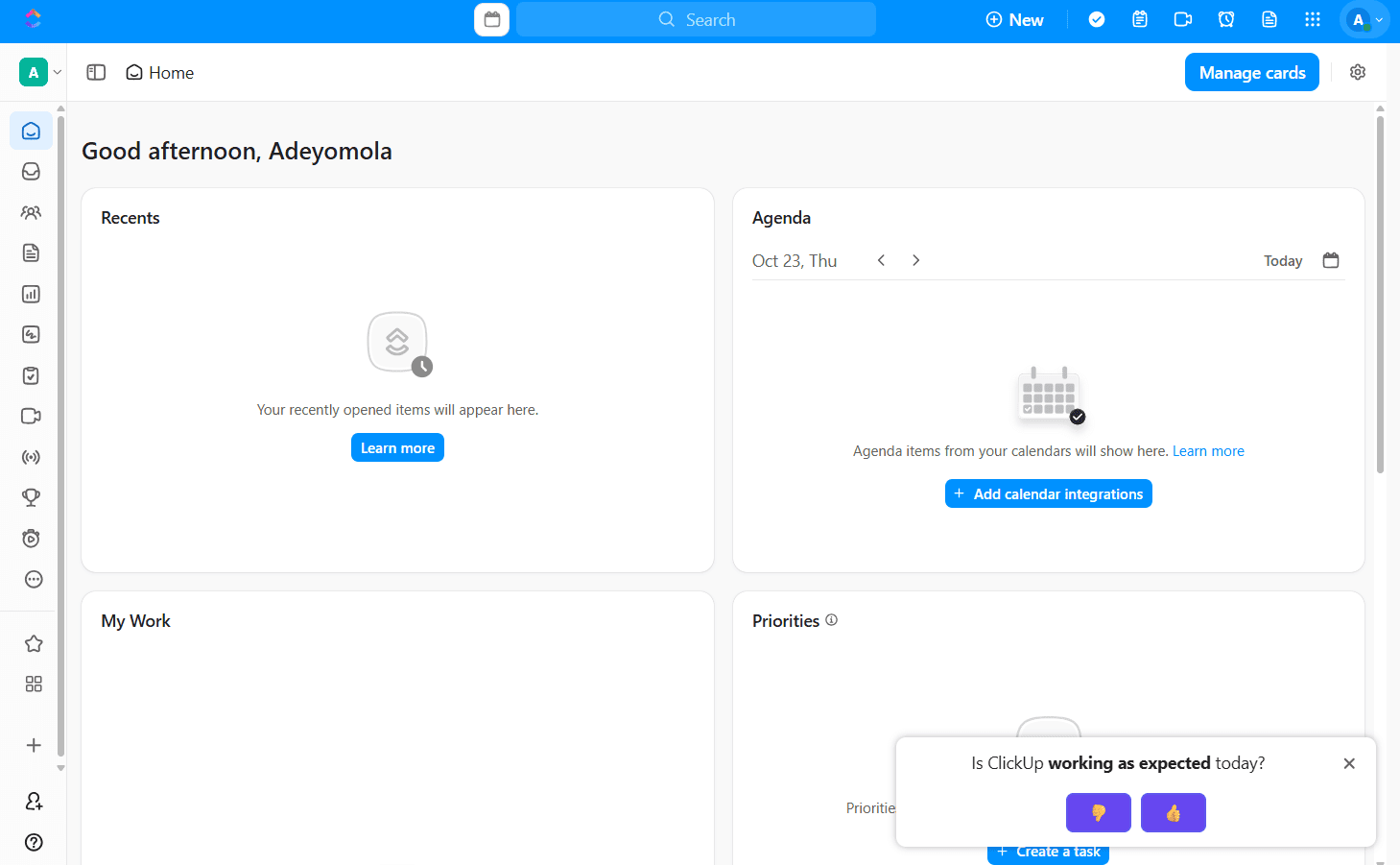
The ClickUp mobile app was a bit laggy during testing, and I found the layout of the mobile web page hard to view. Apart from that, it’s a solid project management tool. The customizability of its task management features is particularly enticing; I was able to create labels across various input fields and use custom statuses.
ClickUp Pricing & Value
ClickUp has a generous free plan that offers features like unlimited tasks and members, in-app video recording and two-factor authentication. It also has three paid plans and a 30-day money-back guarantee. Learn more about its features, usability, privacy and security in our ClickUp review.

- Basic functionality with some limitations
- All prices per user
- All prices per user
9. Pipedrive — Zoho Bigin Alternative
Pipedrive is a CRM tool with a focus on the sales pipeline, lead management and communication. It’s a good alternative to Zoho Bigin but isn’t as robust as Zoho CRM.
Pipedrive Hands-On Testing
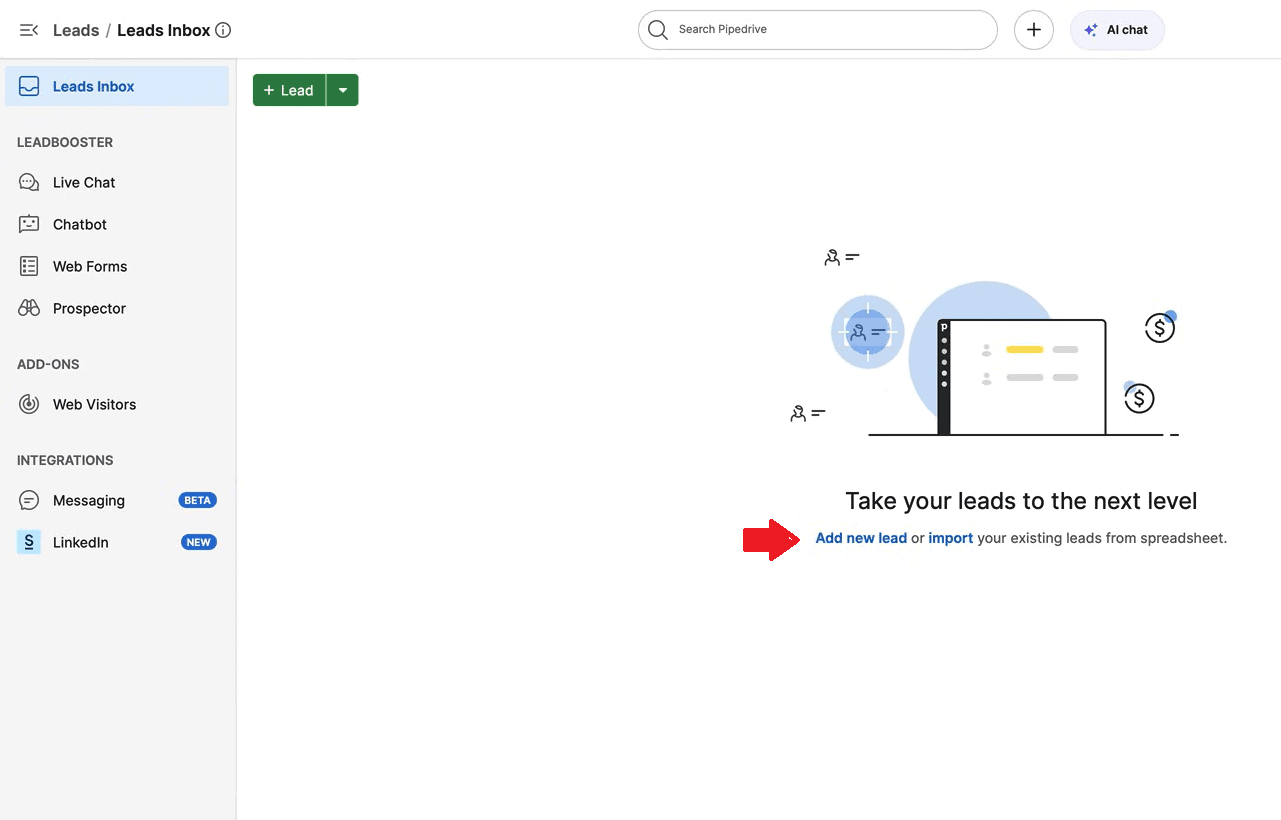
Pipedrive’s sales pipeline and reporting dashboards gave me concise yet deep visual insights. In addition, the activity reminder emails helped me with task management and staying on schedule, especially with bigger lead lists. However, I needed to rely on add-ons for activities like email marketing.
Pipedrive Pricing & Value
Pipedrive has no free plan or money-back guarantee, but it does offer a 14-day free trial that grants you access to all features. The yearly Premium plan offers the best value among its paid plans.
| Plans: | Monthly Pricing | Yearly Pricing |
|---|---|---|
| Lite | $24 per seat | $14 per seat per month |
| Growth | $49 per seat | $39 per seat per month |
| Premium | $79 per seat | $59 per seat per month |
| Ultimate | $99 per seat | $79 per seat per month |
10. Freshsales — Zoho CRM Alternative
Freshsales is an alternative to Zoho CRM that maximizes AI for repetitive tasks, allowing for faster workflows. It’s part of the Freshworks family, which includes tools like Freshdesk and Freshservice.
Freshsales Hands-On Testing
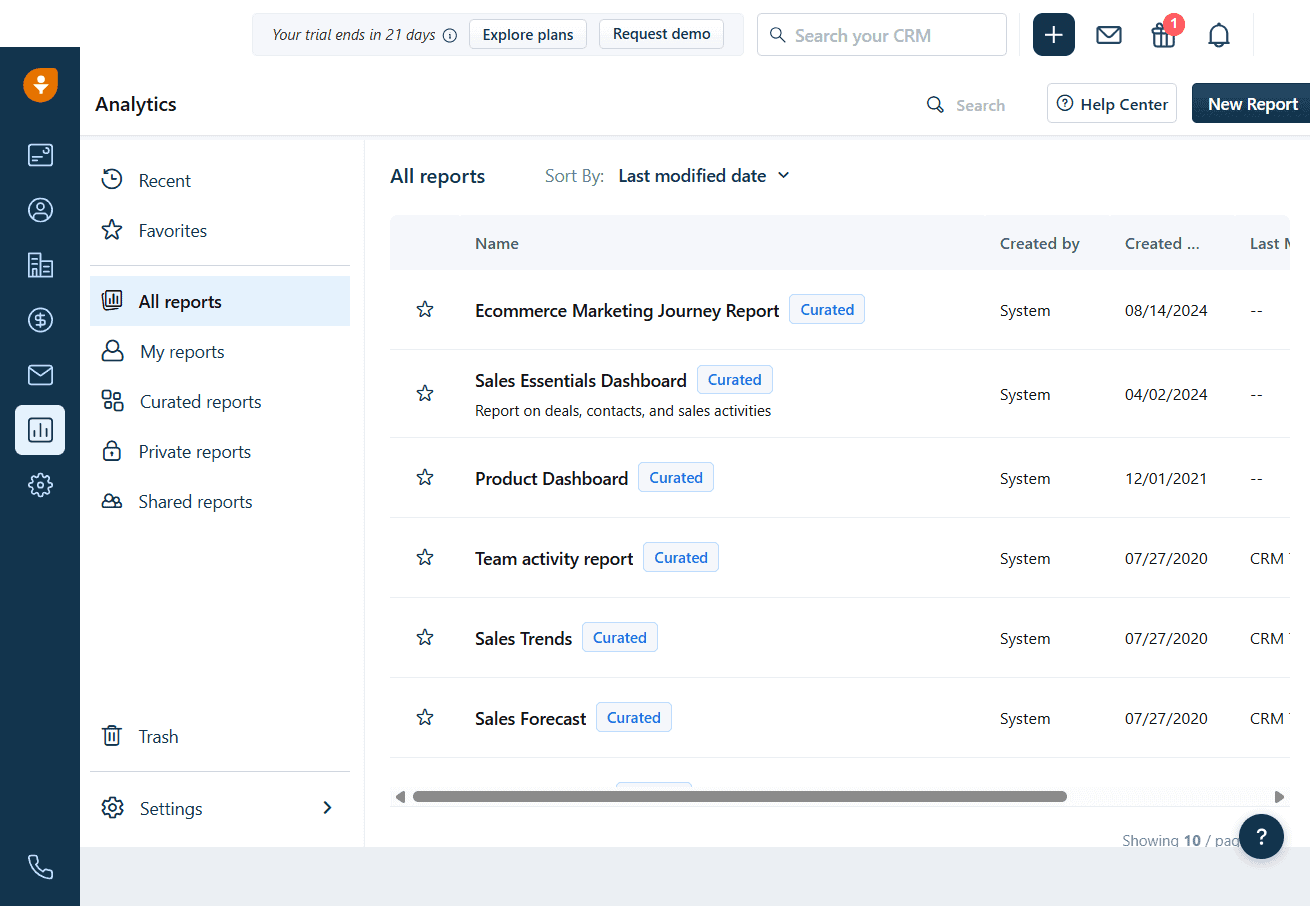
Freddy AI’s performance is one of the main highlights of Freshsales. With it, I felt like I could accomplish more in less time, but it’s limited to the top two plans only. I also liked the ease of integrating with other Freshworks tools. If I ever need more than just the CRM, I can get other tools up and running in no time.
Freshsales Pricing & Value
Freshsales has a free plan for teams of up to three users and a 21-day free trial. It doesn’t have a general money-back guarantee, but it does have three paid plans that can be billed monthly or annually.
| Plans: | Monthly Pricing | Yearly Pricing |
|---|---|---|
| Free | $0.00 | $0.00 |
| Growth | $11 per user | $9 per user per month |
| Pro | $47 per user | $39 per user per month |
| Enterprise | $71 per user | $59 per user per month |
How to Find the Zoho Alternative That Fits Your Needs
To find the most fitting Zoho alternative for you, assess your operations to figure out what your business needs. From there, every step you take will center on those needs. In the steps below, I provide a brief overview of how the selection process should look:
Step-by-Step Guide to Choosing Your Zoho Alternative
- Identify your core business pains: If you feel that Zoho’s suite is not meeting your needs, examine your current business operations and identify any processes that are falling short.
- Define your essential features: Create a list of features known to resolve your most pressing business needs and weigh them from most to least effective.
- Create a shortlist of alternatives: Draw up a list of business tools that have the features defined in the previous steps. Consider compliance at this stage to keep your list lean.
- Test the tools: Test the tools on your shortlist using free trials, plans and demos. Be sure to test the security features in addition to assessing app performance.
- Evaluate total costs: After testing the tools, evaluate the total cost of using them. Go beyond the cost per user or organization and consider migration and training costs as well.
- Evaluate integration and scalability: Check for available integrations and verify service limits like API call quotas, user limits and uptime guarantees. At this point, you should be able to identify the ideal Zoho substitute.
- Plan migration: Weigh your options and prioritize a data migration method with minimal risk of data corruption.
- Train your team: Train your team to use the preferred tool. Consider starting with a small pilot and expanding to a wider group in batches.
Replacing Zoho One: The “Best-of-Breed” vs. “All-in-One” Strategy
When replacing Zoho One, you can opt for an all-in-one tool like Odoo, Microsoft 365 or Google Workspace, or a niche one like Zendesk or ClickUp. Niche tools offer feature depth and focused functionality but come with complexities. For one, you have to manage multiple bills and integrate several layers of applications to make up for an all-in-one suite.
With an all-in-one suite, on the other hand, you’re at risk of vendor lock-in, and some apps have less specialized features. However, your bills are unified and predictable, and you don’t have to worry about complex integrations.
Key Things to Look for in a Zoho Alternative
When looking for a Zoho alternative, I consider primarily the following factors because they set the tone for usability:
- Easy-to-use interface: When considering Zoho alternatives, I look for responsive user interfaces with uncluttered dashboards that are easy to navigate. I also prioritize tools with less demanding workflows.
- Robust feature set: If you’re replacing a tool like Zoho One, which has about 48 apps, choosing a substitute with a robust collection of features is vital.
- Extensive customization: Tools like Odoo and ClickUp caught my eye because of their customizability, which ensures that you can bend processes to suit your unique workflow.
- Pricing: When choosing a Zoho alternative, you want a solution with better performance and more features at fair rates. Alternatively, consider tools with scalable pricing for more flexible options.
- AI features: The best business tools have AI assistants that take care of repetitive tasks and enhance team productivity. Therefore, consider Zoho substitutes with AI for the potential gains.
Our Methodology: How We Tested the Zoho Alternatives Featured on This List
When testing the Zoho alternatives featured on this list, I focused on customizability, ease of use, automation, available integrations and security.
- Customizability: I tested no-code and low-code tools to see how extensively they allowed me to change interfaces, workflows and reports. I also tried customizations that require coding to verify the level of expertise needed to use them.
- Ease of use: When assessing ease of use, I paid attention to navigation, interface simplicity, number of clicks required to complete actions and the availability of low-code and no-code tools.
- AI and automation: I favored tools whose automation can be configured using drag-and-drop interfaces for ease of use. Although most have AI assistants, I was more impressed with the tools that have specialized assistants.
- Available integrations: I explored each tool’s marketplace to check out the available integrations. Having a large catalog was a good sign, but having many integrations sorted by popularity was even better.
- Security: I tried out security features like multi-factor authentication, email authentication, text authentication and password reset to confirm their reliability and ease of configuration.
Final Thoughts
The best Zoho alternative could be either a best-of-breed option like Zendesk or an all-in-one solution like Odoo. Assessing your business needs and understanding what the available tools offer can help clarify which one is the best fit for your needs.
Have you used any of the tools on this list? Did I leave out any software you would have wanted to see featured? Share your thoughts and experiences in the comments below. Thanks for reading.
FAQ: Best Zoho Alternative
Bitrix24 is the best free alternative to Zoho; it gives you access to seven apps and supports unlimited team members.
Yes, HubSpot is a good alternative to Zoho if you’re looking for an alternative to growth-focused services in the form of sales and marketing tools.
Microsoft 365, Google Workspace and Odoo are comparable to Zoho because they offer a similar all-in-one platform for business tools

