Best Construction Cost Tracking Software in 2026
In this article, I’ll cover the best construction cost tracking software that can help builders, contractors and construction teams with cost savings and financial management.


Written by Mehak Siddiqui (Writer)
Reviewed by Kate Hawkins (Editor, Writer)
Facts checked by Eugenie Tiu (Editorial Assistant)
Last Updated:
All our content is written fully by humans; we do not publish AI writing. Learn more here.
Managing the financial aspects of a construction project is crucial but challenging. Although there are many great project management tools, in this article, I’ll focus on the best construction cost management software that can help teams track expenses and improve cost control. This can support project owners in informed decision-making.
Cloudwards’ Choice: Contractor Foreman
 Cloudwards' Choice: Contractor Foreman
After careful research, I recommend Contractor Foreman as the best overall choice. It has practical cost-control features without the high price or steep learning curve of other software. The Plus plan is the best deal for small teams, at $166 per month for eight users. Sign up for a 30-day free trial to test it out.
The Best Construction Cost Tracking Software Compared
| Tool: | Free Plan | Pricing* | Best For | Unique Selling Point | Limitations |
|---|---|---|---|---|---|
| Contractor Foreman | No, 30-day free trial | $49 (1 user) | Small to mid-sized contractors & builders | All-in-one platform: estimating, job-costing, invoicing, scheduling, field & office features bundled affordably | Lacks advanced accounting or deep financial reporting for large or complex projects |
| Procore | No | Custom | Mid-sized to large contractors | Full construction-specific suite: project management, cost/financials, change orders, document control & field-to-office coordination | Expensive, steep learning curve |
| Autodesk Build | No, 30-day free trial | $140 | Mid-sized to large firms, design-heavy projects | Strong design-to-build integration: cost management, document control, field workflows and design | Expensive for full modules; may be overkill for small/simple projects |
| monday.com | Yes, up to 2 users | $12 | Independent contractors or smaller construction teams | Intuitive visual interface, customizable dashboards, easy for non-technical teams to adopt | Lacks deep construction-specific features |
| ClickUp | Yes, unlimited users | $7 | Small to mid-sized teams | Highly flexible all-in-one workspace: tasks, cost tracking, time tracking & project management; adaptable to workflows | Limited construction-specific features |
Construction Project Cost Management Software Hands-On Testing
My hands-on testing explores the software features, platform and administrative options, and usability and performance.
The Best Project Cost Management Software for Construction
Several of the software listed here for cost management also rank in our best construction project management software guide, but in this section I’ll explain how each is best for managing construction project costs.
1. Contractor Foreman — Best for Small to Mid-Sized Contractors
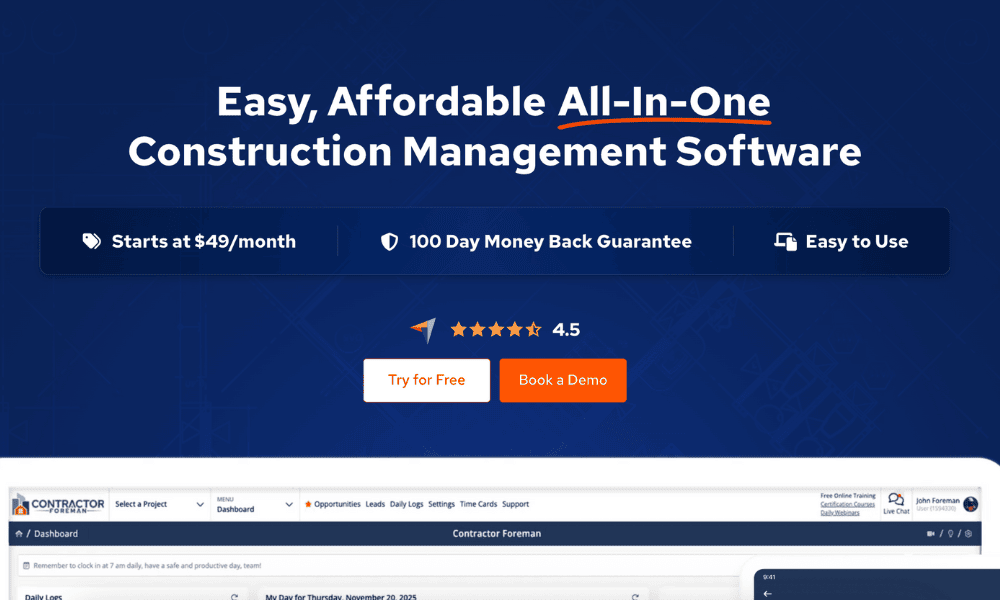
Contractor Foreman also tops our list of the best construction management software because of the value for money. It seamlessly brings together job estimations, cost tracking, invoicing, scheduling, time tracking, document management and field-to-office collaboration.
Avoid Costly Project Management Mistakes – Get Free Tips Today!

- Discover 10 fundamentals of project management
- Understand step-by-step plans for PM execution
- Learn tips to avoid 5 common mistakes by beginners
When to Choose Contractor Foreman
Choose Contractor Foreman if you don’t need advanced cost-accounting workflows or heavy customization. The Plus plan is $166 per month for up to eight users — relatively affordable for smaller teams. Single users can get the entry-level plan for just $49 per month.
| Plan: | Price per Month |
|---|---|
| Basic | $49 |
| Standard | $105 |
| Plus | $166 |
| Pro | $221 |
| Unlimited | $332 |
2. Procore — Best for Enterprise-Level Cost Management and Financial Oversight
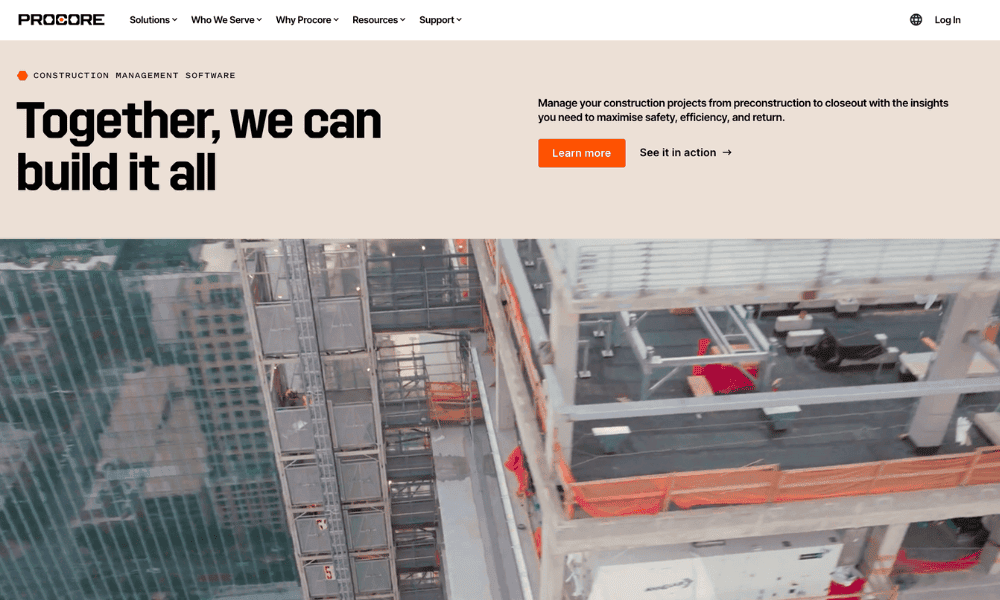
Procore is a construction management software solution designed to oversee everything from preconstruction and estimating to execution, contract management and closeout. It allows teams to capture every expense in real time and compare actual costs against the budget. This helps maintain financial visibility throughout the project lifecycle.
When to Choose Procore
Choose Procore to help manage large construction projects involving many subcontractors, purchase orders, contracts and change orders. Procore provides a single system to organize and track everything, including drawings and RFIs, documentation and, of course, costs and billing. Request a demo and a custom quote on the Procore website.
| Plan: | Price |
|---|---|
| Custom | Contact support for pricing |
3. Autodesk Build — Best for Large-Scale, Design-Heavy Projects
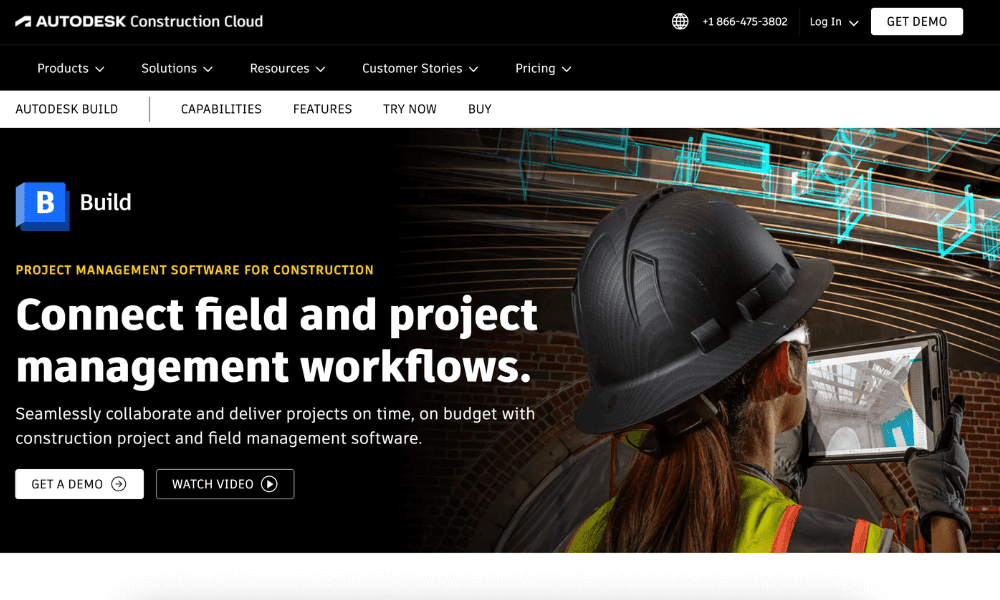
Autodesk Build connects teams and data across an entire project lifecycle. Its cost management features help track construction cost overruns by centralizing information about budgets, contracts, change orders and expenses.
When to Choose Autodesk
Choose Autodesk Build when your projects are complex and involve many stakeholders, such as design teams, contractors and subcontractors. The Autodesk Build module starts at $140 per user per month, annually.
| Per User Pricing: | Unlimited User Pricing |
|---|---|
| $140 annually $170 monthly | Contact Sales |
4. monday.com— Best for Customizable Budget Dashboards and Cross-Team Visibility

software solution with cost-tracking features.
monday.com is a versatile project management software solution that makes it easy to track budgets, actual expenses, invoices and project tasks. It offers prebuilt, customizable templates and visual dashboards for construction cost tracking and management. Read more in our monday.com review.
When to Choose monday.com
monday.com is a winner if you need an easy-to-use platform to track construction project budgets and costs without deep accounting tools. Sign up for a 14-day free trial of monday.com’s Pro plan.

- Maximum users: 2
- Minimum users: 3; All prices per user
- Minimum users: 3; All prices per user
More plans
- Minimum users: 3; All prices per user
- Enterprise-level features.
5. ClickUp — Best for All-in-One, Affordable Project and Cost Management

ClickUp is a highly customizable, all-in-one workspace that project managers can use for construction cost control. It offers dedicated templates for tracking costs, expenses, budgets, and resource and time usage. You can also manage tasks, timelines and team collaboration. Read our ClickUp review for more details.
When to Choose ClickUp
ClickUp works well as a centralized tool to organize all aspects of work. If you run small to mid-sized construction projects, such as residential builds or small commercial jobs, ClickUp’s Business plan could be a great fit, at just $12 per user per month.

- Basic functionality with some limitations
- All prices per user
- All prices per user
Methodology: Our Testing Framework & What to Look For
For this guide, I assessed each platform based on core features, user feedback, product documentation and reputable industry sources. Below is a breakdown of the specific factors I considered.
Final Thoughts
I compared the best construction cost tracking software for different needs and business sizes, and Contractor Foreman stands out as the top option for most contractors. It helps maintain financial control at affordable prices to improve project outcomes. You can start with a 30-day free trial of any plan.
Which construction software have you tried? What’s the biggest challenge you face when tracking costs or budgets? Are you more focused on affordability, features or integration? Share your thoughts in the comments below, and thanks for reading.
FAQ: Construction Budgeting Software
Project cost management software solutions are digital tools that help teams plan, track and control all project expenses, including material costs, labor, equipment and overhead.
Construction cost management software works by centralizing all financial data for a project on one platform. It helps track budgets in real time to control project costs and improve profitability.
The benefits of using cost management software in construction include easier real-time visibility into project spending, which facilitates better control over costs. This helps project managers make informed financial decisions.