Best AI Coding Assistants in 2026
The best AI coding assistants can do more than autocomplete your code. I tested and ranked the top tools for individual developers, engineering teams and enterprise workflows to help you find the right fit.


Written by Kate Hawkins (Editor, Writer)
Reviewed by Valentina Bravo (Managing Editor)
Last Updated:
All our content is written fully by humans; we do not publish AI writing. Learn more here.
AI coding assistants are an essential part of modern software development. The best AI coding assistant can do far more than suggest the next line of code; they can understand entire repositories, help with debugging, perform multi-file edits and assist with complex development tasks.
In this guide, I test, rank and recommend the best AI coding tools available today, highlighting which options deliver the strongest code quality, context awareness and overall development workflow experience.
Cloudwards’ Choice: Cursor
 Cloudwards’ Choice: Cursor
If I had to recommend just one AI coding assistant, it would be Cursor. It combines powerful agent workflows, excellent codebase awareness and a familiar VS Code-based experience without adding unnecessary complexity. It’s the easiest tool for most developers to adopt, too. You can try Cursor’s free Hobby plan before upgrading to a paid subscription.
The 8 Best AI Coding Assistants
AI coding assistants have evolved beyond autocomplete tools. The best options can reason across entire projects, automate multi-step development tasks and reduce context switching across workflows. Below, I break down the tools that performed best for individual developers, engineering teams and enterprise environments.
| Provider: | Best For | Agentic flows | Multi-File Context | IDE/Workflow Integration | Enterprise Features |
|---|---|---|---|---|---|
| Cursor | Overall AI-assisted coding | Advanced coding agents | Excellent repository awareness | VS Code-based editor | Team collaboration tools |
| nexos.ai | Enterprise AI workflows | Custom AI agents | Cross-platform workflow context | Integrations with DevOps & collaboration tools | Governance & model orchestration |
| GitHub Copilot | Seamless IDE assistance | Copilot agent mode | Strong project context | Deep IDE ecosystem support | GitHub enterprise controls |
| Claude Code | Terminal-native development | Powerful autonomous workflows | Excellent large-codebase reasoning | CLI-first workflow | Local & secure workflows |
| Devin Desktop | Autonomous software engineering | Autonomous task execution | Strong repository understanding | Desktop-based workflow | Team-oriented development workflows |
| OpenAI Codex | Autonomous coding tasks | Cloud-based coding agents | Repository-level task handling | OpenAI ecosystem integration | API-driven deployment workflows |
| JetBrains Junie | JetBrains users | IDE-native task automation | Strong project indexing | Deep JetBrains integration | Enterprise IDE support |
| Tabnine | Privacy-focused teams | Limited agent workflows | Good local context awareness | Broad IDE compatibility | Private deployment options |
1. Cursor — Best Overall AI Coding Assistant
Pros:
- Familiar VS Code-based interface
- Excellent multi-file codebase understanding
- Powerful agent mode for complex development tasks
Cons:
- Advanced features can consume credits quickly
- Occasional overconfidence when editing large projects
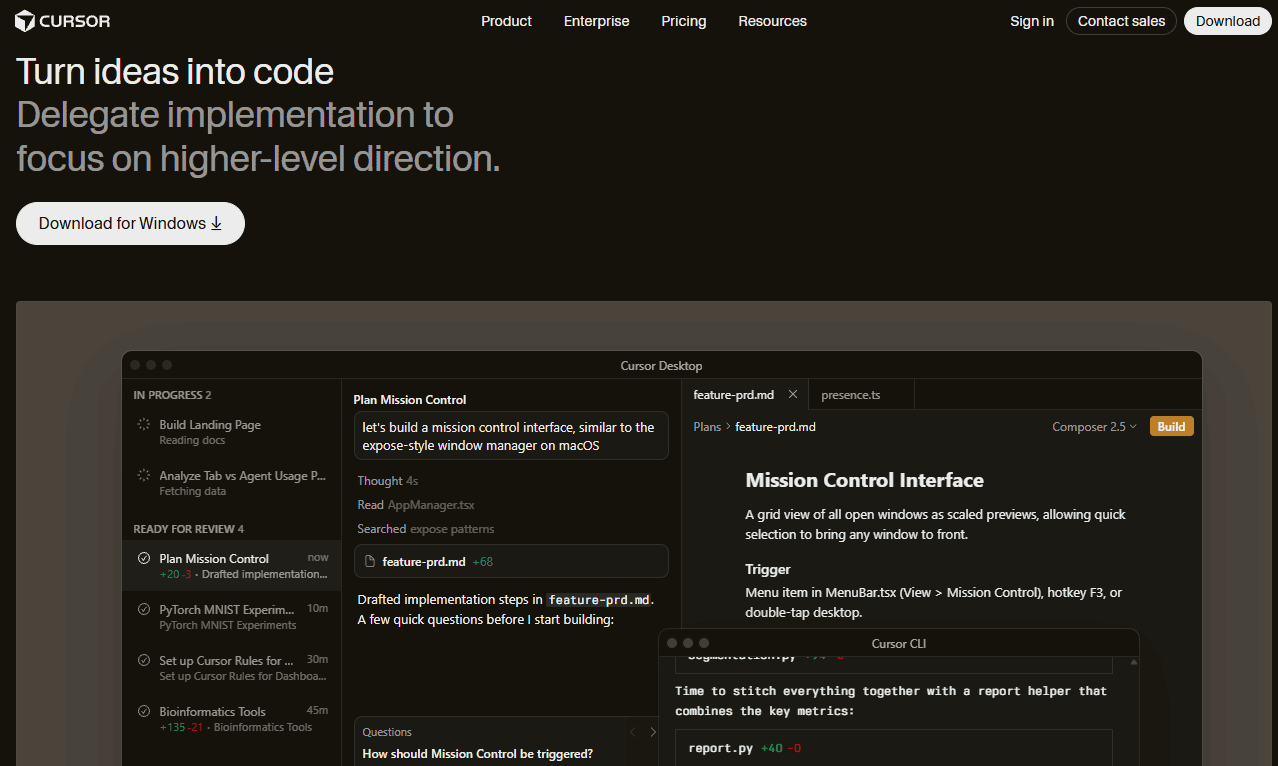
Cursor earns the top spot because it strikes the best balance between power and usability. It helps developers understand large codebases, refactor existing projects and complete multi-step tasks with a built-in agent mode. I found this especially effective when working across multiple files, where many AI coding tools still struggle to maintain context.
As Cursor is built on Visual Studio Code, most developers can get started with it immediately. Its combination of code generation, workflow integration and repository awareness make it suitable for teams, solo developers or anyone who wants to spend less time jumping between tools.
Cursor Hands-On Testing & Real-World Results
In my testing, Cursor felt more like a coding partner than a traditional assistant. It performed especially well when I asked it to make coordinated changes across several files and explain unfamiliar code. The responses were usually accurate, and the tool was quick to identify relevant project context.
Agent mode is Cursor’s standout feature. Instead of handling one prompt at a time, it can break larger development tasks into smaller steps and work through them logically. I still reviewed changes before accepting them, but the workflow felt noticeably faster than using a standard code-completion tool.
Cursor Pricing & Value
Cursor offers a free plan, so it’s easy to test it before paying. The Individual and Teams plans unlock higher usage limits and advanced models, with business plans adding team features and admin controls. You’ll also find custom Enterprise pricing for large organizations.
| Plan: | Price |
|---|---|
| Hobby | Free |
| Individual Pro | $20/month |
| Pro+ | $60/month |
| Ultra | $200/month |
| Teams* | $40/month |
| Premium* | $120/month |
| Enterprise* | Contact support |
2. nexos.ai — Best Enterprise AI Workflow Platform for Development Teams
Pros:
- Integrates with existing enterprise tools
- Supports custom AI agents & workflows
- Strong governance & model management features
Cons:
- Not a traditional IDE-first coding assistant
- More complex to deploy than standalone coding tools
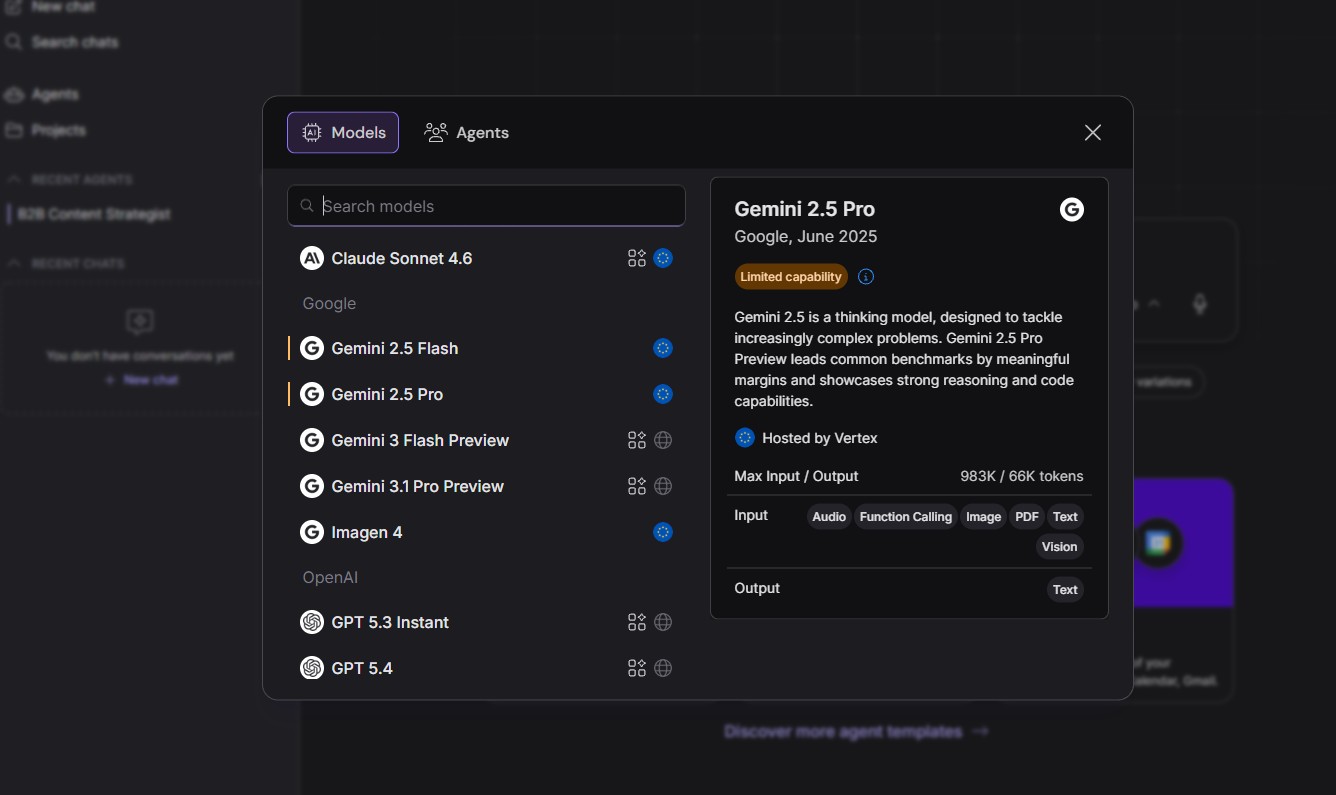
nexos.ai takes a different approach from most AI coding assistants. Instead of focusing solely on code completion and editor integrations, it helps organizations build custom AI agents to support development, documentation, project management and operational workflows.
I particularly like how flexible the platform feels. Teams can connect different AI models, build specialized assistants and integrate agents into existing workflows, rather than forcing developers to adopt an entirely new environment. These features make nexos.ai a solid option for larger organizations looking to scale AI across the software development lifecycle.
nexos.ai Hands-On Testing & Real-World Results
In testing, nexos.ai felt more like an AI operations platform for software teams. Rather than generating code directly inside an editor, it excelled at creating custom workflows, automating repetitive tasks and connecting AI capabilities to existing business systems.
The biggest advantage is flexibility. nexos.ai would work well for engineering teams using custom agents for code reviews, documentation generation, ticket triage and internal knowledge management. Developers looking for inline suggestions may prefer Cursor or Copilot, but nexos.ai is a solution for organizations that want AI to support more than just writing code.
nexos.ai Pricing & Value
nexos.ai is aimed primarily at businesses and enterprise teams looking to standardize AI across multiple departments, not individual developers. Plans are backed by a 14-day money-back guarantee for easy testing before you subscribe, and pricing starts at €39 per month (around $45).
| Plan: | Price |
|---|---|
| Monthly | $45 |
| Annual* | $276 |
3. GitHub Copilot — Best for Seamless IDE Integration
Pros:
- Deep integration with popular IDEs
- Strong code completion & chat features
- Easy to adopt for existing development teams
Cons:
- Less capable than dedicated agent-first tools
- Context awareness varies on larger projects
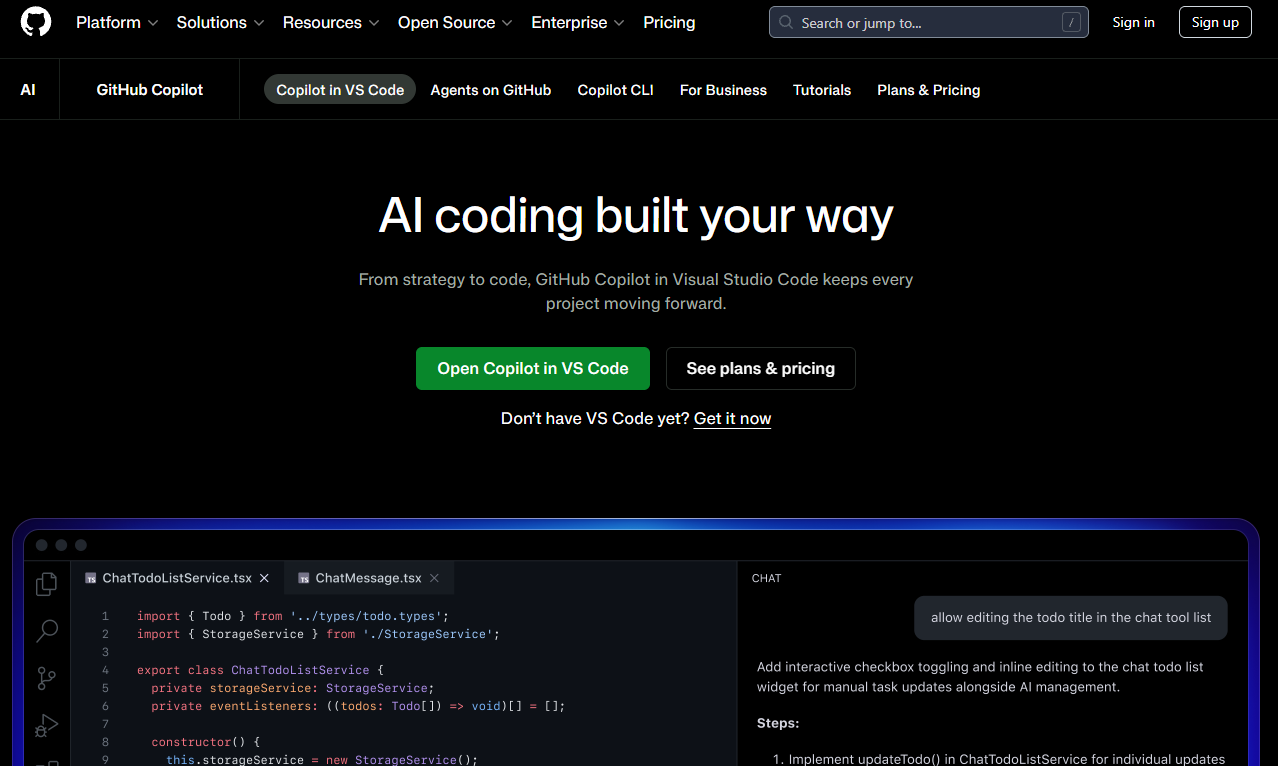
GitHub Copilot remains one of the easiest AI coding assistants to adopt. It integrates directly with Visual Studio Code, JetBrains IDEs and other popular editors, so developers can start using it with minimal disruption. With code completion, chat assistance and agent capabilities make it a practical choice for teams that want AI help without changing their workflows.
While newer tools have pushed further into autonomous coding and multi-step workflows, Copilot still delivers a reliable experience for day-to-day development tasks. For many teams, its familiarity and GitHub integration are just as valuable as cutting-edge AI features.
GitHub Copilot Hands-On Testing & Real-World Results
I found Copilot performed best as an always-available coding companion. It generated useful code suggestions, helped explain unfamiliar functions and accelerated routine development work without needing much setup or configuration.
It’s particularly effective for smaller coding tasks and incremental improvements. I didn’t find it as aggressive as Cursor’s agent mode when handling larger projects, but its suggestions were generally relevant and easy to review before committing to any changes.
GitHub Copilot Pricing & Value
Copilot’s pricing is straightforward, with tiered options for individuals and enterprises. While it lacks some of the advanced workflow capabilities found in newer competitors, its combination of accessibility, IDE support and familiarity make it solid value for AI-assisted coding.
| Plan: | Price |
|---|---|
| Individuals | Free |
| Pro | $10/user/month |
| Pro+ | $39/user/month |
| Max | $100/user/month |
| Business | $19/user/month |
| Enterprise | $39/user/month |
4. Claude Code — Best Terminal-Native AI Coding Agent
Pros:
- Works directly from the terminal
- Excellent reasoning for complex coding tasks
Cons:
- Less approachable for beginners
- Needs familiarity with command-line workflows
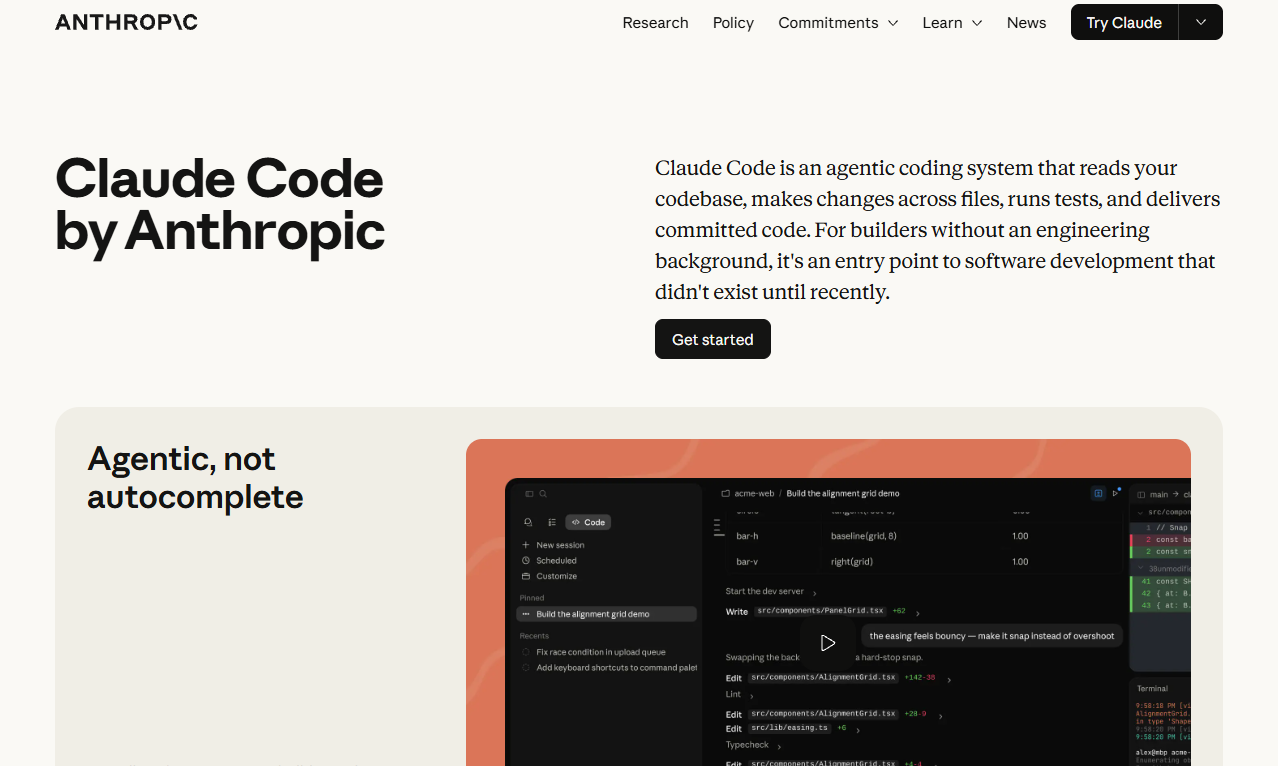
Claude Code operates from the terminal instead of living inside an IDE. From there, it can analyze repositories, explain unfamiliar code and help developers work through complex tasks. I found it useful when navigating larger projects that needed more reasoning than simple code generation.
The tool’s biggest strength is its ability to understand context across entire databases. For developers who spend a lot of time debugging, refactoring or working with existing systems, Claude Code feels more capable than traditional autocomplete-focused agents.
Claude Code Hands-On Testing & Real-World Results
I found Claude Code excelled at understanding project structure and explaining why code behaves in particular ways. Rather than just generating snippets, it helped investigate bugs, trace dependencies and suggest implementation approaches for complicated tasks.
The terminal workflow won’t appeal to everyone, especially beginner users. However, developers who are comfortable working from the command line may find it more natural than constantly switching between an editor and AI chat interface.
Claude Code Pricing & Value
Claude Code is bundled in several plans, including the Individual Pro plan for $17 per month and the Team plan for $20 per user per month, with a minimum of five seats. Just note that there’s no money-back guarantee or refund policy.
| Price: | Plan |
|---|---|
| Free | $0.00 |
| Pro | $17/month |
| Max | $100/month |
| Teams* | $20/month |
| Premium* | $100/month |
| Enterprise** | $20/month |
**Price per seat with usage API rates
5. Devin Desktop — Best AI Software Engineer for Autonomous Development Tasks
Pros:
- Strong repository-level understanding
- Can work through complex, multi-step development tasks
Cons:
- Less effective as a traditional code-completion tool
- Higher learning curve than editor-based assistants
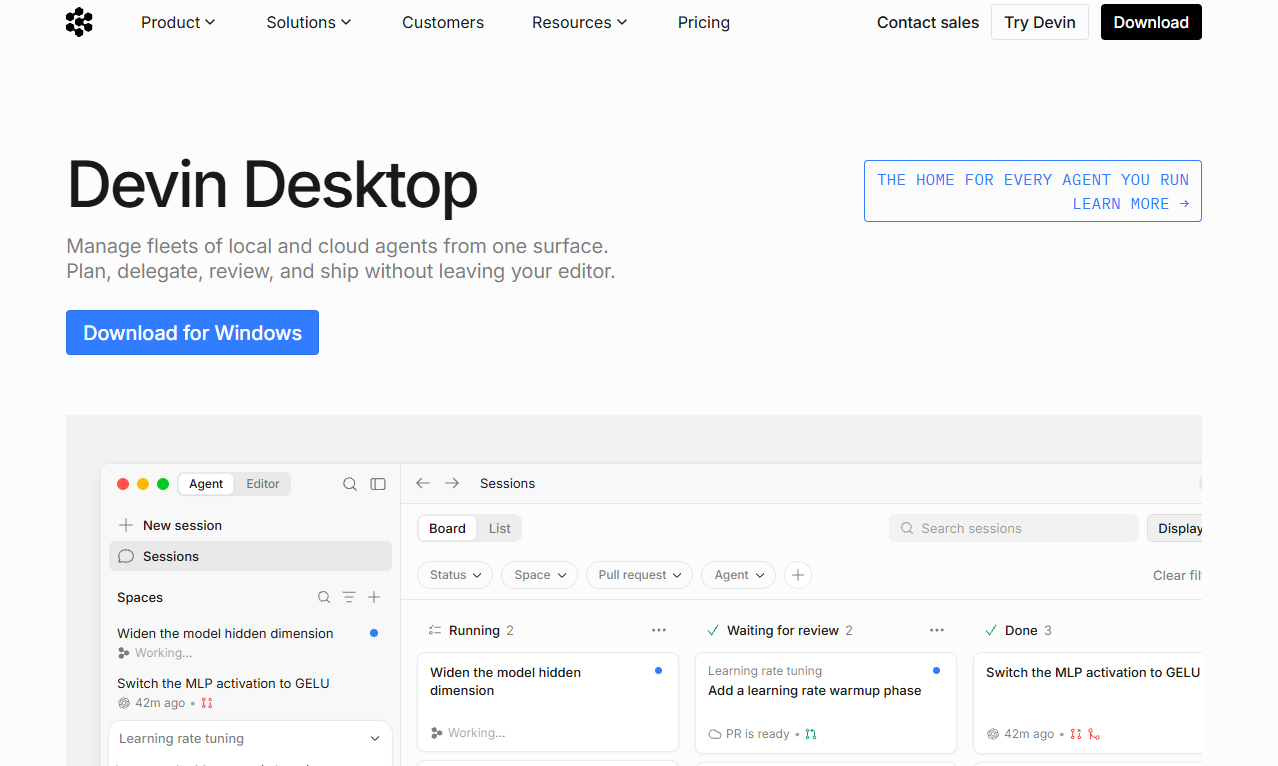
Devin Desktop is designed to function like an AI software engineer that can investigate issues, plan solutions and work through larger development tasks instead of just focusing on code completion and inline suggestions. I found it useful for tasks that needed reasoning across multiple files and understanding how different parts of a project fit together.
That said, this tool isn’t a replacement for human developers. Its real strength is handling time-consuming engineering work that would otherwise need extensive manual investigation. For teams experimenting with autonomous development workflows, it’s an ambitious tool to use.
Devin Desktop Hands-On Testing & Real-World Results
During my tests, Devin Desktop performed best when given clear objectives and enough context to work independently. It could analyze repositories, investigate problems and propose solutions without needing constant input at every step.
Most impressive is its ability to reason through longer tasks rather than simply generate code snippets. The results still needed careful review, but the workflow felt noticeably different from traditional coding assistants. Instead of helping to write code line by line, Devin Desktop focused on helping to complete entire engineering tasks.
Devin Desktop Pricing & Value
Devin Desktop is aimed primarily at professional developers and engineering teams, so it’s not the cheapest option. Individual plans start at $20 per month, while Teams are looking at $80 per month plus $40 monthly per seat. There’s also a free option so you can test it before you subscribe.
| Plan: | Price |
|---|---|
| Free | $0.00 |
| Pro | $20/month |
| Max | $200/month |
| Teams* | $80/month |
| Enterprise | Contact support |
6. OpenAI Codex — Best AI Coding Agent for Parallel Development Tasks
Pros:
- Strong support for agent-based workflows
- Can handle multiple coding tasks in parallel
Cons:
- Costs can increase with heavier usage
- Less intuitive than traditional IDE-based assistants
OpenAI Codex is for designers who want to delegate work rather than just generate code. It can tackle larger engineering tasks, propose code changes and help manage development work across multiple projects. This makes it useful for tasks that run in parallel while you focus on other work.
Its biggest advantage is flexibility. OpenAI Codex is built around agentic software rather than traditional code completion, making it a solid choice for working through the Codex app, in cloud workflows or in local tooling — especially if you’re already invested in the OpenAI ecosystem.
OpenAI Codex Hands-On Testing & Real-World Results
In my tests, OpenAI Codex performed best when given clearly defined objectives and enough context to work independently. It’s effective for larger tasks, such as feature implementation, repository analysis and reviewing existing code before proposing changes.
I really like that it can work asynchronously. Unlike editor-based assistants that need constant interaction, Codex can continue working through assigned tasks while you focus elsewhere. The results still need manual review, but the workflow feels closer to delegation than traditional AI-assisted coding.
OpenAI Codex Pricing & Value
Codex is available through OpenAI’s ecosystem and is available in a limited capacity on the free plan. Paid plans start at $8 per month for individuals, with Business Codex being usage-based for pricing. If you want ChatGPT and Codex, plans start at $20 per user per month.
| Plan: | Price |
|---|---|
| Free | $0.00 |
| Go | $8/month |
| Plus | $20/month |
| Pro | $100/month |
| Business (Codex)* | $20/user/month |
| ChatGPT & Codex | $20/user/month |
| Enterprise | Contact support |
7. JetBrains Junie — Best AI Coding Assistant for JetBrains IDe Users
to accelerate your development workflow
Pros:
- Deep integration with JetBrains IDE
- Strong awareness of project structure
Cons:
- Fewer workflow automation features
- Best experience requires the JetBrains ecosystem
JetBrains Junie is built specifically for developers who already live inside JetBrains IDEs. It adds AI assistance directly to tools like IntelliJ IDEA, PyCharm and WebStorm. This approach is appealing because it minimizes disruption and keeps developers focused on coding.
Because Junie is tightly integrated with JetBrains’ development environment, it can understand project structure and provide relevant suggestions without feeling disconnected from the rest of the workflow.
JetBrains Junie Hands-On Testing & Real-World Results
In my tests, Junie felt most useful when working with established projects. It did a good job of understanding surrounding code, explaining unfamiliar logic and helping with routine tasks without needing constant prompting.
The experience would feel natural for anyone already familiar with JetBrains tools. It doesn’t offer the same level of autonomous workflows as Codex or Devin Desktop, but it provides a practical layer of AI assistance that integrates well with everyday development tasks.
JetBrains Junie Pricing & Value
If you’re already invested in the JetBrains ecosystem, it’s easy to justify using Junie. Plans start with AI Pro at around $11 per month for individuals, while organizations are looking at costs of around $21 per user per month for the Pro plan.
| Plan: | Price |
|---|---|
| AI Pro (Individuals) | $11/month |
| AI Pro (Organizations) | $21/user/month |
| AI Ultimate (Individuals) | $32/month |
| AI Ultimate (Organizations) | $63/user/month |
8. Tabnine — Best Privacy-Focused AI Coding Assistant
Pros:
- Works with a wide range of IDEs
- Strong privacy & security controls
Cons:
- Fewer advanced features than competitors
- Not as capable for complex development tasks
Tabnine is a more conservative option for AI coding; rather than focusing on autonomous agents and large-scale workflow automation, it prioritizes privacy, security and deployment flexibility. I found it’s a smart trade-off for organizations that need tighter control over how their code and data are handled.
Its broad IDE support is another advantage, making it suitable for developers who are already working in VS Code, JetBrains or another development environment.
Tabnine Hands-On Testing & Real-World Results
In my experience, Tabnine performed best as a code-completion and productivity tool rather than a full AI coding agent. Suggestions were generally relevant, and the experience felt lightweight compared to some of the more feature-heavy alternatives.
I wouldn’t choose Tabnine for complex architectural work or multi-step development tasks, but it remains a solid option for teams that prioritize security, compliance and predictable workflows over cutting-edge AI capabilities.
Tabnine Pricing & Value
Tabnine has two plans: the Tabnine Code Assistant at $39 per user per month and the Tabnine Agentic Platform for $59 per user per month. While it lacks some of the capabilities found in newer tools, it delivers good value for teams that care more about privacy, security and deployment flexibility.
| Plan: | Price |
|---|---|
| Tabnine Code Assistant | $39/user/month |
| Tabnine Agentic Platform | $59/user/month |
What Makes the Best AI Coding Assistant in 2026?
Up until recently, AI coding tools were glorified autocomplete engines. But now, the best AI coding assistants can understand entire projects, work through multi-step tasks and help developers navigate unfamiliar codebases without constantly tool-switching. These are the criteria I used when ranking the tools in this guide.
- Code suggestion accuracy and context awareness: I prioritized tools that understand project context and generate relevant code based on existing files, patterns and dependencies.
- Multi-file and agentic capabilities: The strongest tools can make coordinated changes across multiple files, break complex tasks into smaller steps and carry context throughout the process.
- IDE integration and ease of adoption: I looked for assistants that integrate naturally with popular editors and development environments, allowing developers to benefit from AI without rebuilding their entire setup.
- Code quality: The best tools help with debugging, refactoring and reviewing AI-generated code rather than simply producing large volumes of output.
- Handling complex projects and existing codebases: I gave higher rankings to tools that can reason through unfamiliar code, trace dependencies and support larger, more complex systems.
- Workflow fit and context switching: The best coding assistant is one you’ll use every day. I looked for tools that reduce friction and help developers ship code faster with fewer interruptions.
How to Choose the Right AI Coding Assistant
Choosing the right AI coding assistant is about finding the one that fits how you already work, rather than the tool with the longest feature list.
Methodology: How We Tested the Best AI-Assisted Coding Tools
For this guide, I focused on how well each tool fits real development workflows, from writing new features to understanding existing codebases and completing multi-step tasks.
- Features implementation: I tested how effectively each assistant could generate working code for common development tasks and feature requests.
- Codebase navigation: I evaluated how well each tool understood existing repositories, explained unfamiliar code and maintained context across multiple files.
- Debugging and refactoring: I assessed how useful each assistant was when identifying bugs, suggesting fixes and improving existing code.
- Workflow integration: I considered how naturally each tool fit into common development environments, including editors, terminals and team workflows.
- Pricing and value: I compared free plans, paid tiers and enterprise features to determine which tools offered the best overall value.
AI Coding Assistant Pricing: What You’ll Actually Pay
Pricing for AI coding assistants can be surprisingly difficult to compare. Some tools charge a flat monthly fee, while others use seat- or usage-based billing. Enterprise plans are even trickier, often needing custom quotes that can vary significantly depending on team size and usage requirements.
I recommend evaluating pricing in the context of your workflow rather than focusing solely on the monthly fee; the cheapest tool isn’t always the best value.
| Tool: | Free tier details | Entry paid price | Enterprise pricing |
|---|---|---|---|
| Cursor | Hobby plan | Pro: $20/month | Contact sales |
| nexos.ai | No | Monthly: $45 | Contact sales |
| GitHub Copilot | Free plan | Pro: $10/user/month | Enterprise: $39/user/month |
| Claude Code | Free plan | Pro: $17/month | Contact sales |
| Devin Desktop | Free plan | Pro: $20/month | Contact sales |
| OpenAI Codex | Free plan | Go: $8/month | Contact sales |
| JetBrains Junie | No | AI Pro: $11/month | AI Ultimate Organizations: ~$63/user/month |
| Tabnine | No | Code Assistant: $39/user/month | Agentic Platform: $59/user/month |
Final Thoughts
Whether you’re looking for an editor-first experience, enterprise workflow automation or autonomous development tools, there’s an option for almost every type of developer and engineering team. Cursor remains my top recommendation for most people due to code quality, multi-file context awareness, agentic workflows and ease of use.
Which AI coding assistant do you use? Has it helped you ship code faster or improve code quality? Is there a tool you think should’ve made this list? Let me know in the comments, and thank you for reading.
FAQ: AI Coding Tools
Cursor is the best option for beginners thanks to its familiar VS Code interface and low learning curve.
Yes, tools like Cursor, Claude Code and Devin Desktop can analyze large repositories and work across multiple files.
Yes, provided the tool offers appropriate security controls, governance features and data-handling protections.
Cursor is my top choice for VS Code users, with GitHub Copilot as a close alternative.