Best Subcontractor Management Software in 2026
Whether you’re a large firm working with many subcontractors or a specialty contractor with multiple clients, investing in the right software can benefit your business. In this guide, I present some of the best subcontractor management software for different use cases.



Written by Mehak Siddiqui (Writer)
Reviewed by Kate Hawkins (Editor, Writer)
Facts checked by Simona Ivanovski (Fact-Checker, Formatter)
Last Updated:
All our content is written fully by humans; we do not publish AI writing. Learn more here.
There are many great project management solutions that can help you stay organized and boost efficiency. However, the construction industry has unique needs due to the scale and complexity of the projects. In this article, I’ll focus on the best subcontractor management software that can help you better coordinate with different stakeholders.
These tools are helpful whether you’re a general contractor looking to streamline subcontractor coordination or a subcontractor aiming to stay organized and competitive.
Cloudwards’ Choice: Contractor Foreman
 Cloudwards' Choice: Contractor Foreman
Contractor Foreman is my top recommendation because it offers great features at a relatively affordable price. The Plus plan includes project scheduling, accurate job costing, time and crew tracking, document and photo management, and seamless client communication tools. You can get a 30-day free trial to test it for yourself.
The Best Construction Management Software Compared
| Tool: | Free Plan | Price* | Best For | USP | Limitations |
|---|---|---|---|---|---|
| Contractor Foreman | ** | $49 | Small to mid-sized contractors, trade firms, subcontractors | All-in-one tool, user-friendly interface, good support & training | Advanced features limited to higher-tier plans |
| Procore | Custom | Large general contractors, specialty contractors, big firms handling complex projects | Enterprise-grade, end-to-end construction management | Unclear pricing, steep learning curve | |
| Bidtracer | $57 | Subcontractors, estimators, trade firms focusing on bids & preconstruction | Streamlined bid tracking & proposal management | Limited project management features | |
| Fieldwire | $39 | On-site teams, subcontractors, small to mid-sized construction crews focusing on fieldwork | Mobile-first task management & field coordination | Limited project financial management & cost tracking | |
| Knowify | $99 | Trade contractors, specialty subcontractors (electrical, plumbing, etc.) | Strong job costing, budgeting, time tracking, integration with accounting software like QuickBooks | Expensive, not ideal for complex scheduling |
**30-day free trial
Construction Subcontractor Project Management Software Hands-On Testing
The 5 Best Subcontractor Management Software Options
The best options for subcontractor management software include Contractor Foreman, Procore, Bidtracer, Fieldwire and Knowify. I go into more detail for each option below.
1. Contractor Foreman — Best for Small to Mid-Sized Contractors
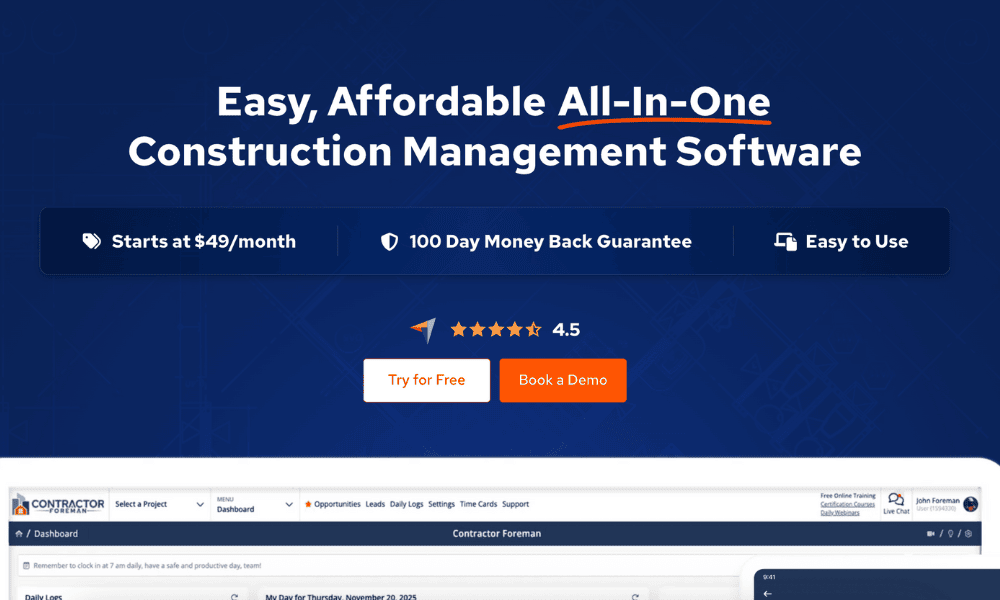
Contractor Foreman tops our list of the best construction management software. It effectively combines all project, financial and field operations into a single, affordable platform. It provides visibility into project progress and aids in seamless collaboration without the higher cost or complexity of enterprise-grade software.
Avoid Costly Project Management Mistakes – Get Free Tips Today!

- Discover 10 fundamentals of project management
- Understand step-by-step plans for PM execution
- Learn tips to avoid 5 common mistakes by beginners
When to Choose Contractor Foreman
Opt for Contractor Foreman if you’re a smaller team and want an affordable software solution to manage subcontractors, track progress, oversee finances and streamline team communication. You can begin a 30-day free trial to see if it fits your needs.
2. Procore — Best for Large-Scale General or Specialty Contractors
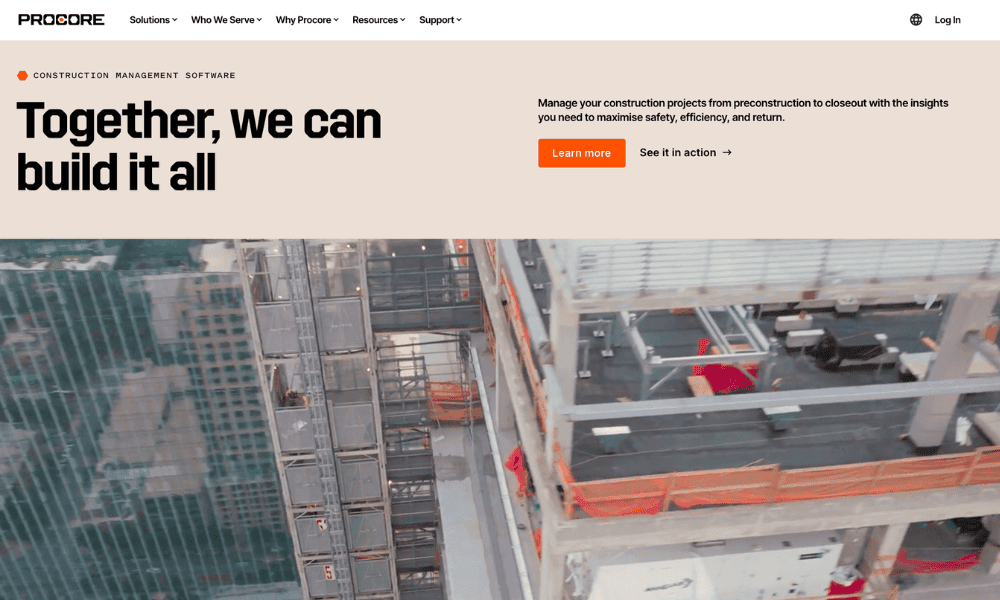
Procore offers tools for everything a large contractor might need, including bid management, requests for information (RFIs), submittals, change order management, financial tracking and subcontractor contract organization. It stands out for its comprehensive analytics and reporting features, which reduce errors and ensure compliance.
When to Choose Procore
Choose Procore if you’re a large contractor managing multiple projects or intricate builds. Although it’s expensive and somewhat complex, it’s a highly scalable solution for the unique challenges that large companies face. Request a demo to try it out.
3. Bidtracer — Affordable Subcontractor Management Software
Bidtracer is a construction bidding software solution that helps subcontractors efficiently track invitations to bid, manage proposals and collaborate with general contractors. It centralizes communication, keeps all bid documents in one place and creates reminders to help you stay on top of everything.
When to Choose Bidtracer
Choose Bidtracer if your primary requirement is managing bids, proposals and communication with general contractors. Request a free demo to try it out.
4. Fieldwire — Best for Field Coordination
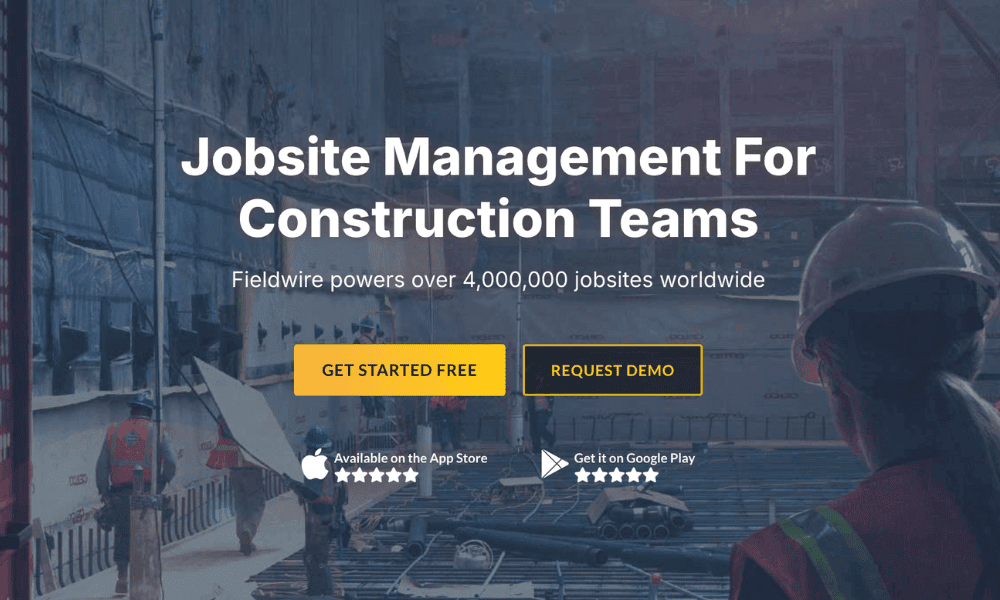
Fieldwire stands out among construction project software for its mobile-first platform that bridges the gap between the job site and the office. It’s designed for field crews and subcontractors who want to use their mobile devices to manage day-to-day operations such as assigning tasks, tracking project progress, sharing blueprints and flagging issues.
When to Choose Fieldwire
Opt for Fieldwire if you primarily need a subcontractor communication and project management tool that works on mobile. Start with the free Basic plan and upgrade to the Pro or Business plan to unlock access to more features, such as reports and custom fields.
5. Knowify — Best for Trade Contractors
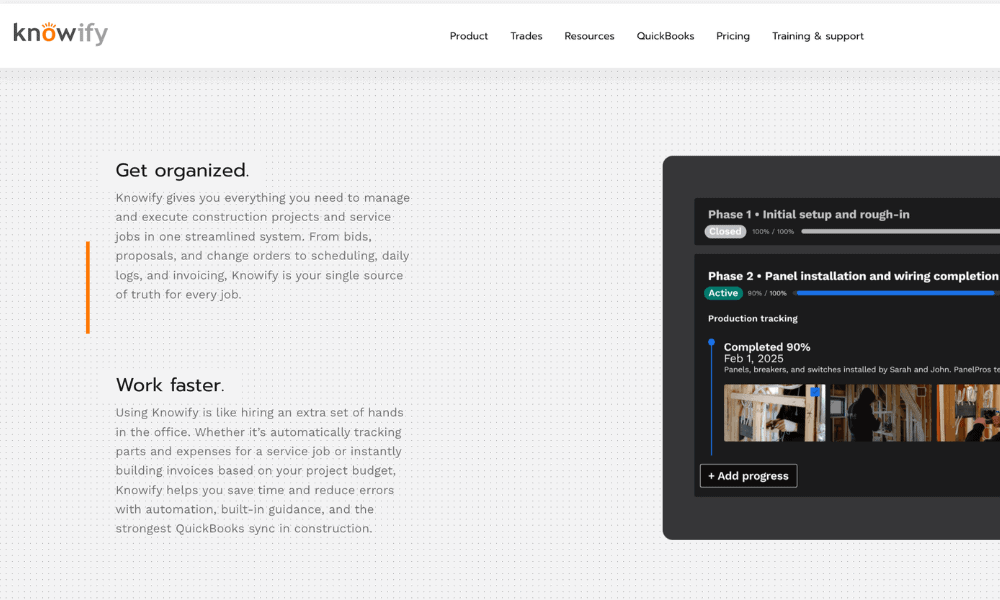
Knowify is a construction field software solution for trade contractors like electricians and plumbers. It simplifies tracking labor, materials and job progress, ensuring accurate estimates and smooth billing. Cost-tracking and reporting features provide real-time insights into profitability while keeping client communication and project updates organized.
When to Choose Knowify
Choose Knowify if you’re a trade or specialty contractor looking for an easy-to-use solution that unites your project management and financial workflows. Start a free trial of the Advanced plan, which includes powerful tools for bidding, project management, job costing and invoicing.
Why You Need Project Management Software for Subcontractors
Managing subcontractors involves juggling multiple tasks, such as tracking bids and managing timelines. Project management software helps make this process easier and more efficient by centralizing information and allowing everyone to share updates in real time. This ensures accountability and streamlines coordination between the office and the field.
Methodology: Our Testing Framework & What to Look For
I created this roundup after extensive research, focusing on real user reviews and expert insights into how well each platform works for subcontractor management.
Final Thoughts
Contractor Foreman stands out as the best subcontractor management software. It offers powerful project, financial and field management tools on an affordable platform. You can get started with a 30-day free trial.
Have you tried any other software that I didn’t cover here? What are the essential features you’re looking for? What’s your budget for good software? Please share your thoughts in the comments below, and thanks for reading.
FAQ: Construction Subcontractor Software
A specialized project management tool such as Contractor Foreman or Procore can help manage subcontractors effectively by centralizing project information to ease communication and scheduling.
Good software helps by centralizing project files, certifications and safety documents. It sends automatic reminders about expirations or missing paperwork when needed. This helps subcontractors maintain efficiency and meet regulatory requirements.